![Norton 360 Premium, Antivirus software for 10 Devices with Auto-Renewal – Includes Advanced AI Scam Protection, VPN, Dark Web Monitoring & PC Cloud Backup [Key Card]](https://m.media-amazon.com/images/I/71zyM-0FAQL._AC_SL3840_.jpg)



Desertcart purchases this item on your behalf and handles shipping, customs, and support to Seychelles.
🛡️ Stay one step ahead—ultimate digital defense for your connected life!
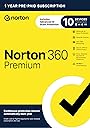
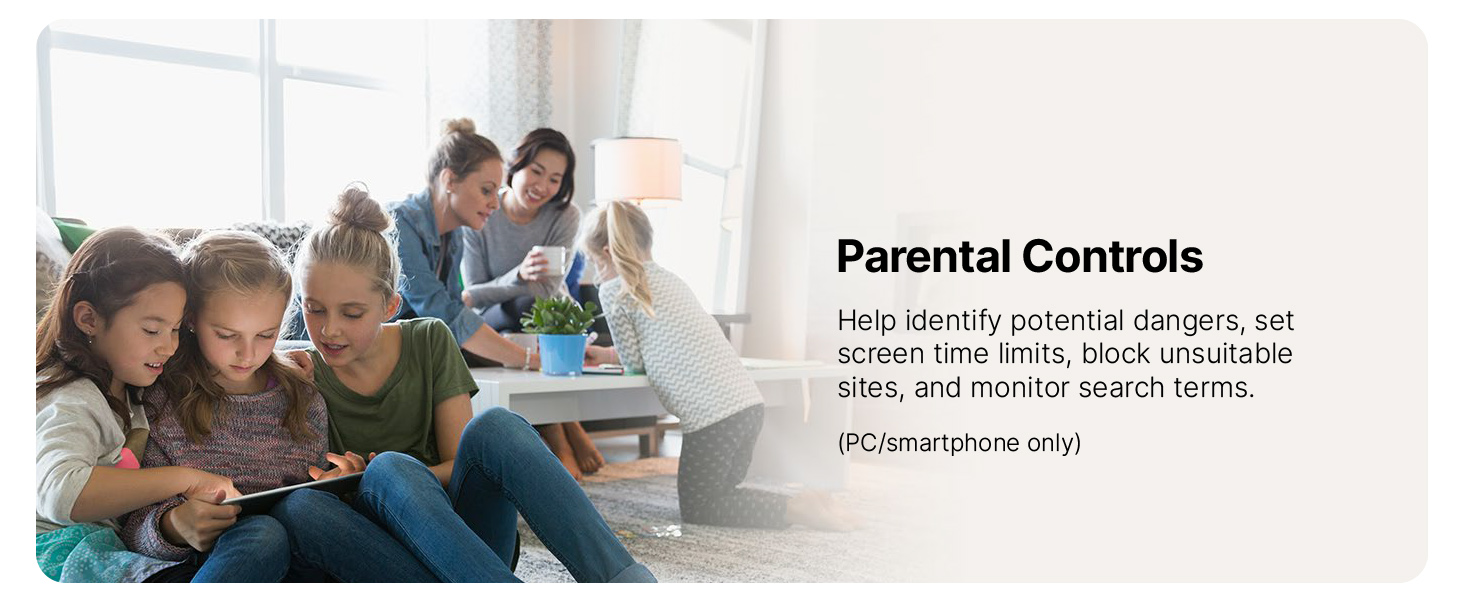
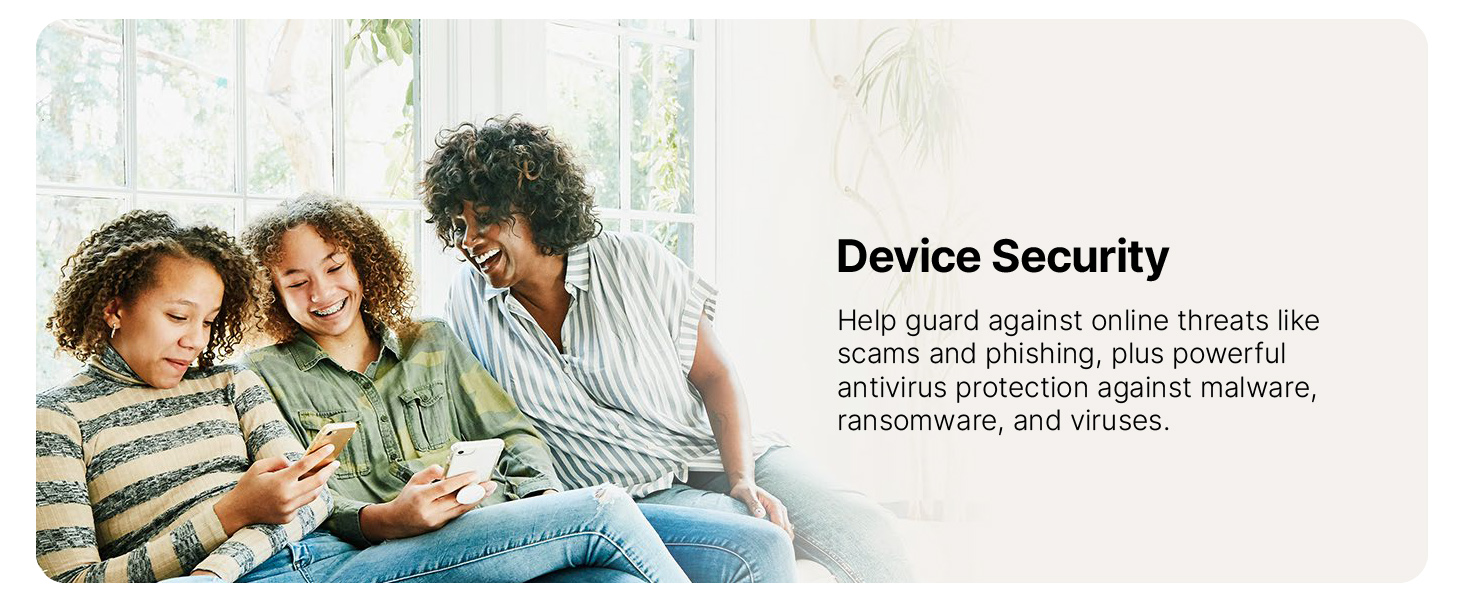
Norton 360 Premium offers robust antivirus protection for up to 10 devices across all major platforms, enhanced by advanced AI scam detection, a secure VPN, dark web monitoring, and 75 GB of cloud backup. Designed for professionals who demand seamless, all-in-one cybersecurity with automatic renewal to ensure uninterrupted protection.


| ASIN | B07QCVZW81 |
| Best Sellers Rank | #8 in Software ( See Top 100 in Software ) #5 in Mac Software #5 in Internet Security Suites #9 in Antivirus |
| Customer Reviews | 4.1 4.1 out of 5 stars (12,174) |
| Date First Available | June 24, 2019 |
| Item model number | 21389952 |
| Manufacturer | NortonLifeLock |
| Product Dimensions | 5.25 x 5.38 x 7.5 inches; 0.63 ounces |
N**.
Norton = Excellence
Norton is the very best internet security & you cannot go wrong purchasing Norton from Amazon. I always get the Norton 360 for 10 devices & everyone always asks me "Why do I get the one with 10 Devices for?" & I tell them that I would rather HAVE something & not need it over NOT having something & needing it. With all the electronics that are in our homes & on our persons these days and how expensive it all is & then with the information that is on these electronic devices, I want the very best in protection & that's why I buy Norton & nothing else ever. Great price & on time delivery. Thank you
B**L
Better than McAfee by far
Way better than that crap McAfee software I bought the year before
N**R
Find something else. Norton is bloated, inefficient, adware, and nearly impossible to uninstall
I have been a Norton (Symantec) user for about 10 years. As of 2023, I have had enough. I strongly recommend you find something else now. == ADWARE WITH PROTECTION Norton does protect. However, it has become bloated and inefficient. It insists on doing additional scans only to try and sell you upgrades to fix "problems." I am sure less tech-savvy people fall for the urgent recommendations and the tricky subscription sign-ups for additional products. The incessant pop-ups are almost always unnecessary and often lead to these upsell attempts. == PUTS YOU AT RISK OF COMPLETELY DISABLING YOUR COMPUTER One of the "fixes" it now offers is to update drivers. Unless you are careful, applying their updates could cause huge problems with your computer. You should really only be doing this through your computer manufacturer's update methods (website or software app). == THE OUTRAGEOUS UNINSTALL EXPERIENCE Uninstalling Norton is ridiculous!! Using the normal Windows uninstaller fails to complete so you are directed to download and use the "Norton Removal and Reinstall" tool. Running that, it only has a button for "Remove and Reinstall" but if you click on the "Advanced" button, it displays a grave warning that you shouldn't just uninstall and then, finally, a "Remove Button." (see photo) But wait!! You think it's gone, but it might not be. After rebooting one of my computers, an urgent Norton window popped up telling you to reinstall Norton! I had to run their removal tool two more times to get rid of it, not before searching the web to find lots of people needing more help getting it off their system. UPDATE: After over a week, one of our other computers started popping up a window insisting we reinstall Norton with NO CANCEL BUTTON. You have to end the process (very technical) to get it to go away. UPDATE #2: I was at my father's house for the holidays and he also wanted to move to a different antivirus product. I tried to uninstall Norton, ran into the same problems, and I had to contact Norton support to get it removed!!! They had to connect to his laptop to do it remotely!!! If you ignore what I've said and install it anyway, I hope you like it because you'll never remove it on your own. Choose another option. This uninstall experience cemented my decision to switch to something else. It's basically malware. == MY SWITCH My Netgear router has a network protection service that includes their well-reviewed Bitdefender antivirus software, a Norton competitor. I decided to try it out on one computer. It's so much more peaceful. I does need initial tweaking in terms of what protection I do and don't want which is expected. Of course, it has some premium offerings (e.g., VPN), but it isn't aggressive and tricky like Norton. The software itself is priced competitively. == Regarding VPNs Don't use the Norton VPN or any antivirus software's VPN. You'll get much better performance from a separate VPN service for the same or cheaper. I use Windscribe but there are other good ones out there (NordVPN, SurfShark, ExpressVPN, Private Internet Access), Check reviews.
B**E
Canceling Auto-Renewal Is Now Easy
July seems to be when Norton is a steal at Amazon. I don't have 10 devices, but I can share the registration code with someone who is not in my household. Once you enter the code during the registration process, your year starts, even if you don't load the other licenses onto other devices for weeks or months later. This also means that if you buy several copies of the software (say, a great sale price), you can just stockpile those licenses for several years until you need them. (Personally, I wouldn't buy more than several years worth, as a lot changes in software, and there may be dramatic upgrades that you'd want, such as new cybersecurity protections not yet developed.) 1- The Big Thing: Yes, you have to use a credit or debit card, or PayPayl, to register your Norton product. (For Shame, Norton.) I don't think it's much protection to use PayPal to keep your private info from Norton, as both PayPal and Norton would seem to be prime targets for data hackers. 2 - Canceling Auto-Renewal: As Soon as I Finished Registration, I went into the options of my account (you will have to create one if you don't have one already), and I canceled auto-renewal. I didn't have to call anyone (maybe Norton paid attention to the reviews here), but I did have to go through a 3-click process to cancel, as Norton tried to "pressure" me to keep the auto renewal. (Shame, Norton.) You just keep clicking that you don't want it, and you're done in 10 seconds. 3 - Ease of setting up: The set-up link requires you to first read the Terms of Service, but then didn't take me to the right page for entering the registration code. I went round about through various web pages, but I think logging in, if you have an account, might have been the better way to start. When I did, I finally got the text box to enter the code. (Be sure to have cookies enabled for the set up, but I did not have to disable Adblock Plus or Ghostery, another blocking app.) 4 - Downloading: I already had Norton on my laptop. I did not have to do anything to the old version, including uninstalling it. Norton asks you to download the new version, and installation was very quick and problem-free. With my cable ISP, it took just a couple of minutes. 5 - If this is your first time using Norton, plan a good 30 minutes to go through every option to customize your Norton product as to how you want Norton to function. It's tedious, but after that, new installs retain your settings. 6 - The most important option -- automatic update: I've been a user of Norton for decades. I've never had a virus, malware, attack, or other problem. But I also play it smart and careful when I'm online, and it's critical to keep Norton updated as cyberattacks happen round the clock. This is the only app/software that I allow to automatically update itself, which happens whenever I go online. (I do not leave my computer connected to the Internet 24/7, for security.) The update happens behind the scenes, so to speak, is quick, and never interferes with the function of my browser. I also have Norton automatically scan my computer for viruses, malware, etc. Let Norton do its job. I hope all of that helps you.
T**R
Norton Provides Defense For All Devices
I have had many kinds of defense software on my devices whether I bought them or they were provided by my wireless service or the company I bought my laptop from, be it McAfee, Total Defense, or Active Armor and the only one that works well is the one that I bought myself, Norton 360. I have had it in the past but didn't keep the subscription up and went with the security that was provided by my wireless service and I paid for it by being hacked while I was using the McAfee that T Mobile provided. Norton 360 Premium Edition provides me with everything I need for all my devices whether it's my Android phones and tablets my HP PROBOOK or my Acer Chromebook, it protects them all and does it effectively. The premium edition provides every type of protection you need in one swoop. It provides privacy protection that lets you know if and what information brokerages have your information and helps you request removal of it, it provides a secure VPN for unsafe wifi connections, top-of-the-line internet protection in a safe web browser, provides a top of line password, manager, up-to-date top of the line malware protection and identity protection and it does aĺ this for up m to 10 devices whether they are android, windows or chrome os, it protects all and when it went on sale for $39.99 on Amazon for 10 devices you can bet I jumped at the opportunity to get it for all my devices. Right now I have 7 devices connected to it my laptop, my Chromebook 3 cell phones, and 3 tablets and I wouldn't trade it for the world. When I bought my other HP laptop back in November of last year it came with a year of Total Defense included so I thought okay I will install it on all my devices, I ended up disabling it on every one of them because it worked too well, preventing me from even going to my college's official campus page and when I was ar tmobile I had McAfee and I was still hacked and just recently I got active armor through my at&t internet and wireless service and had to disable and Uninstall it on both my phone and my wifi because it was interning with both my wifi and cellular services as well as keeping me from my Norton protection. I recommend this for anyone looking for complete protection for multiple devices.
T**Y
Well worth the price!
I've been using Norton ever since my first computer years ago. Never had any virus or other problems on a computer! Well worth the price to me!
D**E
Great product but rudeness
Great value. I feel secure with it. Negative is the app is filled with tasks you did not pay for, but you have to look at all of that for a year. If you are not careful you will waste your time clicking in and then realizing it does not work and is only constant pressure to bully, you into a purchase. One request is cool but not 365 days a year of bloatware. They need to let you contact them if you want to purchase anything additional. A great product and deal. The rudeness is the only negative.
G**Y
Works
But probably going to Linux, not getting a whole new PC just W11, not going to happen,. So this might be the last Norton
C**O
OJO la versión USA no funciona en México
Sobre el programa no tengo nada que decir es muy bueno, solo que CUIDADO, la versión que vende Amazon México es de importacion y no funciona aqui, es de Esatos Unidos.
D**M
Greats product
Greats product. Repeated purchaes
D**O
Why cannot use in Singapore
This is a scam purchase.. i tried to use the product key and it says cannot be used in my country. I bought this using amazon sg why cannot use in Singapore. Update i just return the item for refund. Made me go through hazzle to get my money back and not an apology or explanation from seller.
C**N
Muy buen servicio y al mejor precio
Fácil de instalar y te da hasta 10 computadoras o teléfonos de protección y a muy buen precio
J**S
No está disponible para México
No está disponible la instalación para México
Trustpilot
1 month ago
2 months ago