๐ Elevate your office game with speed, volume & seamless connectivity!
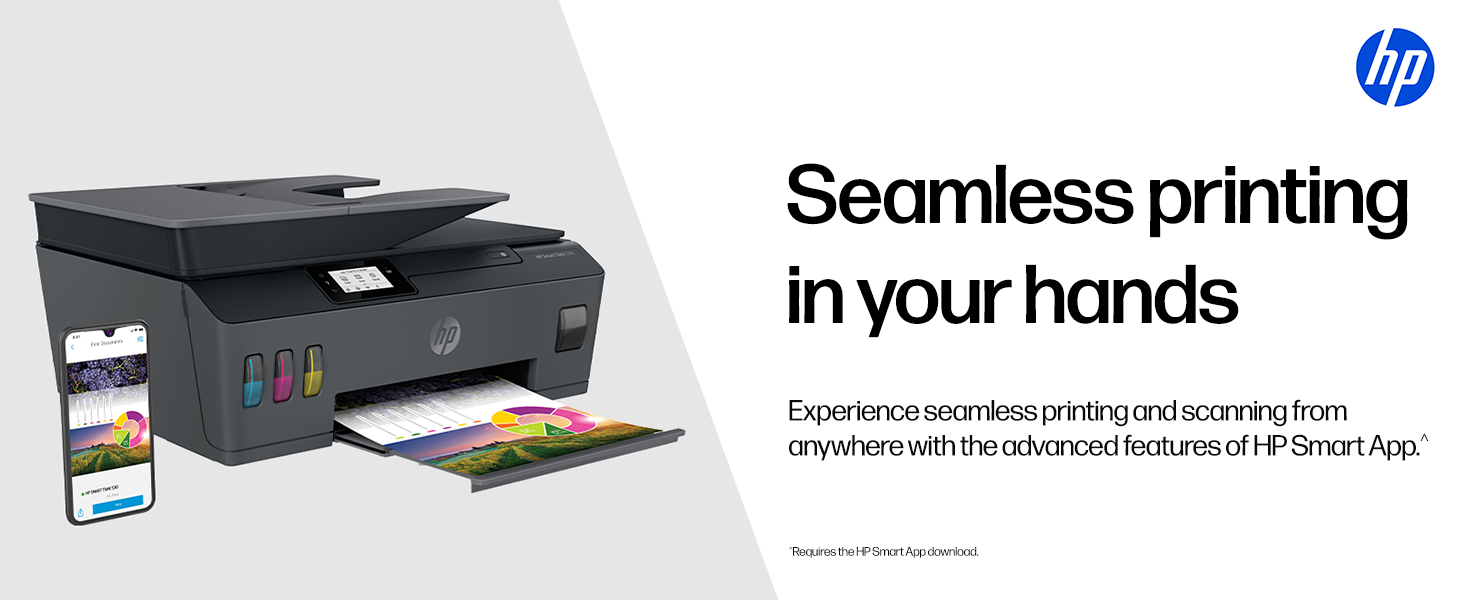
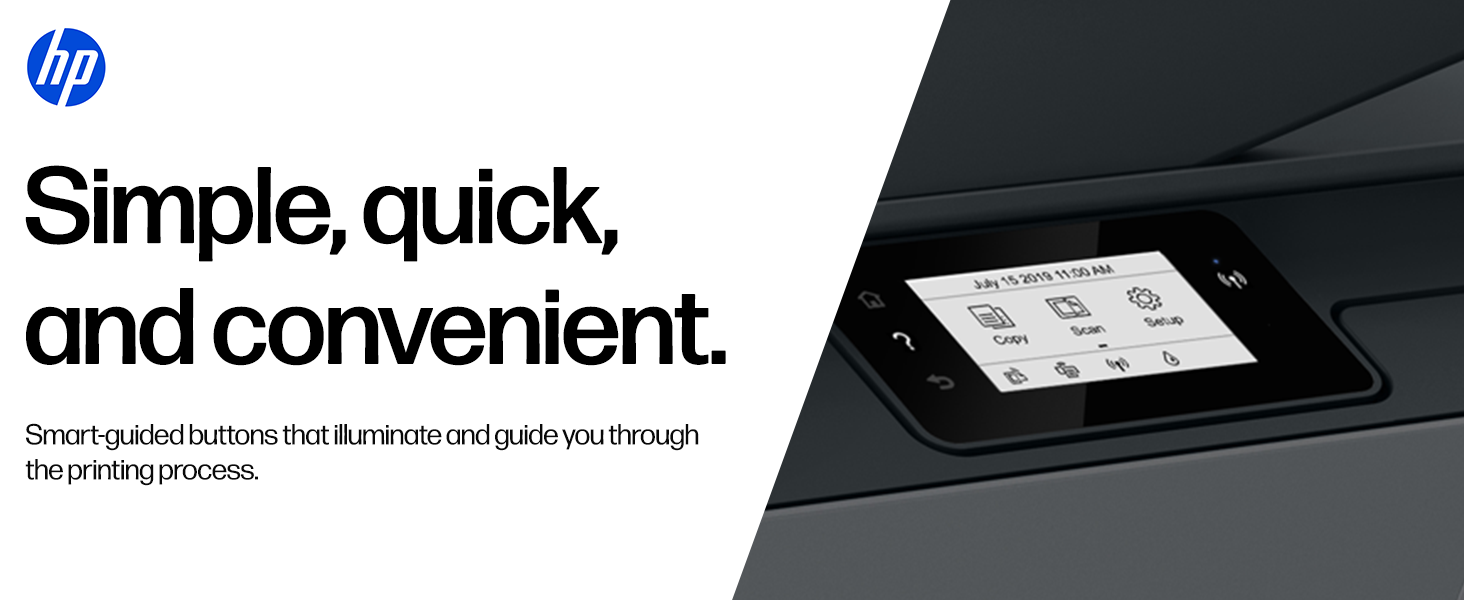
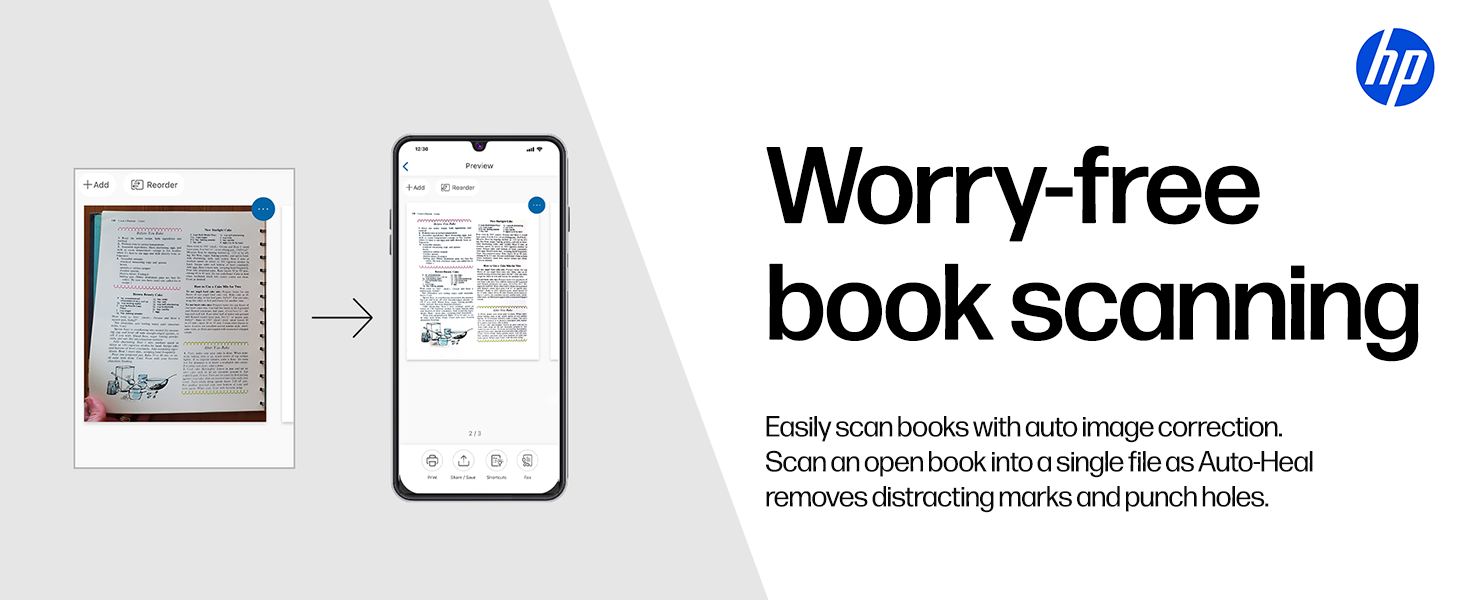
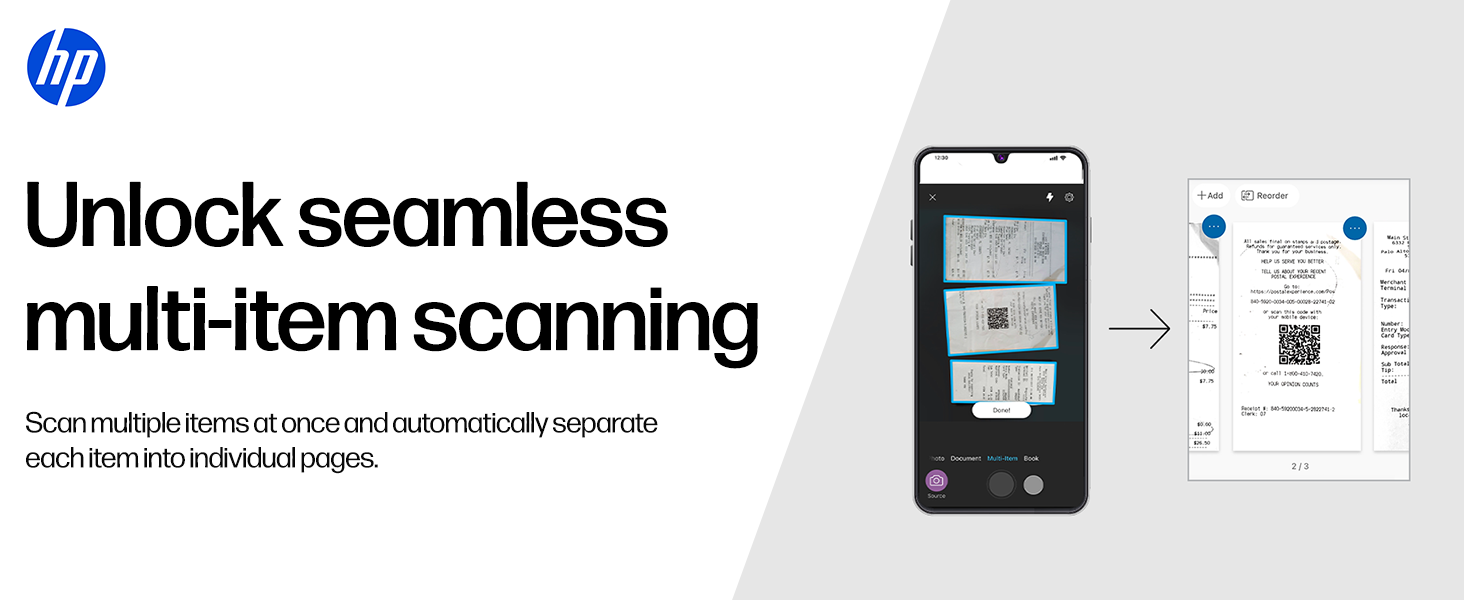
The HP Smart Tank 530 is a high-capacity all-in-one WiFi color printer designed for professionals balancing home and office needs. It delivers up to 18,000 black and 8,000 color pages with included ink bottles, supports fast printing speeds up to 30 ppm, and features a 35-sheet automatic document feeder. With dual-band Wi-Fi, Bluetooth LE, and USB connectivity, plus a user-friendly touchscreen, it streamlines print, scan, and copy tasks with versatile media compatibility and robust warranty support.


| Additional Printer Functions | Copy, Scan |
| Asin | B07TMFCNXB |
| B W Pages Per Minute | 30 ppm |
| Best Sellers Rank | #29,617 in Computers & Accessories (See Top 100 in Computers & Accessories) #84 in Inkjet Printers |
| Box Contents | Printer|(Black Ink Cartridge |Color Ink Cartridge|Power Cord|USB|User Manual 5) |
| Brand Name | HP |
| Color Pages Per Minute | 24 ppm |
| Colour | Black |
| Compatible Devices | Printer |
| Control Method | App |
| Controller Type | Android |
| Customer Reviews | 3.9 3.9 out of 5 stars (1,384) 3.9 out of 5 stars |
| Dual Sided Printing | No |
| Duplex | Automatic |
| Hardware Interface | USB 2.0 |
| Importer Contact Information | HP India Sales Private Limited, No. 24, Kothari Arena, Hosur Main Road, Adugodi, Bangalore, Karnataka, India, 560030 |
| Ink Color | Black; Cyan; Magenta; Yellow |
| Item Dimensions D X W X H | 44.9D x 19.8W x 37.3H Centimeters |
| Item Type Name | Ink Tank- MF |
| Item Weight | 56 Kilograms |
| Manufacturer | Cal-Comp Optical Electronics YUEYANG Co., Ltd No.8, Xinjinbao Road,Yueyang Chenglingji CBZ,Hunan Province, 414000, China/ HonGFUJIN Precision Electronics(Chong Qing) Co., Ltd, No.1, 1st E District RD. Shapingba District, Chongqing 401332, P.R. China., HP |
| Manufacturer Contact Information | Cal-Comp Optical Electronics YUEYANG Co., Ltd No.8, Xinjinbao Road,Yueyang Chenglingji CBZ,Hunan Province, 414000, China/ HonGFUJIN Precision Electronics(Chong Qing) Co., Ltd, No.1, 1st E District RD. Shapingba District, Chongqing 401332, P.R. China. |
| Max Printresolution Color | 600 dots_per_inch |
| Max Printspeed Blackwhite | 600 dots_per_inch |
| Maximum Copy Resolution Black And White | 600 dpi |
| Maximum Copy Resolution Color | 600 dpi |
| Maximum Copy Speed Black And White | 30 ppm |
| Maximum Media Size | letter |
| Maximum Sheet Capacity | 35 |
| Model Name | HP Smart Tank 530 AiO Printer |
| Model Number | HP Smart Tank 530 AiO Printer |
| Model Series | Smart Tank |
| Network Connectivity Technology | Bluetooth, USB, Wi-Fi |
| Other Special Features Of The Product | Charging Port |
| Packer Contact Information | Cal-Comp Optical Electronics YUEYANG Co., Ltd No.8, Xinjinbao Road,Yueyang Chenglingji CBZ,Hunan Province, 414000, China/ HonGFUJIN Precision Electronics(Chong Qing) Co., Ltd, No.1, 1st E District RD. Shapingba District, Chongqing 401332, P.R. China. |
| Paper Size | A4 |
| Power Consumption | 50 Watts |
| Printer Output Type | Colour |
| Printer Type | Inkjet |
| Printing Media Type | Glossy photo paper |
| Resolution | 600 x 600 |
| Scanner Type | ADF |
| Total Usb Ports | 1 |
| Unit Count | 1.0 Count |
| Upc | 193424413386 |
| Warranty Description | 1 Year |
| Wattage | 3.72 Watts |
User
Perfect for Home and Business
I received brand new seal packed product. Initially while setup, I added ink and then when I have to install cartridges and print the alignment page, then i saw the holder where we have to fit the cartridges it was hitting the printer left and right very hard and not stopping in the middle. I called HP support and they tried to solve the issue over phone with sew trouble shooting steps. However result was same. HP arranged the service call for me and I also talked to amazon support for the issue. I explained them that I got faulty product which I can to know after inserted the ink so I was hesitated to return the product as this might be given to someone else. But Amazon says, this is not my (ME) issue and will be taken care by Amazon even product is opened and they arranged the return and refund as same product was not available anymore with them.5 star for AMAZON.Both HP and Amazon was scheduled for next day. Luckily HP guy came firs and fixed the issue in 2 minute by unscrewing 4 screw and placed the transparent encoded strip in position (sensor behind cartage holder). He said this might happened in transport. Once it worked, i canceled the return request.5 star for HP support.Printer:Black ink is pigment and hence once printed on paper it is waterproof even if you put the printed paper in the bucket full of water.Color is not waterproof, however they don't fade easily.ADF: This is the plus advantage in this printer over HP 515. Just keep the bundle of paper in ADF and get the scanned or copy without any mess.INK: I got 3 color (GT 52 70 ml), Magenta, Cyan, Yellow each and 3 black (GT 52 XL 135 ml) you will get only 1 black in HP 515 which is 2000 cheaperOverall printer is good.5 star for Printer.
User
Pros and cons after using for a month
@SP2023Longest review ever,most detailed review ever with practical knowledge, trials and errors.ProsWatch youtube for unboxing, installation guide.In LCD you can have many features to see and adjust, any types of notification comes,like printing, cancelling, successfully connected to mobile device or pc.If possible buy printer having big LCD display to see printer status otherwise you have to remember LED button blinking pattern for each error code.WindowsInstall driver from internetGo to Google searchTypes hp 530 printer driverIf windows 10,11Extra HP smart app from microsoft store.I tested on windows 7 and windows 11Both worksConnect with USB.Connect with WiFi through router.Connect with WiFi direct to printer. (manual or automatic methods password 12345678)Works with android, windows pc, laptopIn android, install HP smart, HP print service plugin. Extra mopria print, samsung plugin from Google play storeADF Automatic Document Feeder for scanning, copying multiple pages at once.ConsLCD display touchscreen response is slow like initial days of android smartphones.By mistake wrong input/tap/click may occur.No custom page input only specific page dimensions from the list. For photoshop, corel draw users like sovenior page print size not possible without hassle.Possible with hassle.Example8x10in available but 7.5x10in not available so manually adjust the content, shift little bit left side in corel draw or photoshop.C5 envelope availableBut custom envelope not possibleSo manually adjust the content positionSo, some testing pages for experiment trial and error will need before actual print page.HP extra warranty not applicable with HP 530,Ink level shows full in software when half is filled, same problem for all 4 colors.so see the physical semi transparent label ink tanks on the printer front side by torch light.Same quality like deskjet, inkjet printersNot same quality as digital printers, xerox colour offset or 4 color room size offset.Though tested with normal A4 paperNot tested with photo paper.But tested with art glossy paper,quality is good with glossy paper 130gsm compared with Matte normal A4 75gsm paperPrinting Resolution is 1200x1200dpiNot 4800x1200dpi in some epson, canon printersBorderless printing possible with hp photo paper option selection in printer dialog box but not possible with plain paper selection.Matte A4 75 GSM paper -Best, normal, draftAll have Good quality in sharpness.Colour depth less depends upon quality selection.Scenario 1Art Glossy paper -Hp photo paper optionBest quality optionPrinting Output is not good, smudges if you have text, line on background color.Normal not testedDraft not testedScenario 2Art glossy paper -Plain paper optionNormal quality optionBest Output Sharp text, lines on background colour.Best not testedDraft not testedCheck review in youtube. Lots of videos are there. Type hp 530 printer review or unboxing, or installation.SpeedTestedtest page print or text based black and white print time within 3 to 4 secsCorel draw, photoshopfull color image print tookQualityDraft 10 secs approxNormal 40 sec approxBest 1min approxUpdate 1, 2023ProblemOn Art glossy paperPrinted visiting card on letter size paperThe maximum size possible after A4 size in this printer,The black text is smudging like 10% on white portion of the paper if fingers are pressed and dragged. Problem with the black ink only, not on colour inks.In hp site 530 model inks areColour is pigment inkBlack is dye inkButIn other resources in websites, youtubeIt says the opposite.Black is pigment inkColour is dye inkAs 100 % hp original black ink on glossy paper smudges, smears so in corel or photoshop give CMYK as deeper blue color so that ink will not come out even after few days drying. CMYK Value should be approximatelyCMYK (Cyan Magenta Yellow Black)C 80 %M 80 %Y 0%K 50%Don't know about substitute ink, compatible ink. From needle, GPS, ANG, proffisy, etc.I have purchased proffisy gt51 black with gt52 colour cmy ink,but gt53 black or gt53xl black as substitute ink not available in the online stores other than original, so don't know are gt51 and gt53 black inks are same or not, whether it will work in the hp 530 black cartridge or not.That's why purchased print head cleaner solution for removing ink clog with ink suction tool. Available in Amazon and Flipkart, check reviews, or how to use in youtube.I will test new black gt51 after full used of original ink in the inktank.To get max DPI printGoto print optionWhere you can set paper sizeThere only little downward we can seeMax dpi option make it No to Yes,But print duration will be above 5mins approx per page, without max dpi enabled means No option, will take within 10 to 20 secs depends upon content and print quality option choosen.Update 2, 2023ConEven quiet mode is on mode,Quiet mode temporary disabled will be displayed For A5 papers, butFor A4, letter papers quiet mode is possible.Quiet mode means less sound in printing, slow printing, no or less damage of papers while the printer takes the paper inside by rollers, if the roller takes the paper more speed then there is a high chances of tearing the paper specially for less GSM like 70,75 GSM paper type.Update trickIn order to get quiet mode on mode in A5 or any small width, you can fool the printer by giving paper to block the paper tray infrared sensor the right most one (photo uploaded/given in my photos review section), and in printer setting set as A4 or letter. Then quiet mode is enabled even after giving A5 or 1/8 of demy paper size (commercial printing paper size) in the tray. So no or less damage of papers, paper jams, etc.Remember even in A4, letter with draft mode, quite mode not possible.In normal, best, quite mode is possible.For paper jam you have to remain open the top position of the printer by T10, T9 screwdrivers like from taparia company example.You have to use long bit in height not short height bit.I think it also called security screw. You cannot use normal minus screwdriver or 4 or 5 star/corner like bit screwdriver. Watch some youtube video for this.A light is required inside the printer to see the paper when there is a paper jamSo use a USB LED with USB A male female extention wire or cord of approx 1.5 m long.power it from cpu or laptop or adapter or powerbank.....
User
Love the ADF function.
After a lot of research & comparisons I finally end up buying this awesome printer for our business. The ADF function is very helpful in scanning & printing bunch of papers without having to put and remove each sheet after scanning or copying is done as it is done in flatbed printers/scanners. The wifi & "e-mail to printer" functions are no doubt very convenient for the user for remote printing jobs. Also with ample inbuilt memory of the printer there is no fear of the print jobs being stuck or printer hanged in between. My opinion, value for money printer, must go for it.
User
Don't buy HP Smart Tank 530 Printer
Previously I was using HP Deskjet ink Printer 3545e, replacing cartridges costed me around 1500 and then if i don't use it for a while ink was getting dried up fast. So i taught of upgrading to a Ink Tank printer then I decided to purchase HP Smart Tank 530. When my product finally arrived, using it for a while then I realised it was really a bad decision to go for HP Smart Ink Printer. I dint face issues with the print quality, print quality is great but the main two issues i faced with the printer was touchscreen was not so responsive and in between the display freezes. Second issue was with the built quality,HP has used low cost plastic to built this particular model iโm not sure how long i can use this printer. My personal suggestion is that please donโt buy HP Smart Tank 530 Printer rather consider buying Epson Printers or other good hp printer models which will last for long and wont regret later after the buy.
User
I think this is the most inexpensive smart printer
When I say smart, it not only connects with a smart app, it also has a smart display that can not only guide you with the initial installation process, it has a functional aspect to it that allows user to control scan, print and settings functions through the menu available in the screen. Installation was fairly easy. Took me maximum 15 minutes including test print and scan. You can easily connect to your WiFi using the menu on the touch screen and input your password. You can also connect to the printer via Bluetooth using mobile app on phone or on laptop. Printing speed is decent, pretty average for inkjet printers. Nothing too fast.
User
Printer always show paper jam when there is nothing in the printer
Worst printer I regret buying it
User
HP Smart Tank 530 - Stong build and Awesome print quality with compact design
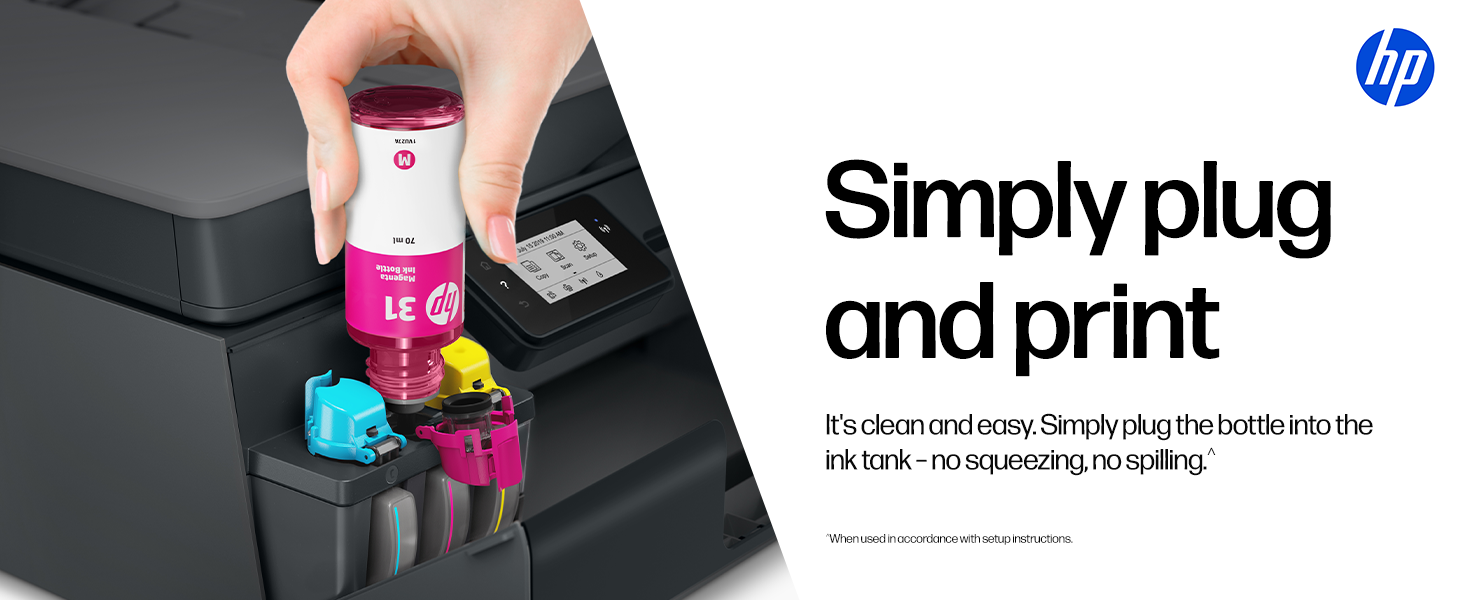
Good Printer which is very easy to install and given by many videos online. The process is very simple to install and completes in 15 mins. Its perfect for the home printings with kids online classes and work from home prints.Pros :- Excellent print quality - awesome color prints and black and white.- Excellent Wifi connectivity- Awesome ADF - can scan the 40+ pages in one go- super easy ink refill, and no spilling of ink- HP Smart app was easy to set-up and use
User
Great product but printing very slow
Printing speed is very low
Trustpilot
3 weeks ago
1 day ago