🖨️ Print smarter, work faster, stay connected—your all-in-one productivity hub!
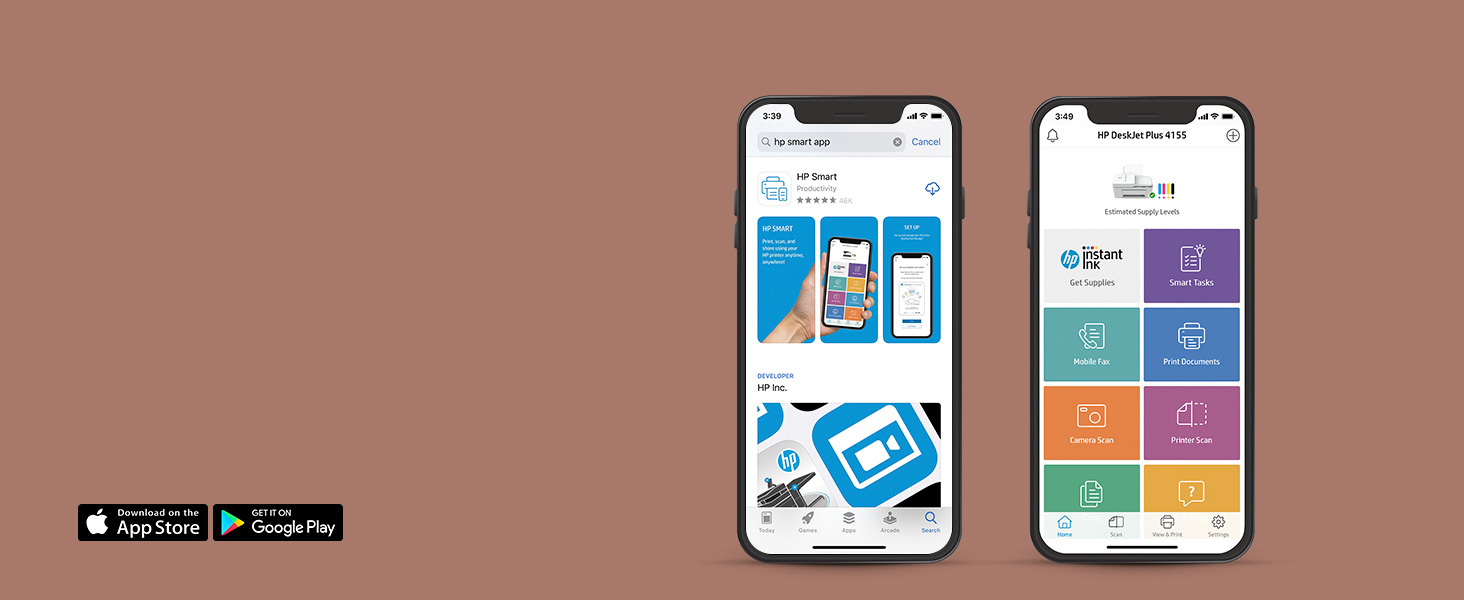
The HP DeskJet Plus 4155 is a wireless all-in-one printer designed for modern multitasking professionals. It features dual-band Wi-Fi for reliable connectivity, a 35-page automatic document feeder for efficient batch jobs, and mobile print/scan/fax capabilities via the HP Smart app. With HP Instant Ink subscription, users save up to 50% on ink and enjoy automatic ink delivery. Made with 20% recycled plastic, it combines eco-conscious design with high-quality 1200 x 1200 dpi printing, compatible across Windows, Mac, and Chrome OS devices.


| ASIN | B083ZY9FJG |
| Additional Printer Functions | Copy, Fax, Scan |
| B&W Pages per Minute | 8.5 ppm |
| Best Sellers Rank | #198,263 in Office Products ( See Top 100 in Office Products ) #134 in Ink Tank Printers |
| Brand | HP |
| Built-In Media | 3XV13A HP DeskJet Plus 4155 All-in-One Printer; HP 67 Setup Black Instant Ink Ready Cartridge; HP 67 Setup Tri-color Instant Ink Ready Cartridge; Ink Caution flyer; Setup guide; Reference guide; Power cord 1.5 m; Instant Ink Flyer |
| Color | White |
| Color Pages per Minute | 5.5 ppm |
| Compatible Devices | Laptops, PC, Smartphones |
| Control Method | App |
| Controller Type | Amazon Alexa |
| Customer Reviews | 3.9 3.9 out of 5 stars (10,579) |
| Dual-sided printing | Yes |
| Duplex | Manual |
| Hardware Interface | USB |
| Ink Color | White |
| Item Dimensions D x W x H | 16.7"D x 6.06"W x 11.97"H |
| Item Type Name | Inkjet Printer |
| Item Weight | 10.6 Pounds |
| Manufacturer | HP |
| Maximum Copies Per Run | 25 |
| Maximum Copy Resolution Black and White | 300 dpi |
| Maximum Copy Resolution Color | 1200 dpi |
| Maximum Media Size | 8.5 x 11 inch |
| Maximum Print Resolution Black and White | 1200 x 1200 dpi |
| Maximum Sheet Capacity | 60 |
| Maximum print Resolution Color | 4800 x 1200 optimized dpi color |
| Model Name | DeskJet Plus |
| Model Number | 3XV13A#B1F |
| Model Series | DeskJet Plus |
| Number of Trays | 2 |
| Other Special Features of the Product | Auto Document Feeder, Bluetooth, Dual-Band WiFi, Flatbed Scanner, LCD Display, USB Port for PC Connection |
| Paper Size | 3 x 5 to 8.5 x 11 |
| Power Consumption | 1 Watts |
| Print media | Card stock, Envelopes, Labels, Paper (plain) |
| Printer Connectivity Type | Bluetooth, USB, Wi-Fi |
| Printer Output Type | Color |
| Printer Type | Inkjet |
| Resolution | 1200 x 1200 |
| Scanner Type | Flatbed |
| Total USB 2.0 Ports | 1 |
| Total Usb Ports | 1 |
| UPC | 194441900545 |
| Unit Count | 1.0 Count |
| Warranty Description | One year limited hardware warranty |
| Warranty Type | Limited Warranty |
| Wattage | 1 watts |
M**A
Very impressed, this printer is AWESOME !!!
let me just start off by saying i LOVE this printer. i purchased this printer before actually going threw and reading reviews ( i know i know dumb move) but in my defense i was looking for a printer that was compatible with my HP chrome book. because my old canon printer would not connect to my chrome book what so ever, so i did a lot of research and this printer came up a lot so i found it for a decent price on here and bought it. well after i bought it i go threw and start reading reviews after reading them i was so worried i bought a piece of crap. well let me inform you this printer is AWESOME! i read so many reviews about it being Slow.. this printer is no where near slow, ( unless I'm out of the loop & there's a printer out there that's lighting speed that i know nothing about) this printer IS NOT SLOW! it prints off a full page of words/ pictures in seconds. setup - it took me less than 5 minutes to set this printer up. really easy set up i will say you are REQUIRED to download the HP printer app to set this printer up but don't worry you just push a few buttons and its set up. HP printer app- the HP printer app is required for set up, but you're going to want this app it connects to smart phones and tablets. i have a iPhone and it works great with it. its nice because say you're scrolling on your phone you see something you need to print, just save it to your phone go to the HP printer app select print & BAM! your printer is printing what you need from your phone. which is SO nice so you don't have to hop on the computer and print it off. the HP printing app for your phone is a nice touch and i LOVE it!!.... instant ink- i DID NOT BUY instant ink. i did read a few reviews about that prior to purchase and i decided it wasn't for me so i can't comment on instant ink, but i will tell you the ink that came with this printer worked for me. i did read where a few people couldn't use the ink provided in the box because they didn't buy the instant ink well that's not the case with me. so i don't understand why some people had issues with their ink. but i did buy extra ink just in case because i didn't want to have a new printer with no ink. so i'm already ready for when my ink does run out lol... so i guess don't worry about buying extra ink right now because the ink provided worked. but just do whatever you'd like. Print quality- its excellent for words & pictures tech support- i cant comment because i have not needed to talk to tech support scanner- i have not used the scanner, but it looks nice and i don't think ill have any issues with scanning something or the clarity, so all in all I'm very happy with my printer, i've already told my friends and family how awesome this printer is. i know some people have some crappy reviews but in my personal opinion this printer is awesome and you'll LOVE it. way to go HP you did great with this printer!
L**G
High Quality Printer
Usual HP quality. The only brand I will buy after years of experience
K**R
Do not buy this printer.
I don't usually write reviews for items I buy but this is the worst printer I have ever used. My wife and I got it right so she could print any assignments she needed for grad school, planning to only print a few pages a month. We didn't activate the printer until a month after we bought it so we could utilize the 2 months of free instant ink during the school year, but as soon as we needed it it hardly even worked. I've always been quick to learn with technology, and it took only about 15 minutes to set the printer up, but then it took almost an hour just to get a single print job to actually print. The print job was only 14 black and white copies of PowerPoint slides, two pages each (single sided) for a total of 28 pages. This was the first time we used the printer, and the ink was fresh out of the package, and the printer ran out of black ink ON COPY 13. It was only able to print 25 pages successfully before running out, and the print quality was very poor - you could see white lines easily in any part of the page that had black ink. So I set up HP instant ink, only to learn that it would take 10 business days to receive a new ink cartridge. And if you cancel instant ink, the cartridges no longer work in your printer. So, your options are to print virtually nothing and wait 2 weeks for a replacement cartridge, or to buy your own ink and get ripped off by paying $16 for a black ink cartridge. In summary, the printer is hardly functional to begin with as it is difficult to get a phone or computer to send print jobs to it, the print quality is awful, the instant ink program is a scam, and regular ink is a ripoff. Unfortunately I missed the return window for this printer so I plan to try to resell it for a loss. I would not recommend this printer to anyone.
C**A
It’s kind of a pain to connect but once I figured it out it works fine.
Update: it is kind of a pain to connect everything but once I sorted through all of that the printer works fine. I liked the idea of being able to print from multiple devices but it’s not so easy. I have two iPads, a laptop, and an iPhone. I would like to print from all of them. Here’s the problem I have. The laptop won’t connect properly so it not only won’t print, I have to go through this reboot process to clear the print jobs that won’t print. I got that out of a 45 chat session with an HP tech. Let me sum this up. This printer works pretty good as long as I send all my print jobs from the same iPad, and only if I work through the HP Smart App. Any variation and I’m in for a thirty minute reboot. Would I recommend it, NO
Trustpilot
1 week ago
2 months ago