We remain fully operational. Our teams are working around the clock to ensure your deliveries continue safely.

DOWNLOAD THE APP


Customer Services
Copyright © 2025 Desertcart Holdings Limited
DOWNLOAD THE APP



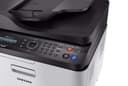


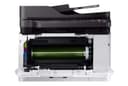

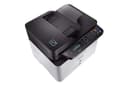
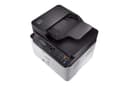
🖨️ Print smart, save green, and stay ahead of the curve!
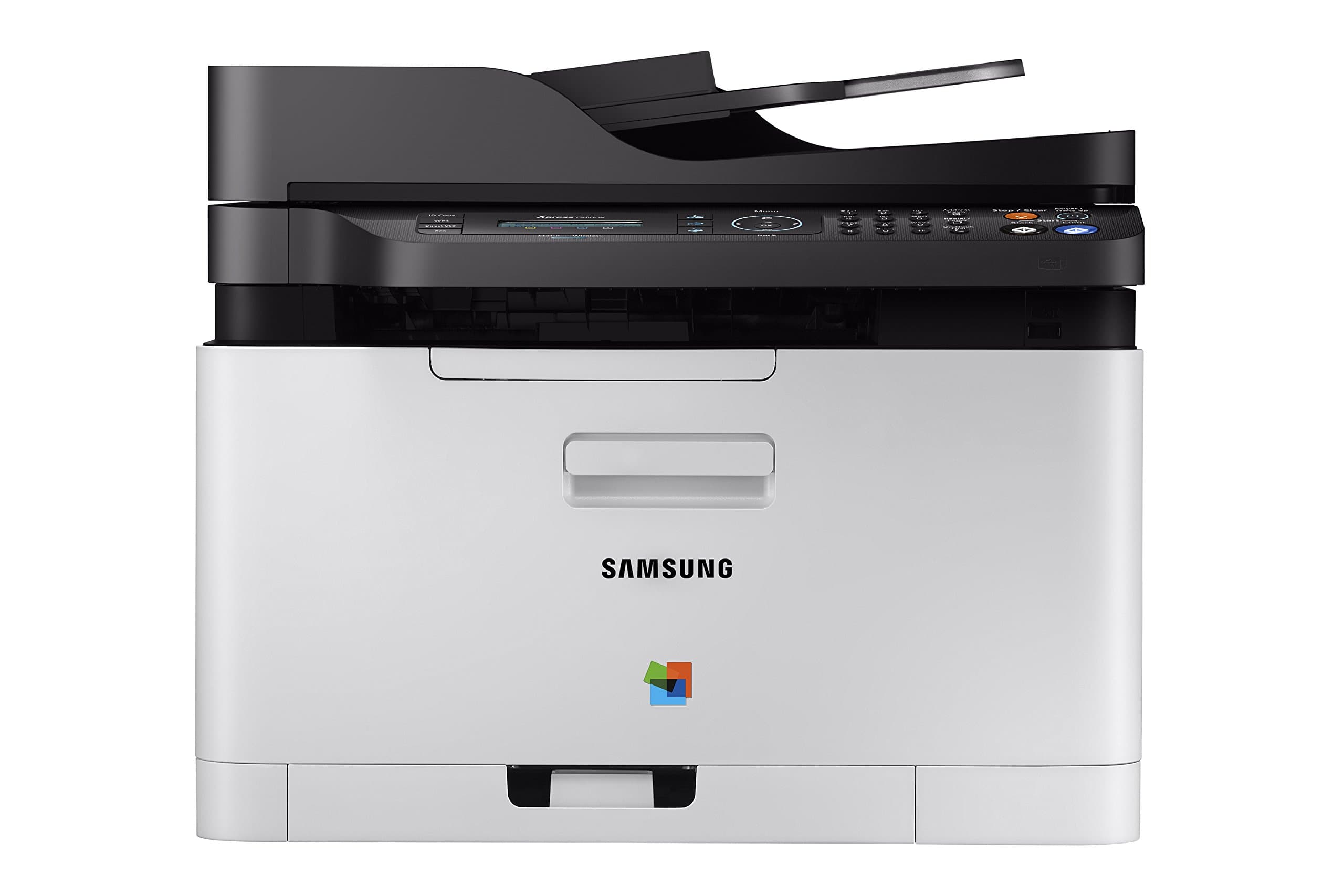
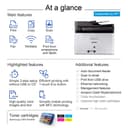
The HP Samsung Xpress SL-C480FW/XAA is a wireless color printer designed for home office professionals seeking fast, high-resolution printing (1200 x 1200 dpi) with multifunction capabilities including scanning, copying, and faxing. Featuring an 800 MHz CPU for quick output, mobile and cloud printing support, and an eco-friendly one-touch button that cuts operating costs by 20%, it combines efficiency, quality, and sustainability in one sleek device.


| Maximum Media Size | 8.5 x 14 inch |
| Included Components | Set / Toner Catridge / Imaging Unit / Power Cable / Line Cord / Quick setup guide / Wireless install Guide / Manual User's Guide / S/W CD ROM |
| Print media | Paper (plain) |
| Scanner Type | Sheetfed |
| Max Input Sheet Capacity | 250 |
| Max Copy Speed (Black & White) | 19 ppm |
| Display Type | LCD |
| Compatible Devices | PC, Laptops |
| Maximum Color Print Resolution | 1200 x 1200 dpi |
| Sheet Size | 8.5 x 14 |
| Maximum Black and White Print Resolution | 1200 x 1200 dpi |
| Warranty Type | Limited Warranty |
| Dual-sided printing | Yes |
| Maximum copies per run | unlimited |
| Max copy resolution color | 1200 x 1200 dpi |
| Max copy resolution black-white | 1200 x 1200 dpi |
| Duplex | Automatic |
| Hardware Interface | USB 2.0 |
| Ink Color | black, cyan, magenta, yellow |
| Resolution | 1200 x 1200 |
| Additional Printer functions | Copy, Scan, Fax |
| Control Method | App |
| Number of Trays | 1 |
| Processor Count | 1 |
| Number of USB 2 Ports | 1 |
| Total USB Ports | 1 |
| Model Series | Xpress |
| Specific Uses For Product | home office |
| UPC | 887276110202 191628385126 779184239161 191628502929 |
| Global Trade Identification Number | 00191628502929 |
| Memory Storage Capacity | 64 MB |
| Manufacturer | HP |
| Item Weight | 25 pounds |
| Product Dimensions | 14.3 x 13.1 x 16 inches |
| Item model number | SS256H#BGJ |
| Is Discontinued By Manufacturer | No |
| Number of Items | 1 |
| Size | One size |
| Manufacturer Part Number | SS256H#BGJ |
A**0
Printer
Muy bueno y duradero
A**N
Installation instructions were very poor (I'm an engineer
Ordered this for my home office because I was tired of an HP inkjet I had that never worked. This took me a few hours to set up including unboxing and connecting to my PC via the USB. When I finished it said it was connected wirelessly and I could unplug the USB, but once unplugged it was not connected to my network. It took me another hour to try to connect it via the WPS button on my router before finally entering the network key manually from the printer, which worked. Installation instructions were very poor (I'm an engineer, I'm good at following directions).Once connected it worked very well, good print quality and fast printing (compared to what I'm used to). However, when I tried using the scanner, it simply said "Not available." After an hour of googling I haven't found a solution that has worked, just vague mentions of a "Scan Manager" download that doesn't seem to exist on the Samsung support website. I'm now talking with Samsung customer service but honestly I've put 6 hours into this product and it's still not working, and I am a technical person. It seems like a good product but on the software/driver side it definitely does not work out of the box.Update 11/13: I've mostly struggled by with this thing for months now, despite frequent unexplained disconnects, paper jam errors when there is no paper jam. And now I'm trying to print cardstock for and event, and despite setting the paper type to cardstock (or thick, or anything else), it jams, every time. This printer is absolute garbage.
T**E
Why Pay More? This One Does it All!
Wow! A laser printer that does it all (color, copy, scan, fax, wireless)! I also have a b/w Samsung I got for a low price and it's provided great service for years, so when our inkjet cashed it in, I naturally looked for a Samsung color laser. It has all the features your can shake a stick at and the price is amazing! (just look for those Amazon offers that come and go.) It works well as a wireless printer and is nice and quiet. My only quibble is the fact the pages don't automatically flip on 2-sided printing. I suspect that Samsung opted not to use it so that it won't cause mechanical problems over time. (You may get this feature on more expensive models, but at the price, this one's fine without it. All you need do is take the pages, reload them in the tray and push a button.) When you're faced with replacing that inkjet printer, why not go with laser? You'll love the quality printing and the length of time you'll go before replacing toner. Over time, the higher cost of toner will actually be less than the cost of the not-so-cheap inkjet cartridges.
M**J
Good printer for the tech savvy user
After having used this printer for a few months, I can now say I like it. If I rated it during the first week I had it, I would have given it 1 star. Primary reason is that it is a complicated machine and figuring out all of its nuances is not for the faint of heart. Samsung doesn't have a very good user guide or on-line support, so I spent a lot of time playing around with settings before I could get it to do what I wanted. You can adjust settings via the printer's control panel, via its software, or via a web portal. This adds to the complication factor as the control panel on the printer only offers some of the options you need for tweaking, the software offers some more, and the web portal offers others. Samsung instructions are not very clear in terms of where you have to go to make your adjustments. The biggest problem I experienced was the fax set-up. I had Xfinity internet phone for my business line and while faxing with my previous Brother printer for years was fine, I could not get the Samsung fax to work. I eventually switched my business line from Xfinity to Ooma (to save money) and discovered that by using an Ooma Linx device and playing around with the Samsung settings, I was finally able to use the fax function. So, there is a happy ending to this story but it took a while to get here.The print quality is very good, so I'm happy with that. Time it takes to start printing is a bit delayed and the printer is noisy. If you don't mind that, it's a good laser printer. Just wish the replacement toner cartridges weren't so expensive! But I knew that before I bought it. It does seem to be very efficient in terms of the amount of ink it goes through, so that's a plus.
J**D
Print quality is so much better than any of the ink-jets I’ve purchased before
I have been replacing ink-jet printers about every year, so I decided to spend a little more this time and see if I can stop the cycle. I was worried about set up because there are a lot of reviews here that said set up was frustrating and time consuming. That’s not the case at all! I had this set up and test page printed within 10 minutes of opening the box. The tray does stick out about 4 inches (it is not flush as shown - it comes that way in the box, but as soon as you release the tray it stays out). Print quality is so much better than any of the ink-jets I’ve purchased before. The eco-friendly display (if you choose to use it) that shows on the computer print screen is wonderful, as it also shows you how much toner will be used and gives a preview of what the document will look like if you reduce the quality. Fingers crossed I don’t need a new printer for a while!
Trustpilot
1 month ago
1 month ago