


Vinyl sticker paper
Product ID: 28759215
Details
- ColorWhite
- Size8.5 X 11
- MaterialVinyl
- BrandNeato
- Finish TypeSuper Glossy
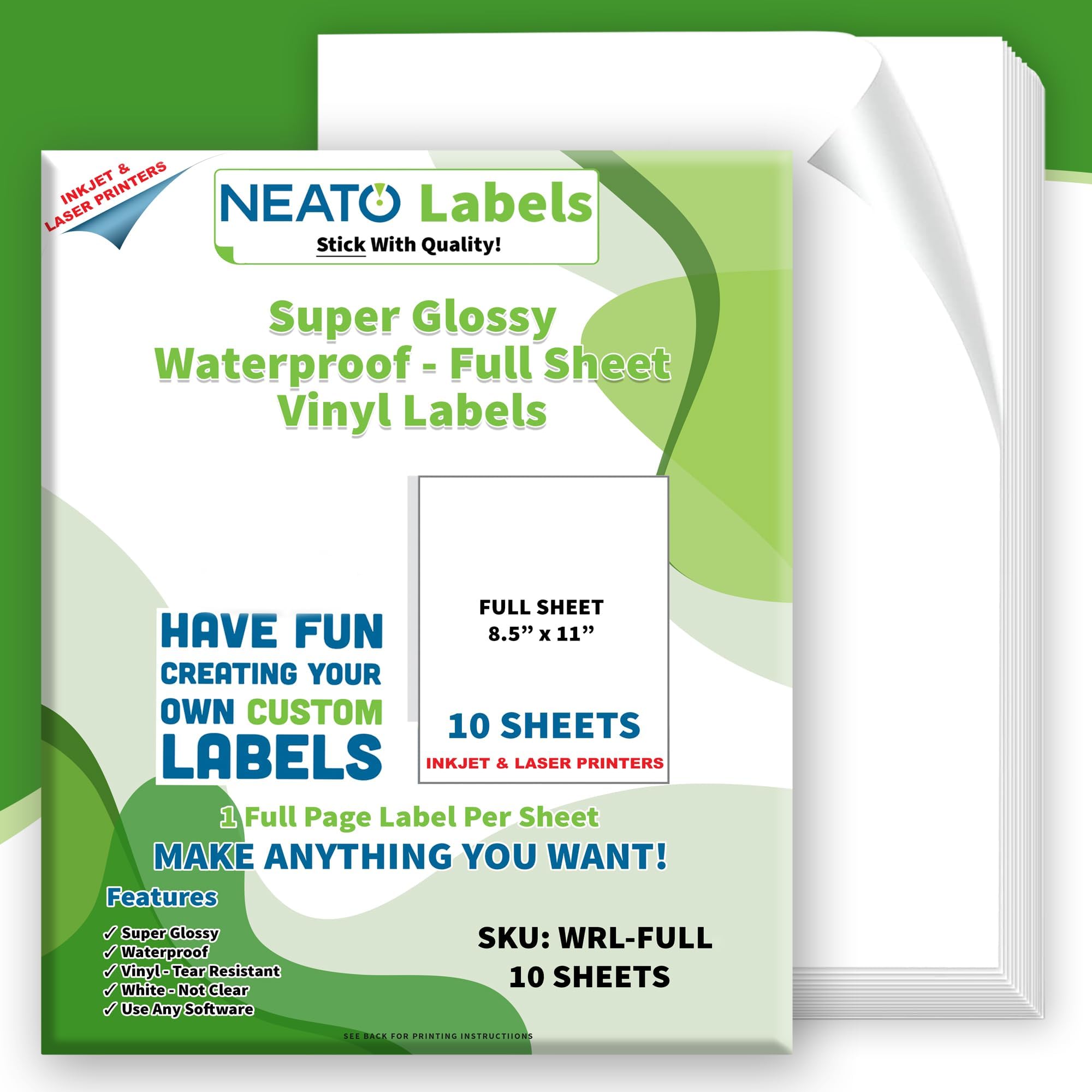
💧Waterproof & tear-resistant vinyl
📏10 sheets, 8.5" x 11" full size
🖨️Compatible with inkjet & laser printers
✨ Stick with the best — glossy, durable, and ready to impress! 🖨️
Neato’s Printable Vinyl Sticker Paper offers 10 premium 8.5" x 11" glossy sheets made from waterproof, tear-resistant vinyl. Compatible with both inkjet and laser printers, these strong adhesive labels deliver professional-grade durability and vibrant print quality, ideal for creative projects, labeling, and small business branding.


| ASIN | B01FKXOJOY |
| Best Sellers Rank | #178,235 in Office Products ( See Top 100 in Office Products ) #3,725 in All-Purpose Labels |
| Brand | Neato |
| Brand Name | Neato |
| Color | White |
| Customer Reviews | 4.4 out of 5 stars 1,868 Reviews |
| Finish Type | Super Glossy |
| Ink Color | White |
| Item Shape | Rectangular |
| Item Weight | 0.8 Ounces |
| Line Size | Thin |
| Manufacturer | Neato |
| Manufacturer Part Number | WRL-FULL |
| Material | Vinyl |
| Material Type | Vinyl |
| Model Number | WRL-FULL |
| Number of Items | 10 |
| Number of Labels | 10 |
| Shape | Rectangular |
| Size | 8.5 X 11 inches |
| UPC | 851127006914 |
| Unit Count | 10.0 Count |
| Warranty Description | Neato Labels backs our product with a 100% money back guarantee |
D**1
AWESOME!!
Finally had the opportunity to sit down and work with these and all o can say is.... AWESOME!!! Very good quality! I used on inkjet printer to make planner sticker and cut it on my silhouette portrait. It worked perfectly well. The printed image was beautiful, with vibrant vivid colors. (Setting on the printer were for glossy paper, photo quality print, vivid colors) The silhouette cut it very well with setting in 2 for kiss cut and 10 for full cut. I will definitely buying it again. Now! Note for those that don’t quite get it! The paper claims to be waterproof. I haven’t tested but what that means is just that. The PAPER is waterproof. That means that if it gets wet it won’t fall apart. That doesn’t mean the paper is magical and will make the ink from your printer waterproof as well. If you print something on this paper and it gets wet it won’t ruin the paper but it WILL RUIN WHAT YOU PRINTED.
L**K
They're really sticky!
Nice quality. Printed stickers with an ink jet then cut out with a Cricut. Adhesive is strong.
G**O
They’re a little pricey but these sheets are so good that they are honestly worth the money
They’re a little pricey but these sheets are so good that they are honestly worth the money. The durability is incredible, I put some stickers on my sketchbooks and my mp3 player and they’ve been on there for about 3 months now and there’s are no obvious blemishes to them yet despite having been rubbed across harsh surfaces. At this point I’m convinced that you could put it on a car for 4 months and it’d be still be in great condition. As for them being water resistant, it’s more like if you get them wet, they won’t immediately get ruined. THE DESIGN WILL START TO COME OFF IF YOU RUB THE STICKER WHILE IT’S WET so it’s best to either dab at it softly or just shake it off and let it dry on its own. The adhesive is very sticky so you gotta make sure you commit when you’re gonna place it. I didn't have the problem at all of the designs smearing after print so overall, great product, will buy again.
U**N
By far the BEST glossy vinyls...works beautifully with Cricut machines.
I have a Canon pixma and my stickers print beautifully on these glossy vinyl stickers. It makes a world of difference when you see how the colors on your stickers just pop on these vinyls. The colors do not run or smear and the colors are so vibrant!! I pretty much lucked out because these were the first glossy vinyls that I tried and I immediately loved them. I will never go back to matte paper. Yuck! These are the settings that I set on my printer. From the Cricut Design Space - Click send to Printer. Toggle the System Dialog box to "On" and click "Print". The Windows System Dialog box will pop up. Select "Printing Preferences". Select "Photo Printing", "Glossy Photo Paper", "8.5" x 11" (for paper size), "High" (print quality), "Rear Tray" (paper source). Click "OK" and "Print". A lot of people also have difficulties using this glossy vinyl on their Cricut machines but there is a trick to cutting them. Because the gloss on the paper causes a glare/reflection, it prevents your Cricut machine from reading your black registration box. What you need to do is use matte Scotch magic tape (in the green box) and tape over the black registration box. This cuts down on the glare so that your Cricut machine can actually read the box. Once you do that, you will not have a problem with your Cricut machine not being able to read the registration box. A different method (and this is the method that I use) is to put a small piece of tape over the light lens of the Cricut. This is simpler for me since I don't have to keep taping the registration boxes when cutting multiple sheets of stickers. This will also save you a lot of money on tape! When cutting from Cricut Design Space - Material - select "Sticky Note". These are the steps I used to get the perfect stickers every single time. Hopefully these tips will help all of the Cricut users out there. Enjoy!
A**R
Great Final Product
Made Amazing stickers. Quality is Great A little hard to tell which side is the back. One side is a little matte so hard to see if you need glasses, like I do but final product is Awesome. No bleeding love it
B**S
Works great
Other reviews are mixed, but my experience with these has been good. I'm using a somewhat old HP D110 All-in-One inkjet printer and I found these sheets to feed easily (although I only fed them one at a time). The print colors came out vivid and seem to dry almost immediately. I've tried rubbing and even slightly wetting some of them and have not had any ink come off at all. Very professional looking with the gloss finish. The only test that remains to be seen is whether there will be much color fade in the coming months, but I was making case stickers so these aren't going to be out in the elements a lot anyway. I think part of the key to my experience is that I only use quality HP brand inks with my printer. If you use refills or cheap of off-brand ink then your experience may differ a lot from mine. Labels/stickers cut easily to shape with scissors. My only minor gripe is it is difficult sometimes to get the backing to start to peel off.
C**S
Perfect printable stickers!
I refused to pay the excessive prices on "juststickers" and decided to roll my own. I have a Canon Pixma-pro 100 for printing quality photos, and worried this paper wouldn't work since it uses a "soak in" type of ink. The prints were fantastic! You can see in my pictures that the stickers look as good (in some cases better) than the professionally printed counterparts. There's no streaking, no runs, exactly what you would expect from a print on finer papers. I use the "glossy photo paper" setting for my printer. The only difference I can tell is the texture is a little rougher than the purchased stickers. I assume this is so the ink can soak in. I didn't spray any coating over the prints. I obviously won't be submitting them to outdoor conditions since they are on my laptop. Anytime I need more, I'll be looking for this brand.
A**R
Not the same from before
Quality of adhesive has definitely changed. I purchased same brand couple yrs ago and adhesive was definitely permanent strong bond and now this time all my labels came off I could return them because I had used the whole package on a project and I will say very disappointed to say the least. And price point was higher than other that states strong/permanent adhesive but because I have used before I thought they were the same, nope! I won't be buying again.
M**.
Great for glossy stickers!!
I purchased these to make glossy labels for my product. I was tired of buying clear adhesive vinyl to put over the matte sticker sheets in order to get the same look. This product definitely does the job in one less step. Just print and cut! The ink dries really fast! It was dry by the time the sheet came out of my ink jet printer with the image printed on it. So no wait time to dry! Will be buying again!
J**N
By far the best print from home stickers
I have a Canon Pixma Pro-100 printer and these are by far the best stickers I've tried printing from home. I've tried stickers with a matte finish and the just never seem to work. The glossy finish on this paper is beautiful and the printout looks amazing!
Trustpilot
1 month ago
3 weeks ago