🎯 Elevate your creative workflow — never miss a shortcut again!
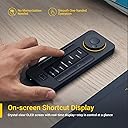
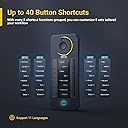
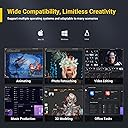
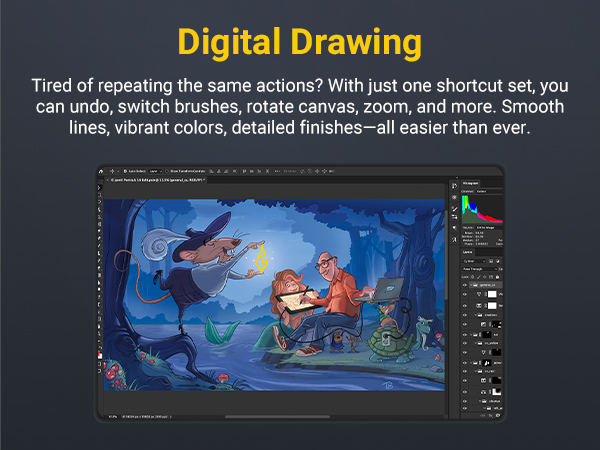
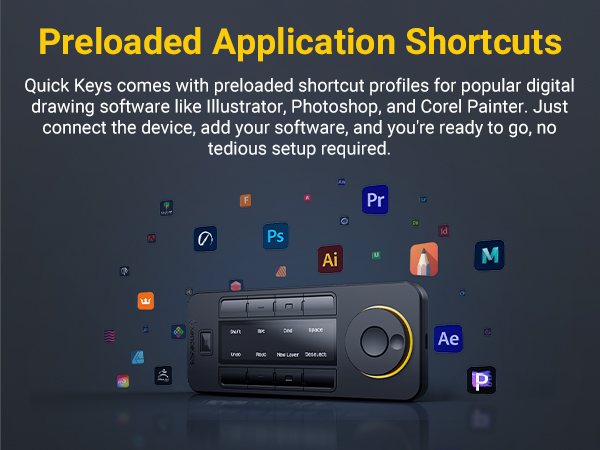
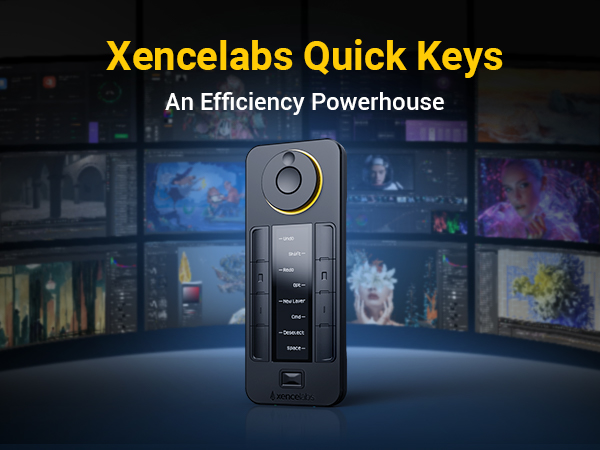
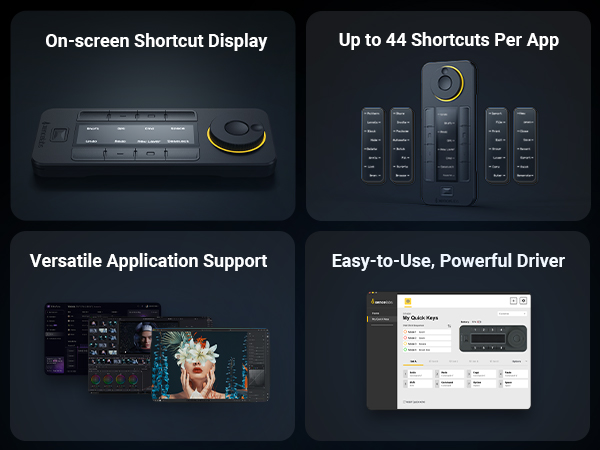
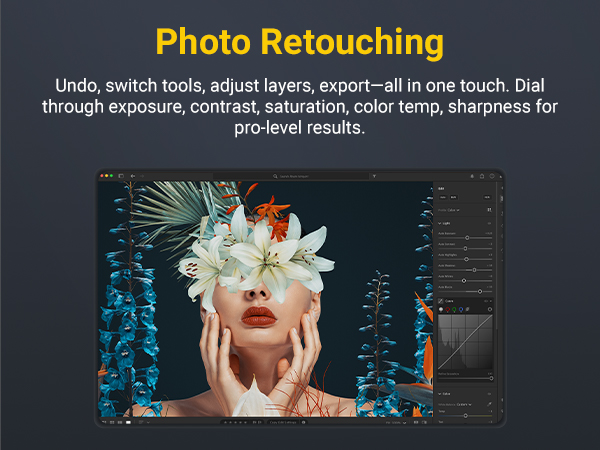
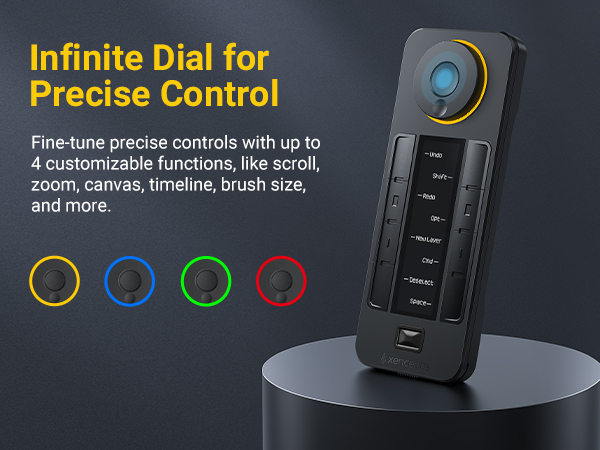
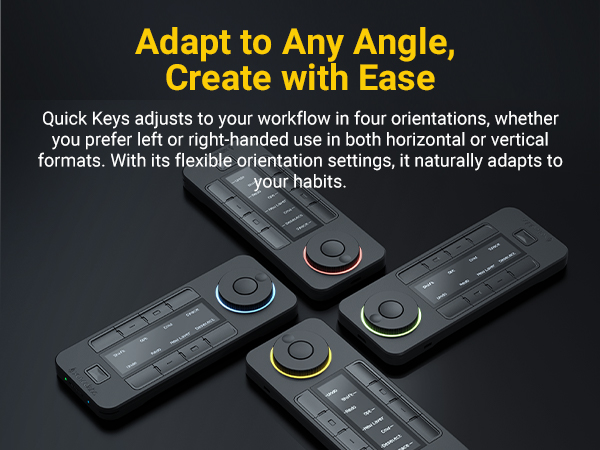
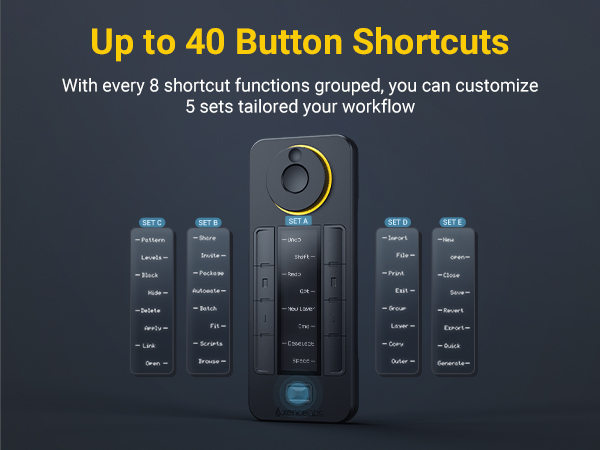
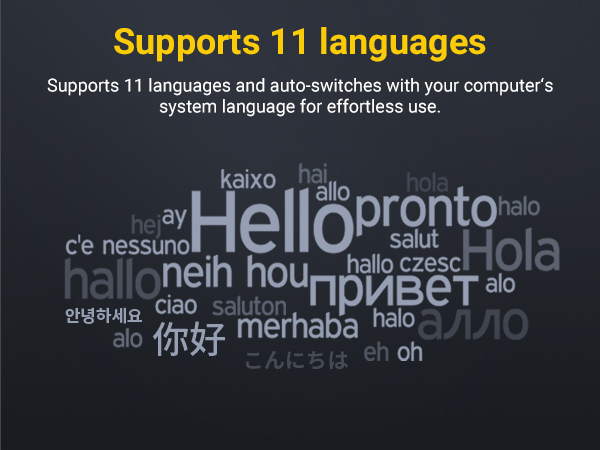
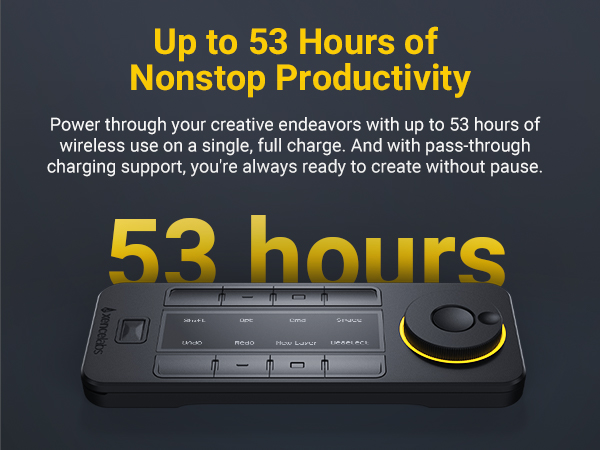
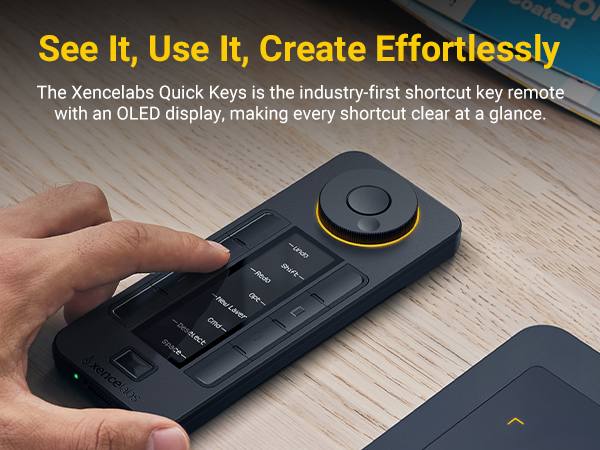
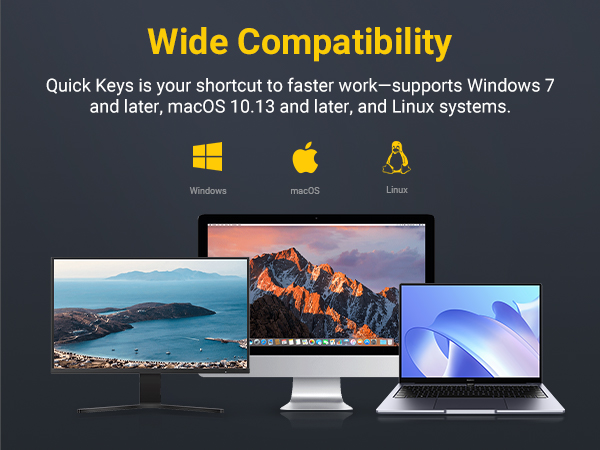
The Xencelabs Quick Keys is a premium programmable keypad designed for creative professionals, featuring 8 customizable shortcut keys, a precision magnetic roller with LED guidance, and a vibrant OLED display supporting 11 languages. Ergonomically crafted for both left- and right-handed users, it offers wired and wireless connectivity with up to 3 days of battery life. Compatible with Windows, Mac, and Linux, it streamlines workflows across major creative apps, making it an indispensable tool for artists and managers seeking efficiency and precision.


| ASIN | B08VNCLDTK |
| Best Sellers Rank | 44,718 in Computers & Accessories ( See Top 100 in Computers & Accessories ) 744 in Tablet Keyboards |
| Guaranteed software updates until | unknown |
| Item model number | K02-A |
| Language | Multiple Languages |
| Manufacturer | XENCELABS |
| Product Dimensions | 15.75 x 6.25 x 1.19 cm; 300 g |
M**S
Time saver for all sorts of tasks.
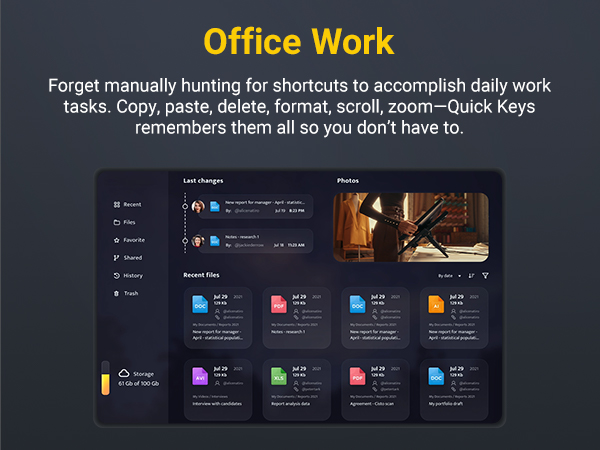
I bought this to bind shortcuts to for excel functions, load programs and generally speed up my workflow. All of that works well, but I've also been using the device as an autocomplete for usernames, saving me typing email addresses and uids many times per day. A bit of canny use is for scripting, where I'll copy functions onto a quickkey button to add them to a script with a touch, or map IP or domain addresses that I reference regularly and which can't have a single error or typo. All in all, I've found a variety of ways to use this device to save me a lot of time, and I'm very impressed at how effective and easy to use it is. I'd love to see more updates to the control software in future, allowing more complex commands to be mapped and run with a button press (it fails to launch win+r at the moment on my work craptop, but that may be the image they use rather than the device.) All in all, this is a solid device I'd give about 98/100. There are a couple of limitations on what I can actually bind, and I'd love to be able to write much longer or simultaneous sequences of keys to create custom shortcuts and complex macros. What is present already is pretty comprehensive though, so I may just be blue sky thinking about ideal but not broadly relevant use-cases. Excellent product, well worth the money.
A**J
Shortcuts in my bag
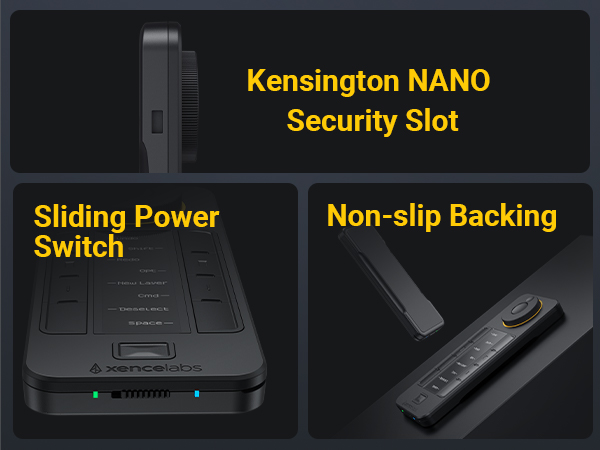
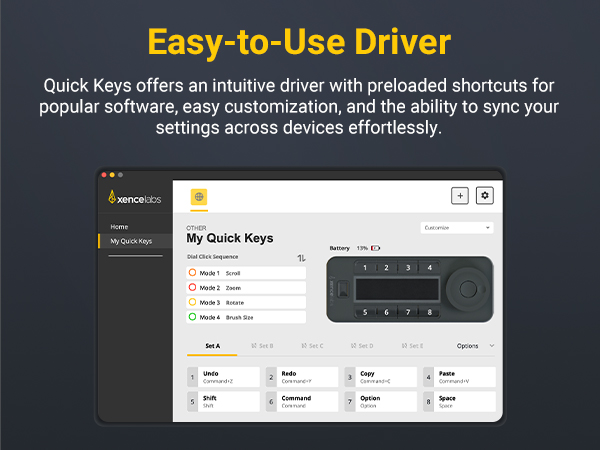
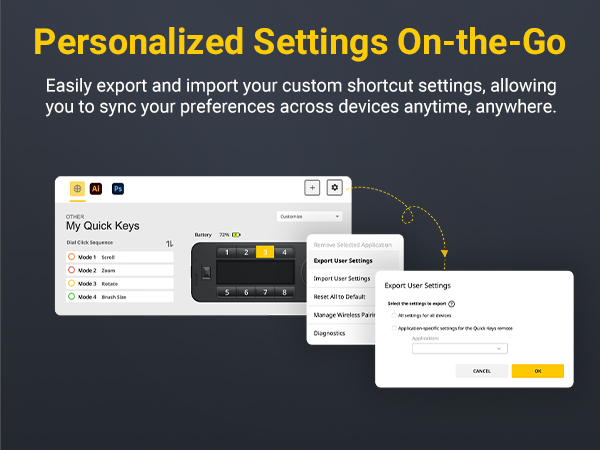
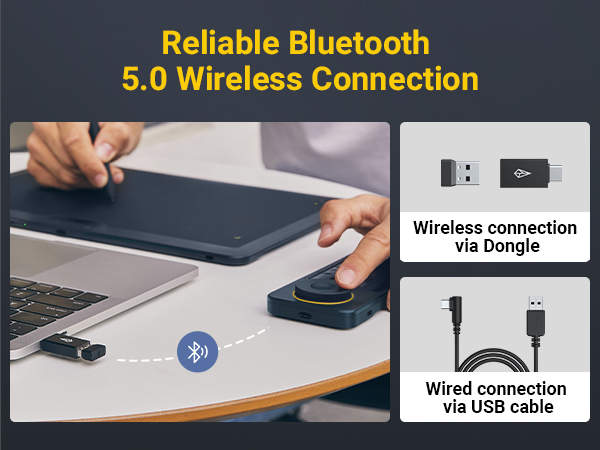
I am a massive fan of this style of shortcut device. I already have 2 Streamdeck XL and a Loupedeck on my desk for use with my static PC and Mac. I have been on the look out for something more portable for use on the road as I have become reliant on shortcuting withing CAD and Visio. The quick keys is what I have been looking for. It feels really good quality and I love the fact it comes with a wireless connection dongle. The big surprise that I wasn't aware of was the case. It is a semi hard shell which has pockets in it for the shortcut key pad, the cable (about 2M with a right angled USB-C connector for the connection to the unit) and the dongle complete with USB-USB-C converter. When it is placed on the desk, it doesn't move around when in use as it has a rubber backing which is enough to stop it moving. The wheel has a great feel to it with enough resistance to feel it properly while not heavey enough to make the unit turn while on the desk. The software is very easy to configure with the ability to save config and use on another PC/mac. I haven't tried this yet but have all faith this will work. I think the ironic thing is that I bought this for a portable solution but I find myself using it all the time and I may just buy another one and leave this on in my main desk setup.
H**Y
Great for video editing - and a lot else besides
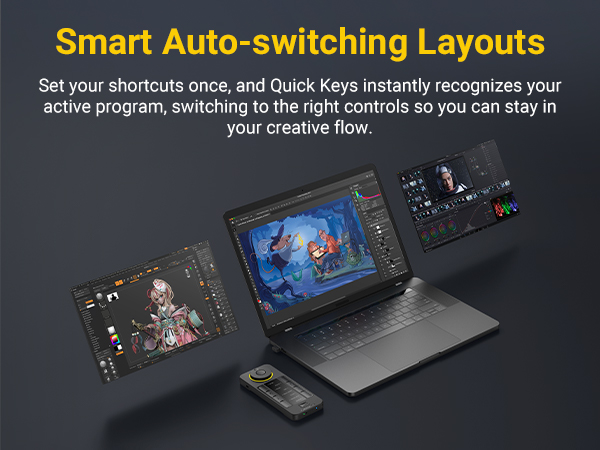
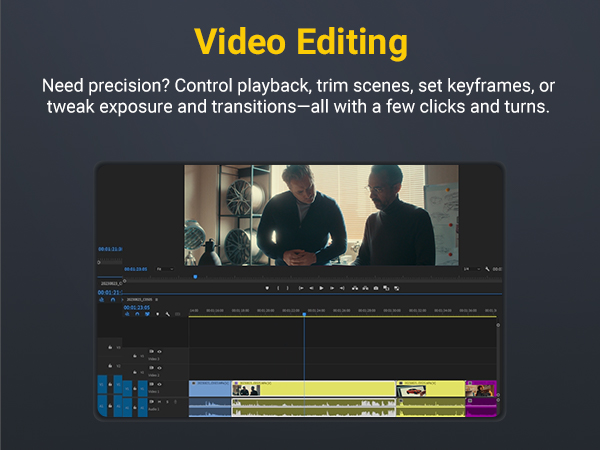
My computer has to be a jack-of-all-trades, one day I'm working through a big spreadsheet, another I need to edit a video of a panel discussion down from 90 minutes to 9 minutes. I have a thin small laptop with a fast processor and big hard disk. Video editing is a pain, especially on the move. To get to the right frame (so a syllable isn't cut off or to match a head movement 10 minutes later), I not only need to scroll to roughly the right place, but also to move frame by frame through the video. I don't do it often enough to remember the hot keys to Snip the video and Ripple Delete. I thought the Xencekeys might work, and it's cheaper than Loupedeck. It works very well! My video software (DaVinci Resolve) wasn't supported out of the box so I programmed the keys myself, including fast scroll and slow scroll (so I can turn the dial one frame at a time up to normal play speed on slow scroll, and much faster on fast scroll). The QuickKeys labels the hotkeys so I can see what each button does quickly, and so far I've programmed 8 hotkeys for DaVinci but no doubt I'll think of more. Which led me to look at enhancing my Windows work. Hotkeys to launch apps and to input a sequence of keystrokes is terrific, I use it in preference to the keyboard for those jobs even though I'm a keyboard enthusiast. Why only 4 stars? two things bugged me. 1) if you want to connect wirelessly, you have to use their dongle for a "private bluetooth" connection. The dongle would stick out of my laptop and bump into things, so that's a non-starter. I plug the wire in which is more obvious and less likely to get knocked. But the description I read said "bluetooth" so I thought it would work with onboard bluetooth 2) When programming keys, if Windows traps a keystroke combination then you can't get it into the Xencelabs QuickKeys editor. However there is a way around this - type the keys one after the other instead, and then export the configuration, load it into Notepad, change the relevant "," into "+" (it's obvious) and re-import the configuration. And Bob, as they say, is your uncle! It's fun at the moment. I'm sure in time it will just be routine.
O**L
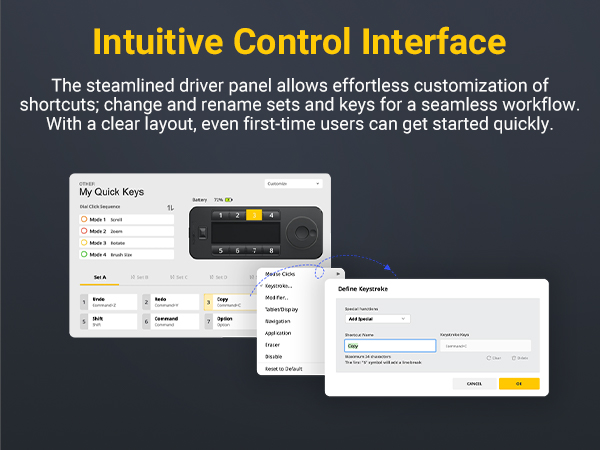
The Xencelabs Quick Keys device is extremely well designed and works seamlessly across my setup. The buttons are responsive, the dial is smooth, and the overall build quality feels premium. It adds a lot of efficiency to my workflow, especially for creative software where shortcuts matter. Setup is simple, installation is quick, and the software is intuitive to customize. Connectivity is stable whether using it wired or wireless, with no lag or dropouts. The device is lightweight but still solid enough to stay in place during use. The display is clear, the customization options are excellent, and the available color themes for the UI are a nice touch. Overall, this is a professional-level shortcut controller that performs reliably and feels great to use.
B**N
macOS işletim sisteminde kullanıyorum. En çok kullandığım programların kısayollarını, çeşitli web sitelerini ve sistem araçlarını kısayol olarak tanımladım. Çalışma mantığını anladığınızda kolaylıkla programlayabiliyorsunuz. Ayrıca bilgisayardan video ya da film izlerken de uzaktan kumanda olarak programladım, ileri, geri, dur ve başla butonları ile ses ayarı ataması yaptım. Hem işte hem de evde vazgeçilmez bir araç oldu. Uzaktan kontrol işlerinin hepsini yapabiliyor. Sunumları oynatma ve durdurma, video oynatma ve durdurma, programları ve web sitelerini açma, ses ayarı ve daha birçok iş için kullanıyorum. Dilerseniz bilgisayarda yazdığınız betik ya da kestirmeleri de çalıştırıyor. Benzer ürünler içinde en iyisi bu, araştırmalarım ve deneyimim bunu gösteriyor. Almayı düşünenler için tavsiye ederim.
A**R
ممتاز كما في الوصف
D**Y
Overall a good product but I didnt like the buttons. Hard to press and not responsive as I’d like.
T**S
Excelente como macro keypad
Trustpilot
2 days ago
3 weeks ago