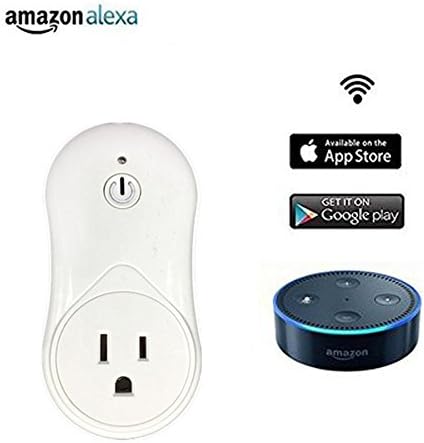
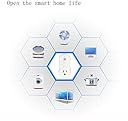
Thuepak Wifi Smart Electrical Socket, with USB Charging Port,Turn ON/OFF by Smart Phone Anytime,Work With Alexa. (1 pack)
Description
- Works with Amazon Alexa and Google Assistant for voice control,Remote control: Remotely turn appliances and electronics on or off from anywhere. At home or when you go out ,use Wi-Fi and mobile Networks to operate.Perfect for Household Appliances Lamps, Lighting & Electrical Equipment.
- Time Scheduling: Supports setting up many timing tasks and can repeat the daily ON/OFF cycle during weekdays and weekends; perfect for cooking or lighting at dawn and dusk.
- Save Energy:With no-need hand plug function,which can help you conserve energy consumption and also save your money
- Strong Compatiblity:Works with apps that download from any smartphones and tablets
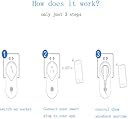
- Easy To Use:Scan the QR Code and install the APP to your mobile phone. Turn electric appliance On/Off in real time from anywhere of your sockets wirelessly,offer smart household life
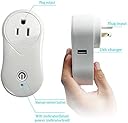
Make the socket plugg in power, press the button, the socket be opened, the red light will bright; pressed the socket button again,the red light put out. Hold down the button on the 10 seconds this moment, the blue LED light starts to shining, when the LED light stop shining, restore factory settings module was finished. Search network settings. Set up the network parameters, WIFI socket began to connect to the wireless router, when the router is connected to the success of the blue LED lights often bright. If your Wi-Fi router is Dual-band router, please select 2.4G network on phone to add the device. Also turn ON the Wi-Fi. Please do not hide it. Input Voltage: AC 100-240V 50/60Hz Out Voltage: AC100-240V 50/60Hz Max rating: 10A USB charger: DC 5V 1A
Common Questions
Trustpilot