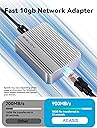
đ Stay connected, stay aheadâyour gigabit gateway to flawless networking!
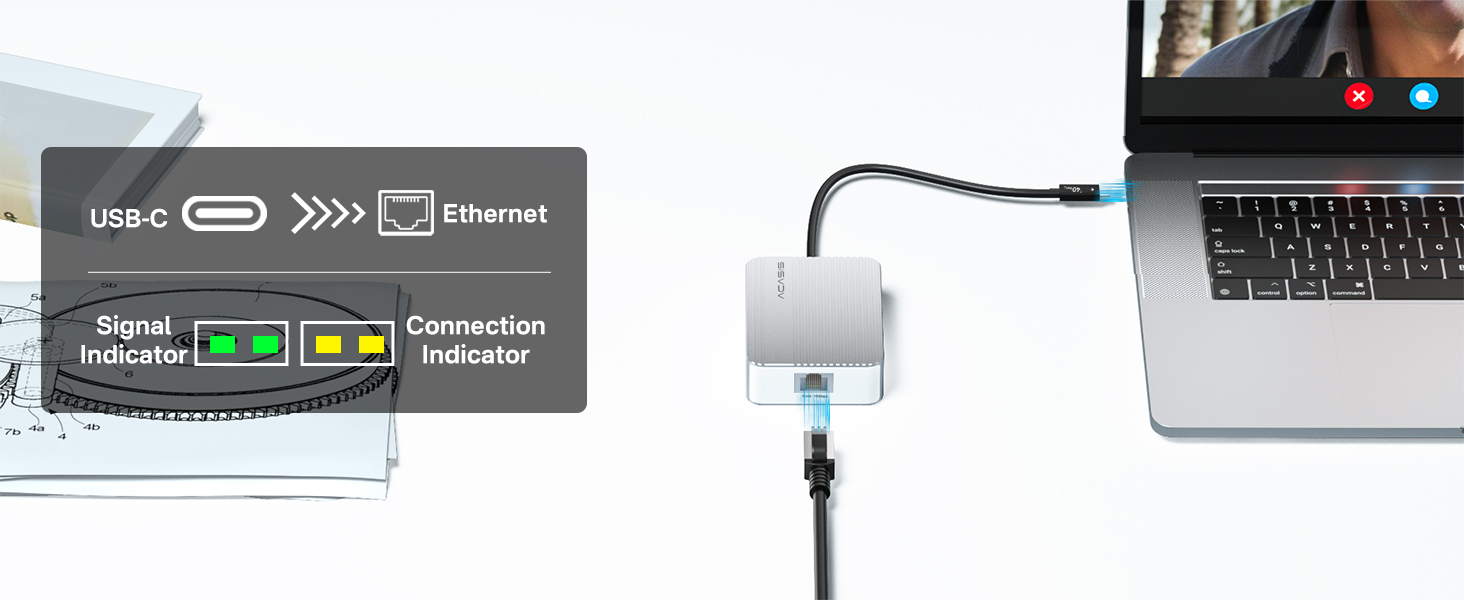
The ACASIS USB to Ethernet Adapter delivers blazing 1Gbps speeds via USB 3.0 with backward compatibility, driver-free installation, and broad OS/device support. Its compact aluminum design makes it the perfect portable solution for professionals demanding stable, high-speed wired connections on Mac, Windows, Linux, and ChromeOS devices.


| Compatible Devices | Desktop, Gaming Console, Laptop, Tablet |
| Color Name | ă·ă«ăăŒ |
| Batteries Included | No |
| Batteries Required | No |
| Brand | Acasis |
| Manufacturer | ACASIS |
| Item Model Number | NT0201 |
| Included Components | No |
| Product Dimensions | 8.74 x 6.38 x 2.78 cm; 125 g |
| Item Weight | 125 Grams |
J**X
Works perfectly and is much cheaper than the alternatives currently. Make sure to install the drivers if you are on windows. A must have if you have a 10gbe port NAS and want the fastest wired connection to it.
D**N
Current set up is a MB Air M4 and UGreen TB4 dock for regular productivity work. Since I heard so many bad things about 10gbe adapters, I made sure it worked directly connected to the MB first. Mostly full speeds on openspeedtest, minus overhead, 8 to 9.5 gb depending on the time. To my pleasant surprise, it worked connected through the dock as well, at pretty much the same speeds. I didn't see any reviews on connecting through a dock and getting full speeds, so I wasn't sure. I had not heard of this brand until shopping for adapters, but after looking into it a bit, they seem to be reasonably reputable. These 10gb ethernet adapters tend to get hot due to the inherent inefficiencies going through copper at speed, but for normal work, it's not an issue at all. Normal productivity work is mostly regular speeds limited by my 2gb internet and other devices' hardware, with occasional bursts within the network to and from a 10gb NAS to move large files. With this "normal" use case, the adapter stays a little warm, but not hot at all. I would guess that the people criticizing the heat move a lot of large files regularly. In mine and most "normal" use cases, full speed tops out at a minute or so. If power-using, it probably makes more sense to use an SFP+ connection as I originally wanted to do. However, the price of this compared to an SFP adapter made me rethink if I really needed fiber for my use case. I'm happy with my decision and would think copper makes more sense for most people needing occasional 10gbe speeds.
A**D
Gets pretty warm, so make sure its not squashed between things and has proper clearance. Devices like this can get in the low 100°Fs and its considered normal. I mounted a small aluminum heatsink on mine, probably unnecessary since the design includes small fins already- but I was stacking it and used the larger heatsink as a spacer as well to keep the devices touching metal to metal and building more heat. It's silent and fanless. Cheapest 10Gbe dongle on the market. comes with a high quality high speed USB-C cable. Only lights on the port and they aren't super bright so no worries about additional light. Works and functions as it should. Provides full 10Gbe connectivity. Did multiple speed tests with iperf3 and BlackMagic Speed test. Confirmed its a solid device for 1/2 to 1/3 the cost of competition.
A**T
I got a used item, and some parts were missing.
B**A
I bought this to copy large data over the network faster. It works at full speed of 10Gbps, but gets hot pretty quickly when I start copying data, then it keeps disconnecting. I had to unplug and plug it back in. It is basically unusable for me. Also, it does not work when I plug it into USB 3.2 ports. It only works with USB 4.0 ports on my desktop.
Trustpilot
4 days ago
3 weeks ago