We remain fully operational. Our teams are working around the clock to ensure your deliveries continue safely.

DOWNLOAD THE APP


Copyright © 2025 Desertcart Holdings Limited
DOWNLOAD THE APP
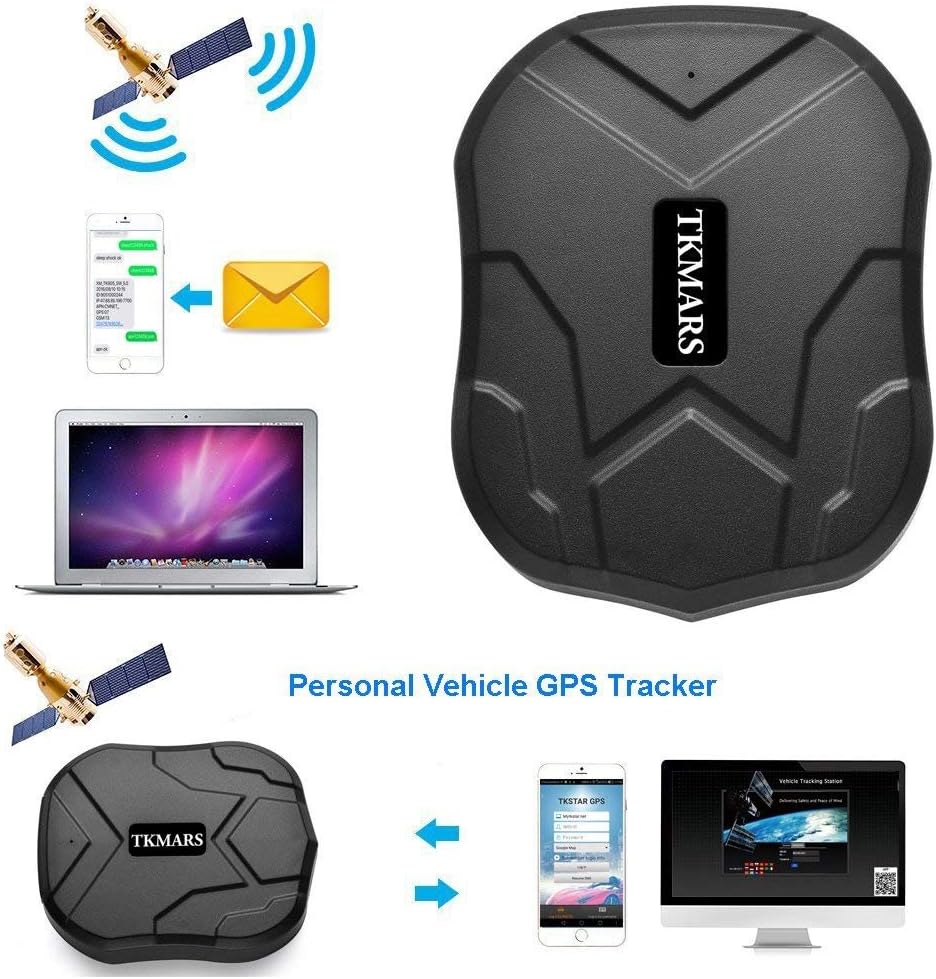
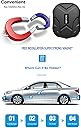
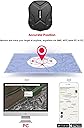

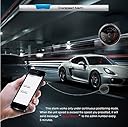
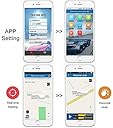
How does it work? Insert GSM sim card successly,(pls disable the pin code of the sim card ;and make sure it has been activated) ; check the status of indicator light .if both the yellow light and blue light are flash. It proves works well You can send SMS to get location(Positioning SMS commands:g123456#) or log in App by ID/IMEI # to tracking it. App name :TKSTAR GPS ,search it on app store/google play store or scan QR code on manual. ID/IMEI number: on the side of products box .password:123456 FAQ (1)Does this gps tracker support 3g/4g sim card? yes .both 3g and 4G card,it also supports 2g network. in other words,this gps tracker will worked with 2G SIM card or 3G/4G SIM card with 2G network. (2)Why does the device can’t be on line ? APN setting is wrong or GPRS is off  (3)How to turn on gprs? if the yellow light keeping solid ,means no gprs signal,you can send command :gprs123456 to turn on it. (4)How to find APN of sim card? every sim card has own apn content.you ask for the operator of that sim card ,or you can put that card into cell phone ,turn to setting page to find it. (5)How to activated sim card? you can activated sim card by set apn information ,after you send the first one ,you will received reply ok,then try to send the second one.there are a blank after 123456 in every command. (1)set APN command :apn123456 _+apn name (2)Set APN User Command: apn123456_+apnusername  (3) Set APN Password Command: apn123456_+password specifications Size: 90 x 72 x 22mm Weight: 168g Network: GSM / GPRS GPS sensitivity: -159dBm GPS accuracy: 5m Input: 5V-1A Output: 110-220V Battery: 3.7V 5000mAh lithium rechargeable battery Standby time: 90D package 1 x GPS Tracker 1 x USB cable 1 x Storage bag 1 x Micro Sim Adapter1 x Nano Sim Adapter
Trustpilot
3 days ago
2 weeks ago