
DOWNLOAD THE APP


Customer Services
Copyright © 2025 Desertcart Holdings Limited
DOWNLOAD THE APP
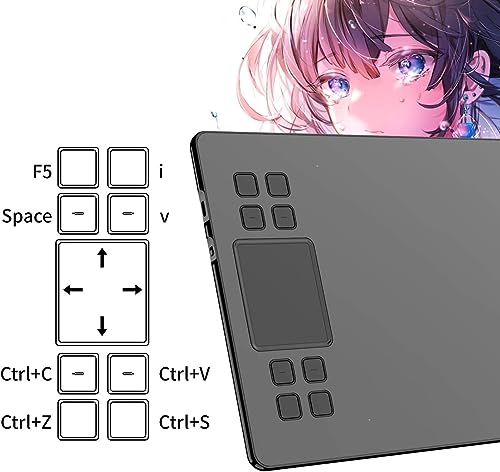
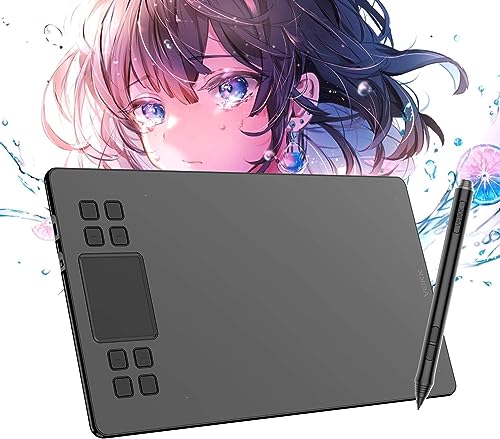
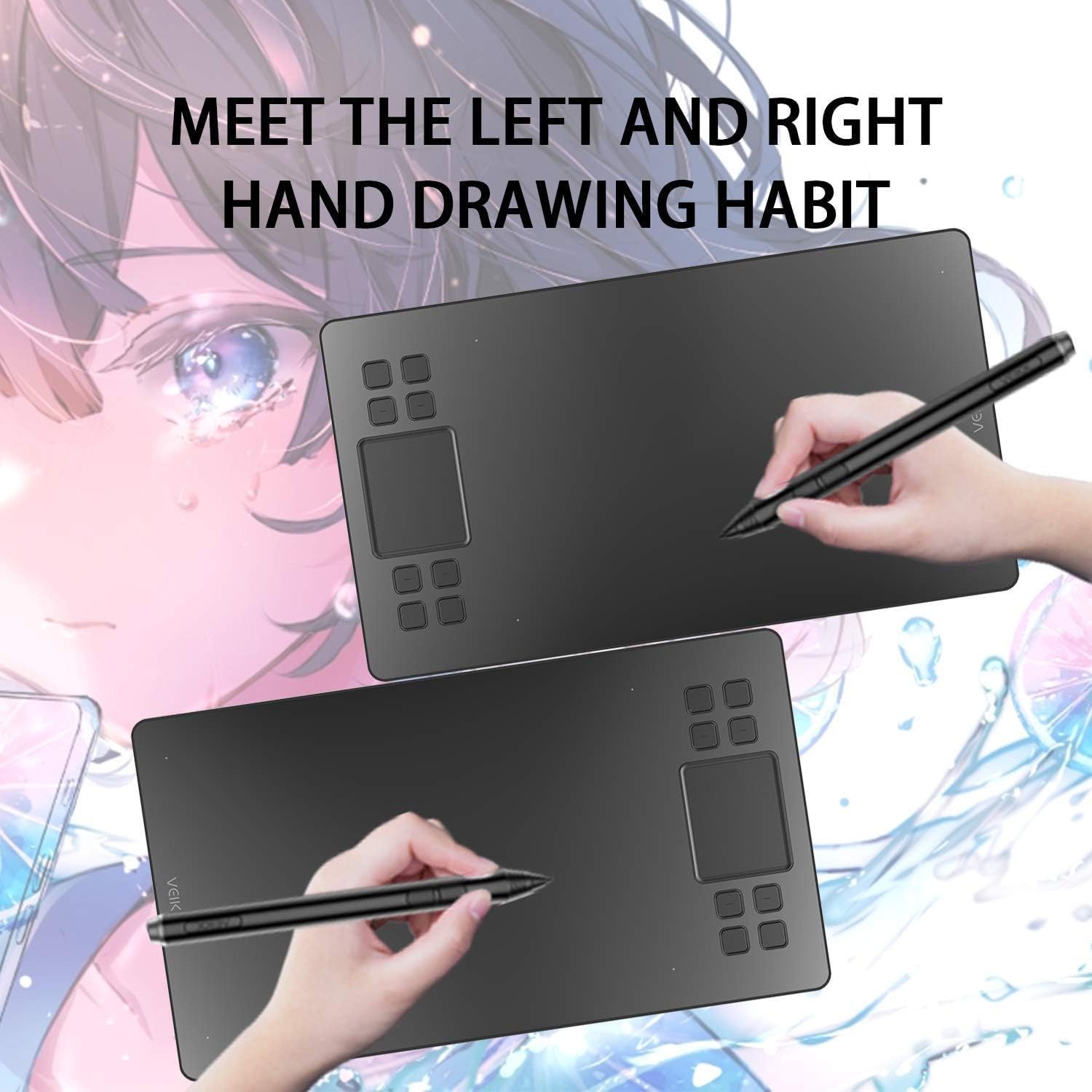
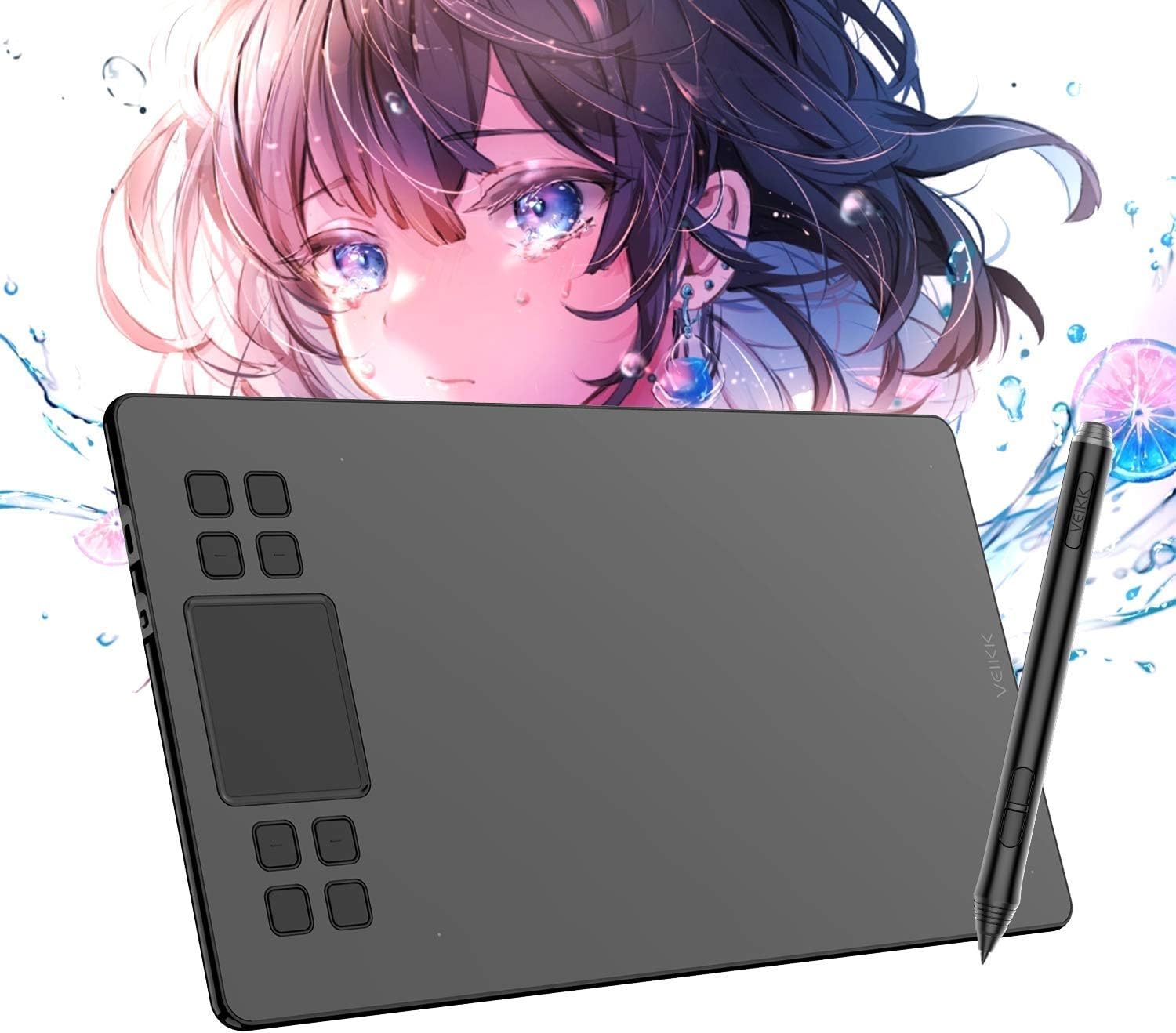
🎨 Elevate your digital art game with precision and style — don’t just create, captivate!
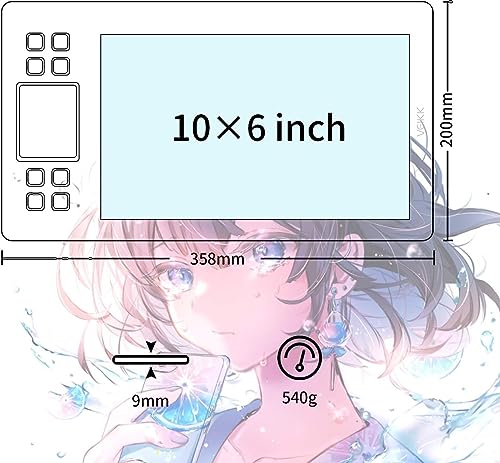
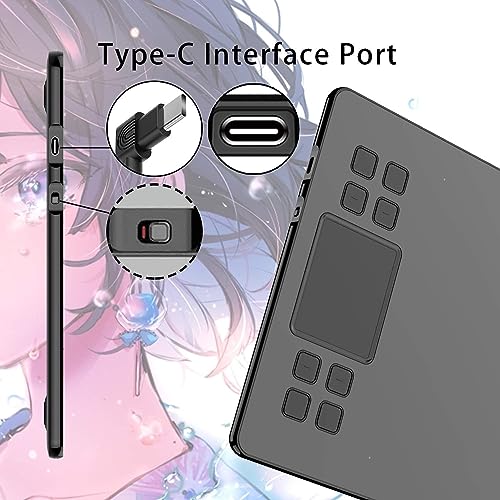
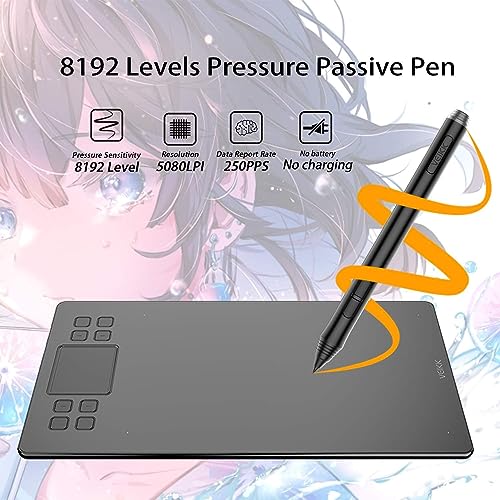
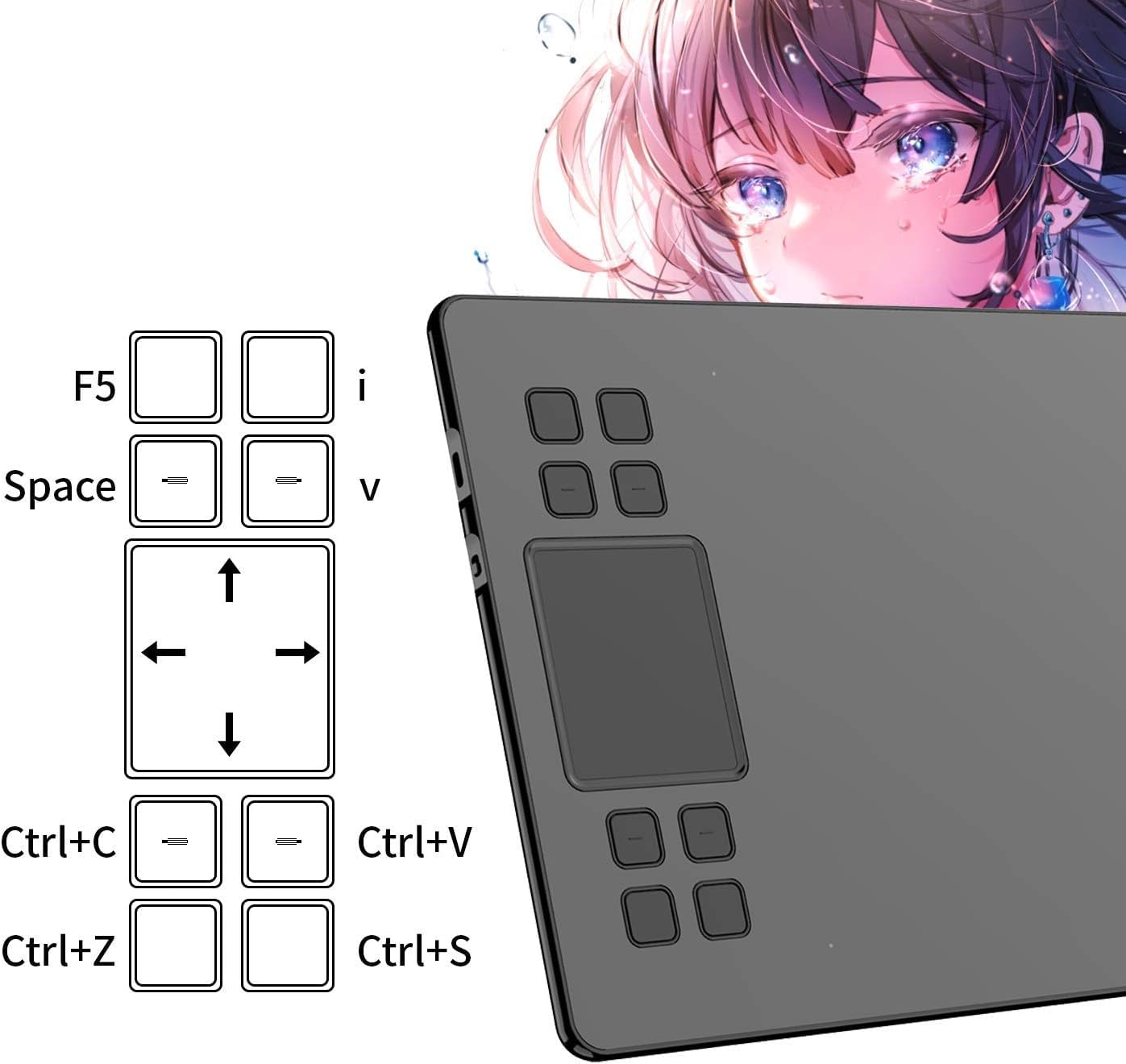
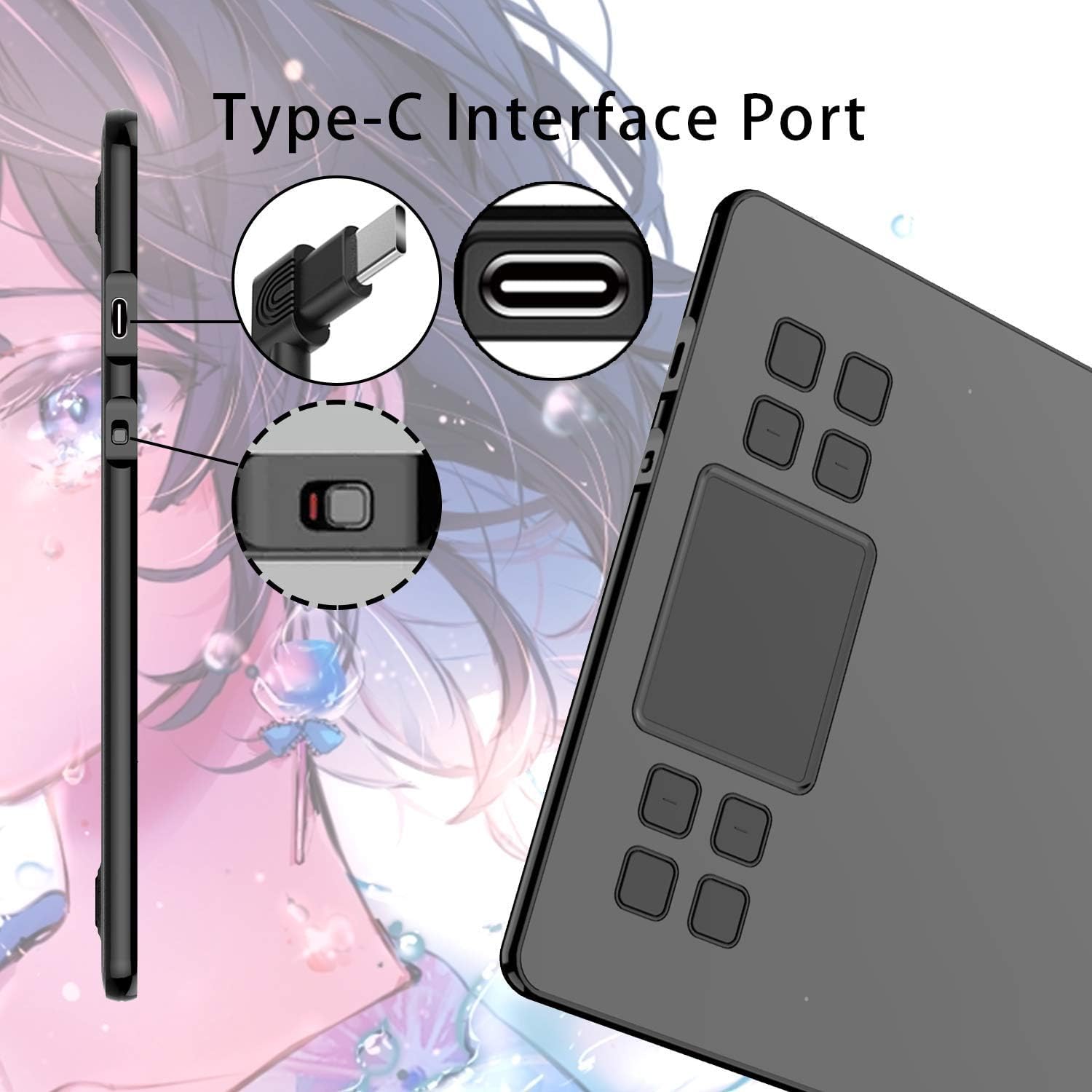
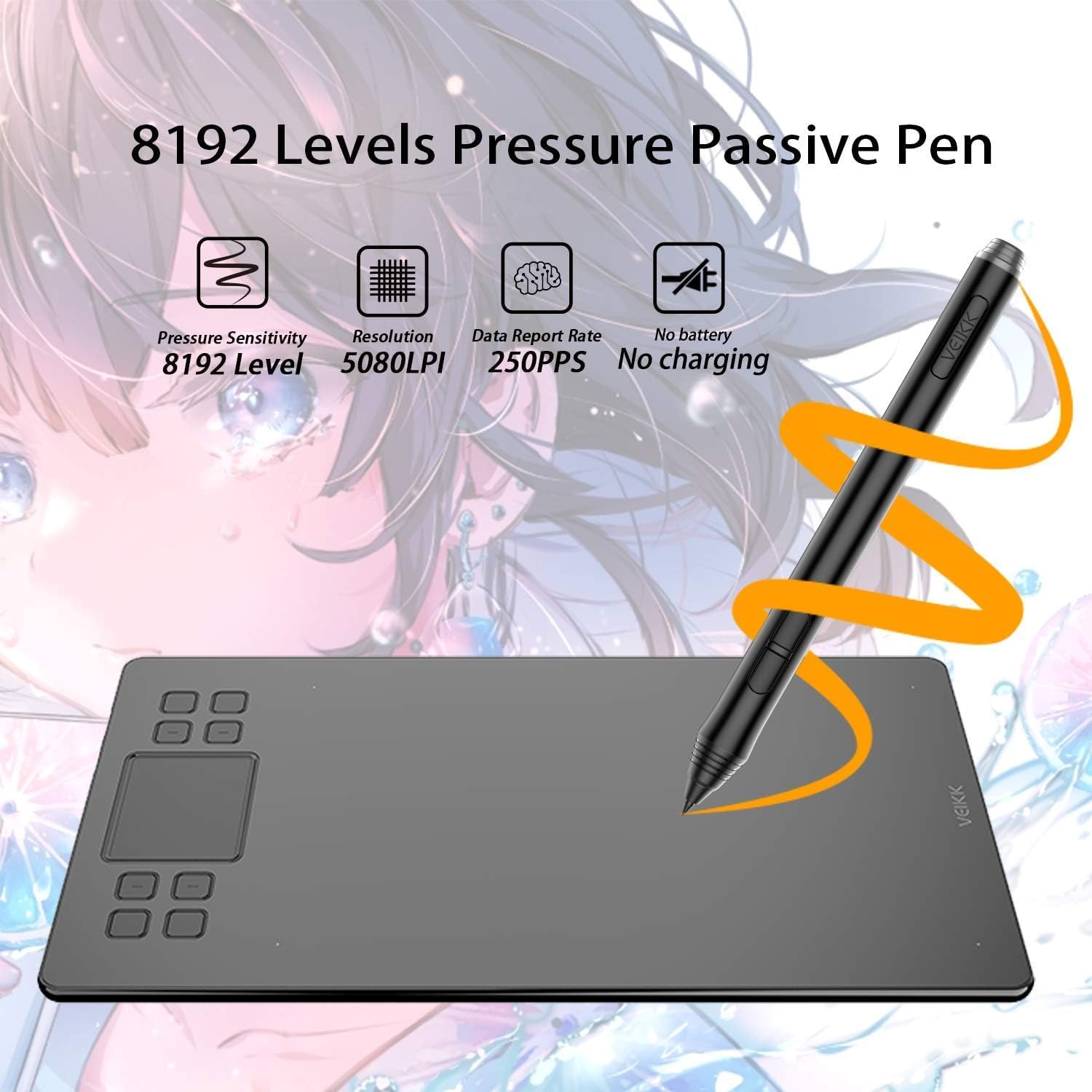
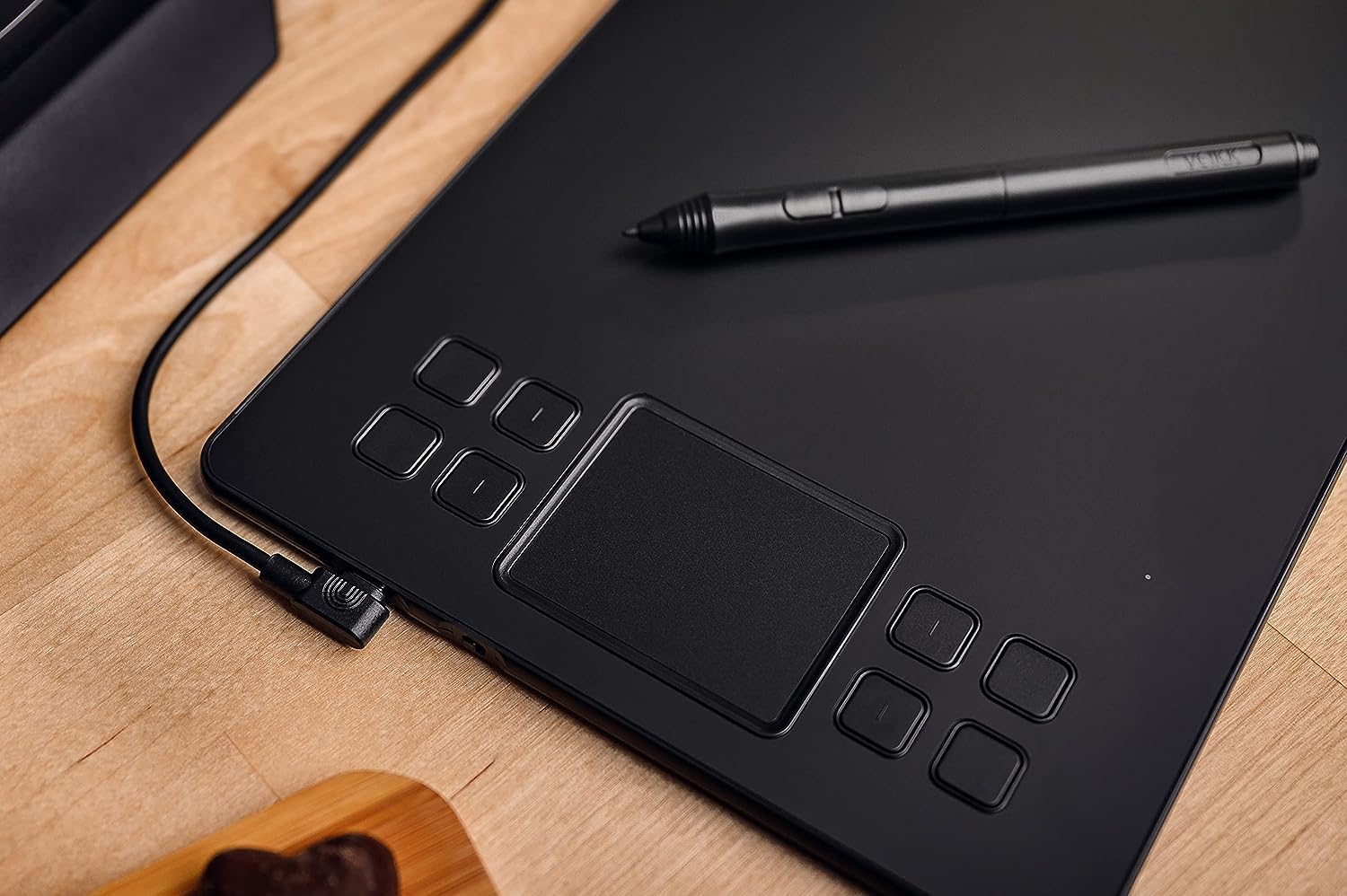
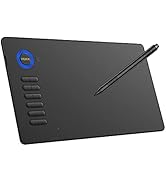
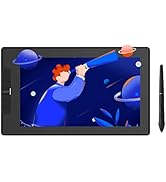
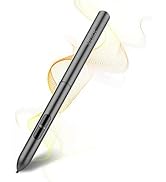
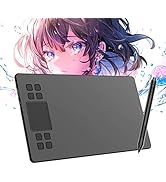
The VEIKK A50 is a professional-grade 10x6 inch graphic drawing tablet featuring a papery textured surface, 8192 levels of battery-free pen pressure sensitivity with tilt support, and 8 customizable express keys plus a smart gesture touchpad. Compatible with Windows, Mac, Linux, and Android devices, it connects via a reversible Type-C USB port. Ultra-thin and lightweight, it offers a natural drawing experience ideal for digital artists seeking precision and portability.







| ASIN | B07GKXNGBQ |
| Batteries Included | No |
| Batteries Required | No |
| Best Sellers Rank | #238,509 in Electronics ( See Top 100 in Electronics ) #236 in Graphic Tablets |
| Brand | VEIKK |
| Connector Type | USB |
| Country of Origin | China |
| Customer Reviews | 4.1 4.1 out of 5 stars (866) |
| Date First Available | 28 May 2019 |
| Device interface - primary | Touchscreen with Stylus Support |
| Does it contain liquid? | No |
| Generic Name | Graphic Tablet |
| Hardware Interface | USB |
| Importer | VEIKK |
| Item Weight | 527 g |
| Item model number | A50 |
| Manufacturer | VEIKK |
| Model | A50 |
| Model Name | A50 |
| Net Quantity | 1 Piece |
| Operating System | Android,Linux,Mac,Windows |
| Packer | VEIKK |
| Screen Resolution | 1920 x 1080 pixels |
| Special Features | 60° Tilt Support |
| Standing screen display size | 1E+1 Inches |
P**H
Excellent Graphic Drawing Pen-Tablet
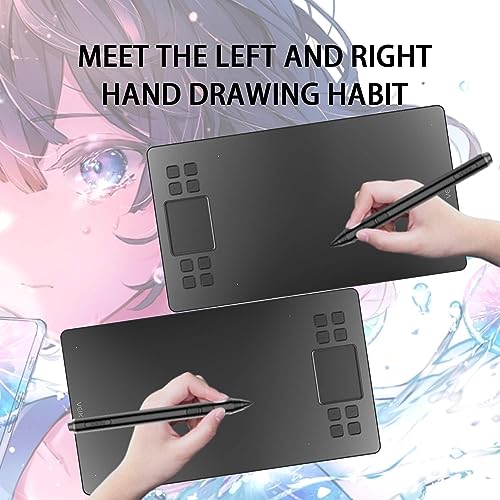
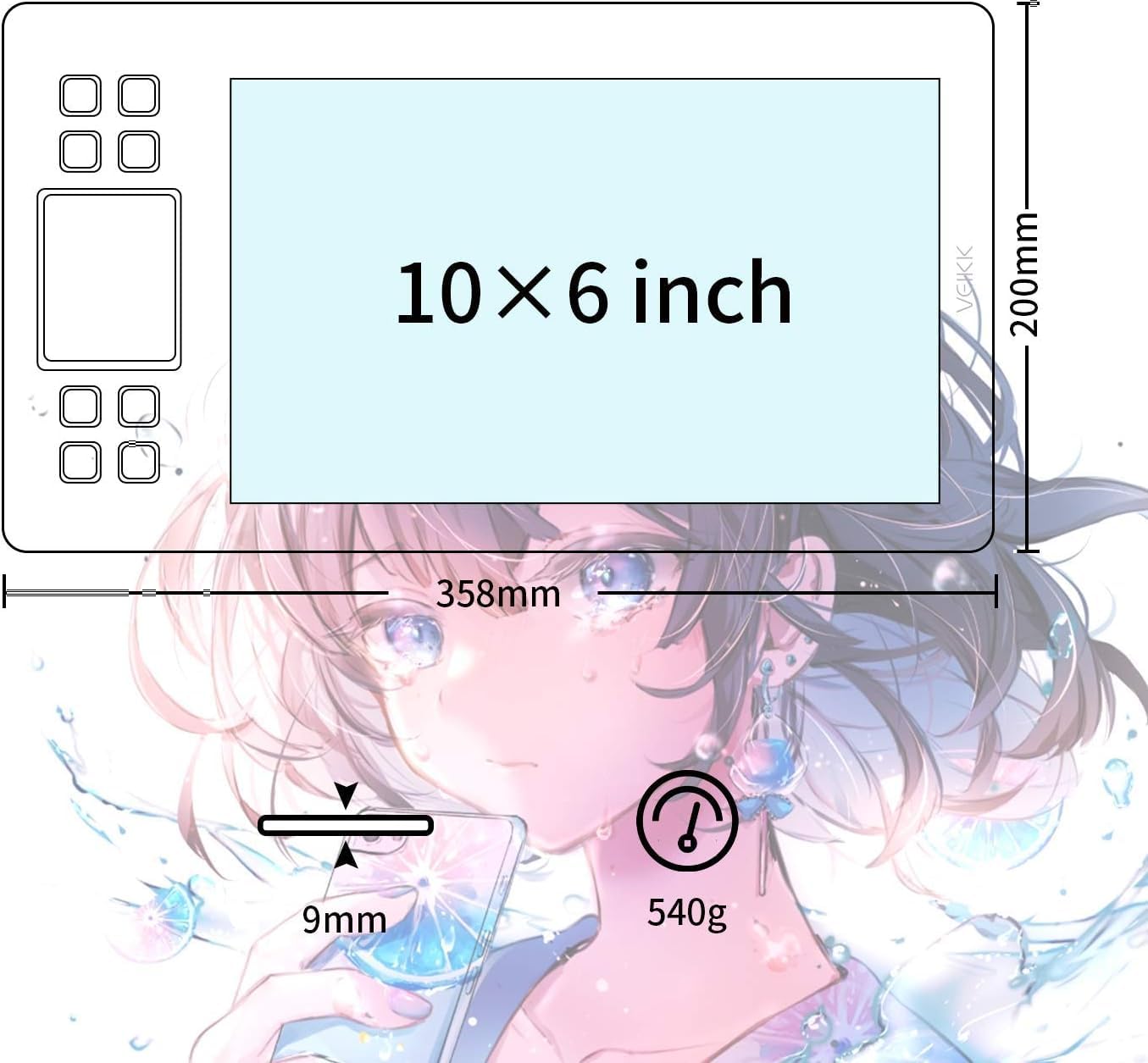
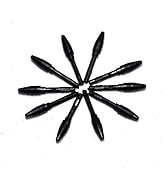
The VEIKK A50 Graphic Drawing Tablet is a nice looking and well organized tablet for its users with a unique touchpad feature making it different from any other tablets. I bought this Veikk A50 tablet from Amazon for my ArtWork and I am writing this review here after a week of use and I can personally say it is a best tablet in current market with low price and lots of features. Amazon has delivered it quickly in 1-2 days and packing was well done to protect it from damage. Important Specifications :- Model : A50 Working Area: 10x6 inch USB-port : Type-C Pen Pressure : 8192 levels Pen : Battery-free Pen Report Rate : 250 RPS Resolution : 5080 LPI Reading Height : 10 mm Keys: 8 Express Keys & Gesture Touchpad The VEIKK A50 comes with 10x6 inch working area. 10x6 inch is a very popular size for the tablet. It provides enough large space for artistic creation. I tested it by drawing some arts and it was absolutely fitting easily to draw with the pen. VEIKK A50 is an Ultra-thin and light in weight with 9mm in thickness and 535g in weight, making it easily portable. Package Contents:- 1x Pen Tablet 1x Passive Pen 1x Pen Pocket 1x USB Cable 1x User Manual 1x Thank-you card 1x Pen nib remover 8x Extra Pen Nibs VEIKK A50 comes with papery texture surface, which I really liked a lot while creating my digital art. Pen which comes is very intelligent and passive with advanced 8192 levels and battery free. We don't require to charge it or put in a battery to work. VEIKK A50 comes with Smart Gesture touch and 8 Easy touch keys with different functionalities. Smart Gesture touch helps us to zoom in and out the picture easily. It also helps in adjusting the Brush size left or right. 8 Keys can be manually set with the required functions.The Pen have two buttons which can be set by the user as per the required functionalities such as right click, middle click, Eraser, etc. We do get 8 replacement Nips with the tablet, so we can replace the Nips and use it for long time.Holding the pen feels pretty comfortable. Click is nice and decent in use.The tablet has a simple design with the whole top surface being one flat piece of roughly textured plastic. Tablet can be set to use for both left-handers and right-handers. I was feeling very comfortable while doing my artwork and drawing on the tablet with something like pen is always exciting which gives you a smooth and well-organized sketch onto the screen. This tablet works with both Windows and Mac system. It works with almost every software such as Photoshop, SAI,AI,Autodesk SketchBook,Corel painter,Comic Studio, Zbrush,Maya and more.It supports Type-C Interface port and can be easily plugged with either direction which is more convenient and stable. Thank you Veikk & Amazon!!!
R**A
Good product for this price
Pros- This is a pretty good budget tablet for artists. It's compatible with almost all applications and very sturdy. I've been using it everyday for almost a year and I've yet to change nibs or there's no damage to the tablet. It has right hand and left hand mode and customisable buttons. The pressure senstivity is perfect and the mapping is very accurate. Cons- Pen and cable for this tablet aren't sold separately so if either of those things incur any damage, there's no exchange or cheap repairing. The website for Veikk shuts down every now and then so downloading and updating driver may be an issue.
A**N
Nice Tablet ❤️❤️
This is a very good and awesome product for Digital Artist. It has the latest features and easy to use. Also, it is value for beginners. Viekk A50 is all name comes with innovation as every digital artist love to have. It has not compact in design that would take much of your desk space. It has features anti-slip design too and weight is light to carry anywhere. The 8 programmable express keys are excellent to set your favorite shortcut keys and smart gesture are excellent feature of this tablet, that comes handy on the use of your software. The Viekk A50 comes with beautiful packaging. When opened the box I found one tablet, 1 pen, 8x nibs, 1 USB type c Cable, and 1 quick start guide to making this product complete. I downloaded the latest driver from the Viekk Site. The all-new A50 comes with battery-free pen, which sets me free from charging it. The Pen resolution is 5080LPI to working precisely ever with Read rate of 250PPS. Also, it has a massive 8192 of pressure sensitivity with enhanced tilt support that giving me to work naturally on favorite software. After that I plugged it into my PC to test it on Adobe Photoshop and Adobe illustrator is a truly big plus, drawing and painting is awesome to use. But at last i found some bug in software, sometimes his cursor didn't respond and stopped working. I think you should little bit improve your software otherwise this is excellent tablet. I love this tablet. The performance is simply flawless. For the final verdict, Viekk A50 is a true professional quality that money can buy. Enjoy the drwaing.
A**D
Amazing product
Hey guys my name is Aahil. I'm here to review the amazing VEIKK A50 drawing tablet. Box Contained :- Instruction and spare nibs are inside the white box which holds the pen and cable. Installation :- Read the instruction and connect the USB cable to VEIKK A50 tablet and then install the driver from the official website of VEIKK the drivers are available for both Windows and MAC operating system. Performance :- The surface of tablet is very smooth, it makes it very easy to design any drawing and also have bigger screen (10×6 Inch) so you get lot of space to draw. The hot keys on the tablet make it very easy to program while designing. It reduces the amount of time taken as maximum things are handy. Pen :- The pen works perfect while designing. VEIKK provides extra nibs too. It's lightweight and battery free pen. It has a good grip while designing. Actually I'm in love with this product if you want any drawing tablet in budget I'll recommend you to buy this drawing tablet. It is a perfect device to use any kind of design or illustration. Thanks VEIKK.
K**T
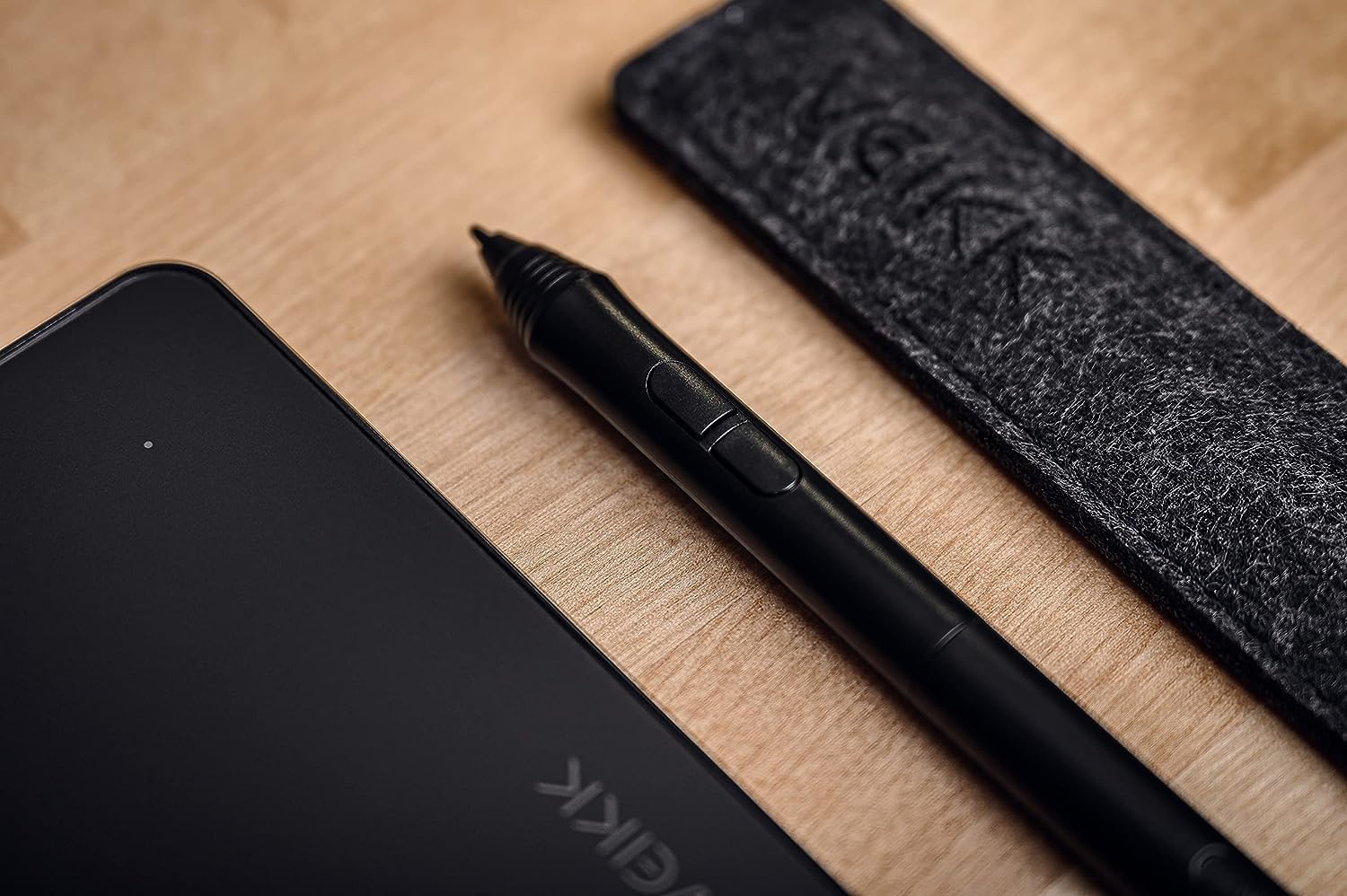
The VEIKK A50 drawing tablet is a great tablet overall, especially when you consider the price. At the price point of $45 dollars, this tablet delivers a drawing experience that is responsive and enjoyable. When the tablet arrives and you open the box you will see that it comes with the tablet itself, a pen (with pen cover for easy travel and protection), USB type-c plug (to connect to your windows computer or mac), nib remover and some extra nibs. Basically, it comes with all the basics that you will need to start drawing digitally. All you have to do is plug it into your computer and from there install the drivers. Driver installation is simple for this device. After you visit the company's website all you have to do is download an all in one driver that works across all of their products and restart your computer and then you are good to go. So far I tried this tablet with Corel Painter 2019, Photoshop (latest Version), and Rebelle 3. Corel Painter and Rebelle 3 both worked well without any problems. The pressure from the pen worked great and I was able to control my line weight perfectly while feeling natural. However, I encountered a problem with Photoshop. For some reason, Photoshop didn't detect that my pen had pressure sensitivity which caused the pen to act as if it were a mouse (so no pressure sensitivity). Therefore I contacted the support team and they sorted it all out In no time. Other than that the tablet worked as expected and I highly recommend it. Great for beginner artists or those that are on a tight budget. --Cheap --Sturdy build for the price --Battery-Free Pen --Works with common drawing applications --Has express keys Fix for Photoshop. ***Navigate to folder in C drive>Users>(YOUR_NAME)>AppData>Roaming>Adobe>Adobe Photoshop CC 2019>Adobe Photoshop CC 2019 Settings*** From there create a text file named --PSUserConfig.txt-- and in that text file type # Use WinTab UseSystemStylus 0
J**G
The tablet is nice slightly bigger than my android tablet that I used to use. This has a 10x6 drawing area with 8192 Pressure really nice The pen is battery less but quite uncomfortable for my small hands too thick and hard no cushioning Good software to set shortcuts to all the buttons for easier drawing. The buttons on the tablet have a nice easy feel to them. Coming from drawing on a screen with my android tablet feels kinda off I'm not used to NOT looking down at my hand and screen at same time so it is slowing me down for now until I get used to it. There is a large improvement in the quality of my drawing due to software and fine lines and thick lines and what not, even though I'm slower right now, with the overall better drawing I definitely say it's worth it! It makes me want to practice more and really improve my skills. My problems are basically not important to others who have experience drawing on pc tablets so you really should get a Veikk Tablet! I have included a drawing from using the Veikk Tablet and my Android Tablet to show the improvement
L**G
From before I even used the VEIKK A50 I was impressed. The design was sleek and sophisticated, I liked that it was lightweight and easy to travel with. The working space is a decent 10x6 inches and in the mid-size range compared to other tablets on the market. The pen is also a decent thickness, it doesn’t strain my hand, though it is pretty lightweight. There is only one cord to connect the tablet to your pc, it is a USB to USB-C so very easy to replace should you not like the length of the one provided. The one that comes in box is actually quite long and I found myself with a lot of extra cord to work with, though this is because I work from a laptop and all of my USB ports are close to me. I had never used a tablet with a gesture pad before this one so I was a bit wary of it (if you’re certain it’s not your thing there is an off button for it on the side of the tablet) but I found I actually quite like it! The default gestures are up and down to zoom in and out, and left and right to change your tool size. You can change these gestures and also the double tap on the gesture pad in the driver menu. The other shortcut keys can also be bound to whatever keys you prefer, and I liked that two of the keys on top and bottom had bumps so that I didn’t confuse them since I find myself rarely looking down at tablets when I draw. Once I had changed the keys to my preferred shortcuts I was drawing instantly. I tested it on Clip Studio Pain, Photoshop, and Adobe Sketchbook with no issues. I found it super nice to draw on and I liked the feel of the tablet, and the keys all worked well (especially had fun with the gesture pad). If you have ever worked on a graphic display you know that your posture is bad, leaning over the display, and usually putting pressure on your shoulder and arm, so I find it relieving to work on a tablet like this where I am not straining my arm. Every artist should be mindful of how their body is sitting when drawing for hours, these tablets are great to give your body a rest and sit at a more neutral position. The one thing I noticed while working on it is that there isn’t anywhere to keep your pen when you want to put it down. The tablet comes with a little soft case, but that is something you have to insert it into, and it’s not easy to grab out. I ended up using a pen stand from another tablet while working on this one to avoid my pen rolling away. But this is something super minor because I really didn’t have anything bad to say about the tablet. This tablet was a very pleasant surprise and I find myself coming back to it. For the price you pay I think it’s worth every dollar. The built quality is great, the driver worked fantastic, and I got to create some art with it, what more could I ask for?
D**D
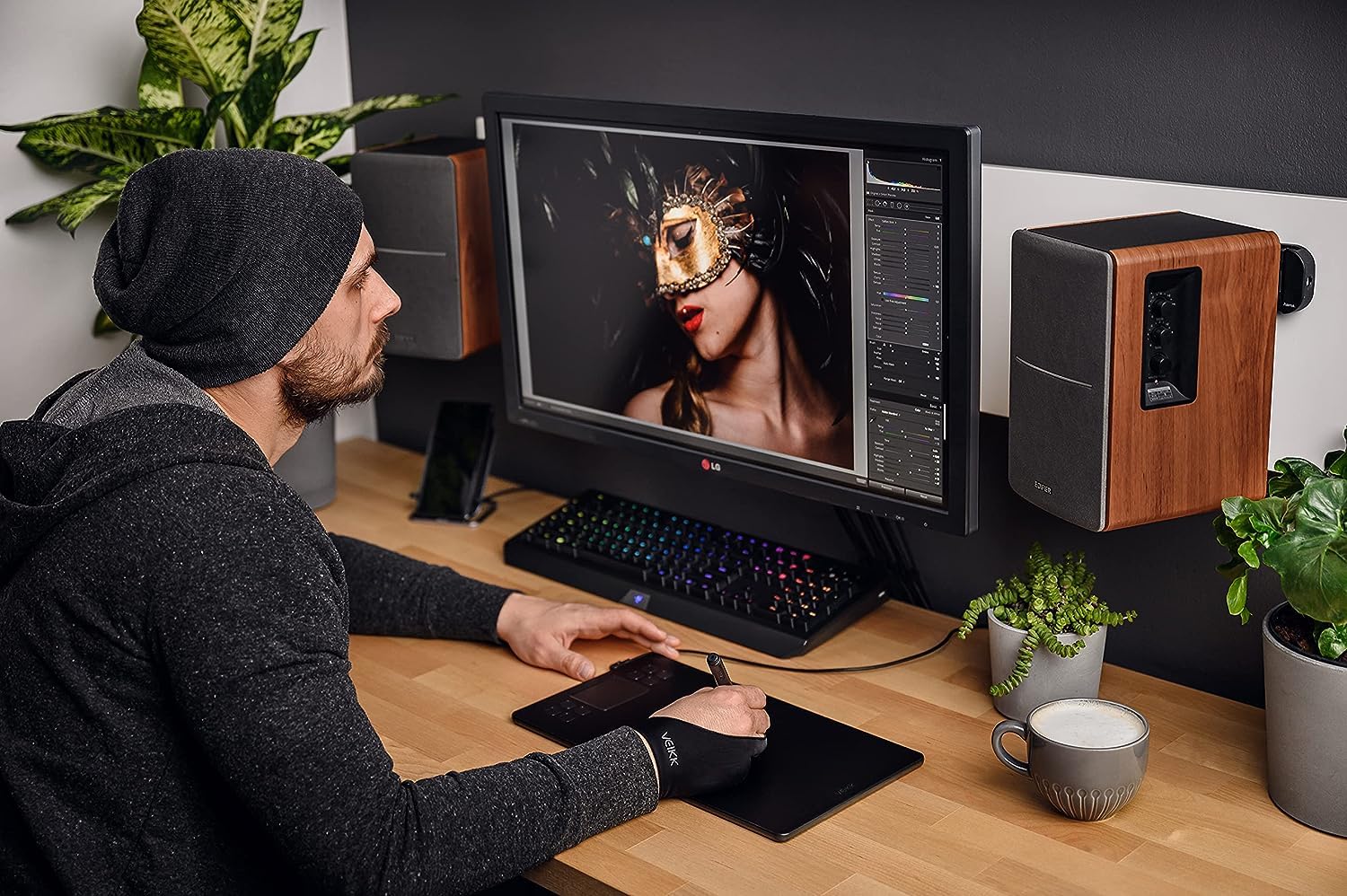
I'm very impressed with the quality of this product for the price! I was deliberating for months to either buy this or a Wacom which are SO very overly priced. After watching many videos, I decided to give this a try and wow I am impressed. As a professional photographer and retoucher, I give my approval of this product. It did take some time to configure it with separately and specifically for Lightroom and Photoshop. I did contact the manufacturer for some support and they responded with very step-by step videos to aid in my needs. I felt like they were there for all my inquiries as a customer. I would support and recommend this product as a professional. It great for beginners with basic needs and easy shortcut programming as well. Wait a go VEIKK, I'm here for you! You've helped me save A LOT of money by buying this product. I would love to test more products for you in the near future. All the best! I'm looking forward to a new affordable bluetooth/wireless version next :)
K**K
After a while of using Veikk's s640 I saw this tablet was coming out and decided I should try it. I could not be more pleased, this drawing tablet has everything you could want for the price, with 8 shortcut keys, a touch pad, 8192 levels of pressure, a battery free pen, and a usb type c connector. The A50 has performed flawlessly so far, there may be a few kinks here and there but over all I haven't had any major issues, all issues I have run into were driver based and can be easily fixed. It works in every art program I have tested it with, this includes Fire alpaca, Krita, Photoshop, Paint tool sai, Autodesk Sketchbook, Open Canvas, drawpile, and more. All in all I think that the A50 is a great for the money and I would recommend it to anyone looking to get into digital art or artists looking for a great budget option.
Trustpilot
2 weeks ago
1 month ago