We remain fully operational. Our teams are working around the clock to ensure your deliveries continue safely.

DOWNLOAD THE APP


Customer Services
Copyright © 2025 Desertcart Holdings Limited
DOWNLOAD THE APP

🚀 Elevate your office game with color laser speed and smart wireless power!
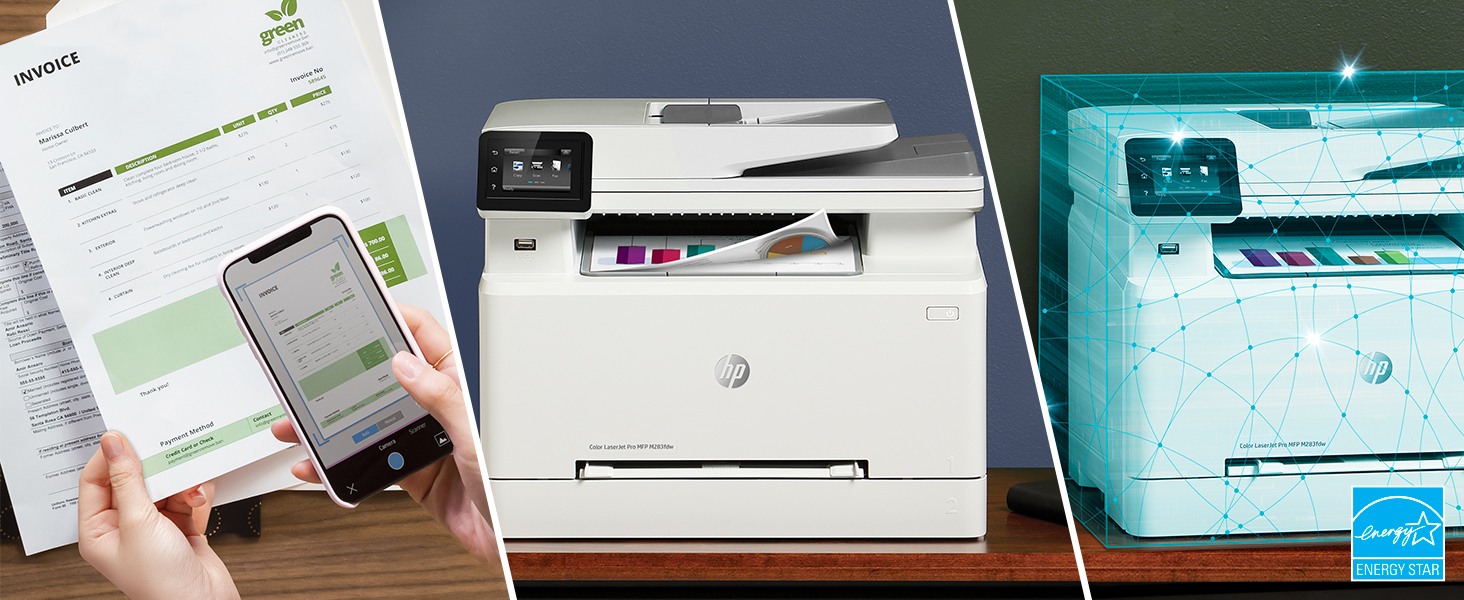
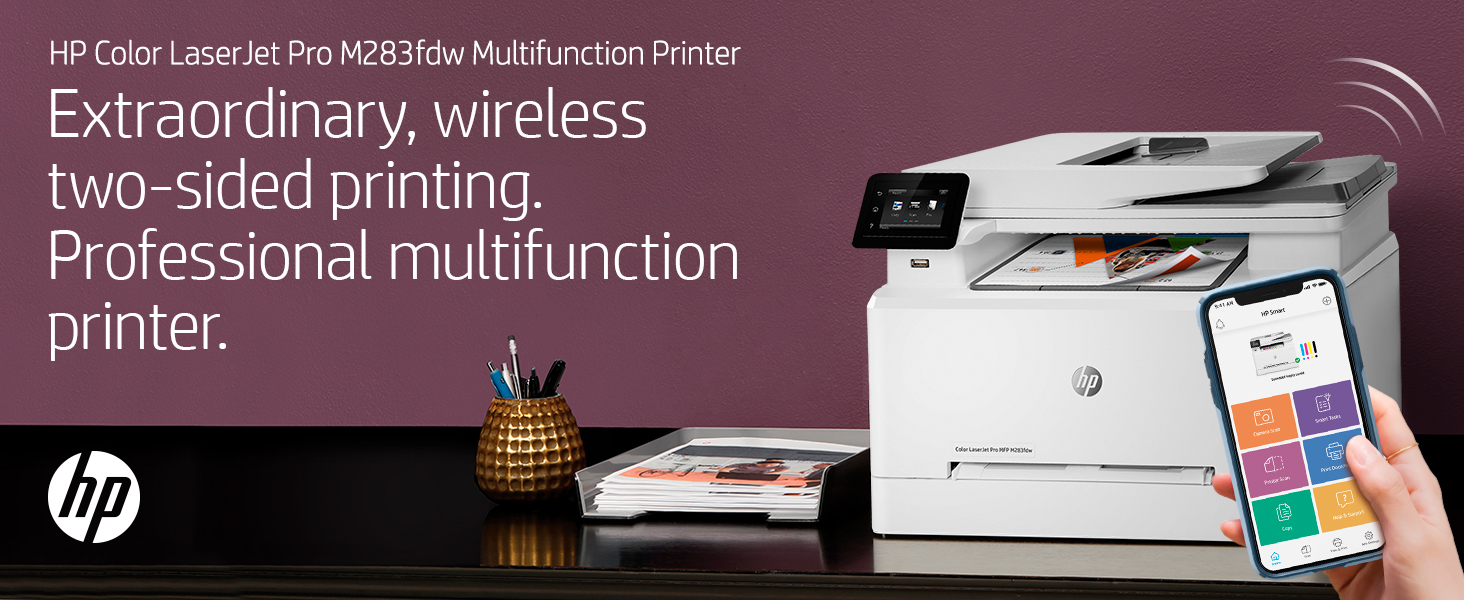
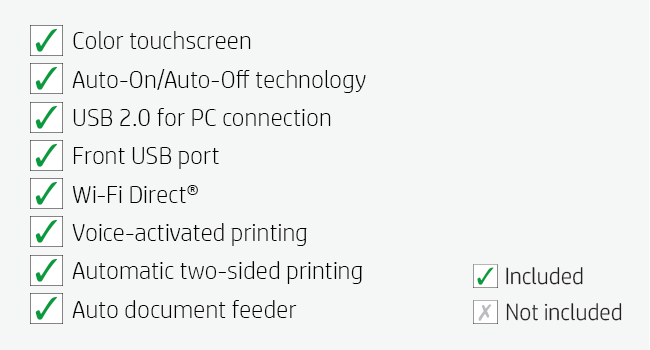
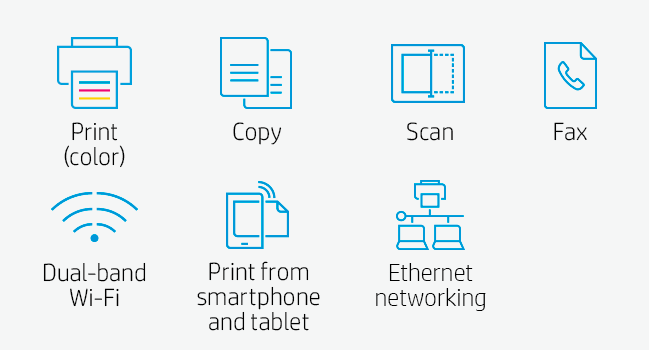
The HP Color LaserJet Pro M283fdw is a wireless all-in-one laser printer designed for professionals who demand fast, high-quality color printing, scanning, copying, and faxing. Featuring up to 22 ppm print speed, a 2.7" color touchscreen, automatic duplex printing, and a 50-page document feeder, it streamlines office workflows. With HP Smart app integration, dual-band Wi-Fi, and built-in security essentials, it offers remote control and robust protection for your business data. Ideal for home offices and small businesses seeking reliable, multifunction performance.




| ASIN | B083ZYLGGR |
| Additional Printer functions | Copy, Fax, Scan |
| Best Sellers Rank | #90,884 in Office Products ( See Top 100 in Office Products ) #109 in Laser Computer Printers |
| Color Depth | 24 bpp |
| Compatible Devices | PC, Smartphones |
| Control Method | Remote, Voice |
| Controller Type | Amazon Alexa, Vera |
| Customer Reviews | 4.2 4.2 out of 5 stars (4,539) |
| Date First Available | March 22, 2020 |
| Dual-sided printing | Yes |
| Duplex | Automatic |
| Global Trade Identification Number | 00193905486694 |
| Hardware Interface | Ethernet, USB 2.0 |
| Included Components | HP Color LaserJet Pro MFP M283fdw; HP LaserJet Black Introductory toner cartridge (~800 page yield); HP LaserJet Cyan Introductory toner cartridge; HP LaserJet Magenta Introductory toner cartridge; HP LaserJet Yellow Introductory toner cartridge (~700 color composite C/Y/M page yield) Installation guide; Power cord; USB cable; Phone Cord |
| Ink Color | Black, Cyan, Magenta, Yellow |
| Item Weight | 41.1 pounds |
| Item model number | 7KW75A#BGJ |
| Manufacturer | HP |
| Max Copy Speed (Black & White) | 22 ppm |
| Max Input Sheet Capacity | 250 |
| Max copy resolution black-white | 600 dpi |
| Max copy resolution color | 600 x 600 dpi |
| Maximum Black and White Print Resolution | 600 x 600 Dots Per Inch |
| Maximum Color Print Resolution | 600 x 600 dpi |
| Maximum Media Size | 8.5 x 14 inch |
| Memory Storage Capacity | 64 MB |
| Model Series | 283 |
| Number of Trays | 1 |
| Power Consumption | 361 Watts |
| Print media | Paper (plain) |
| Printer Ink Type | toner |
| Product Dimensions | 16.5"D x 16.6"W x 13.2"H |
| Scanner Type | Sheetfed |
| Series Number | 283 |
| Sheet Size | 4 x 6 to 8.5 x 14 |
| Supported Media Sizes | 10 x 15 centimeters, A4, A5, A6, B5, B6, C5 |
| Total USB Ports | 1 |
| UPC | 193905486694 |
| Warranty Type | limited warranty |
| Wattage | 7 KW |
K**K
It’s not a long term investment, it’s right now Nirvana
Are you tired of your ink cartridges drying out, especially when you have not printed much yet? And if you are being forced to use cartridges manufactured by the company that built your printer, you may feel that your printer company sees you as a sex object. I had gone from thinking I was being screwed, to knowing it. I know that the cartridges still had plenty of ink in them when my printer stopped working for ink depletion. Laxer jets have a higher purchase cost, but they can sit there forever between jobs, and mine has never experienced ink too dry, inability to print while there was any toner left, and I bought a reconditioned unit that was remanufactured, and tested for an insanely good deal, built before they required ink with a smart chip, and shipped with the toner used to test for quality control after remanufacture. Easy set up, seems to handle all I need as far as paper size and quality, fast spool up, and high print volume while keeping print quality high. I don’t use mine professionally, but I have no problem suggesting that whoever you are, you should really give a lazer printer a shot next time, you can find room for it. The cost of replacing the toner can be high for some newer machines, and I have heard that expense can come quickly enough when the toner that came with it runs out, but I have not heard that but once, and if you are not a pro, you can certainly avoid that issue by reading the reviews like I did. Support was also excellent and responsive.
J**W
A very solid color laser that does what is says and without hassle
I really like this color laser. It was easy to install and configure. I was up and running in approximately an hour. My only real issue was that the scanner defaulted to WIA when TWAIN is what my File Center software uses. Not a problem. This color laser supports both and HP had the driver I needed. Jut went out to their well organized support site and there it was. Printing from my iPhone and iPad was easy. As this is replacing an old Brother that didn’t have that capability, this is a big step up for me. I’m not getting rid of the Brother as it still works well, but it will mainly do black&white from here on. The print image is sharp. I needed to print some landscape designs that were made for large format printing and I easily read all but the smallest detail. For the super small detail, with the help of a magnifying glass, that print info was also very sharp. Maybe if I had my eyes from 40 years ago I could have seen it. The printer is quiet. In a room full of equipment that is important. Probably my only critique is removing printed pages. The holding surface needs a little dip to make it easier for those of us with sausage fingers. I got used to it quick enough but would have liked a little dip in the surface to make it easier. The printer comes with very old software and I tested both the wireless printing as well as the email to the printer option. As always, HP has a bunch of available forms and crafts. With land line phones almost obsolete, the mobile fax option is important. For me, it is important only one time per year. Overall this a a very solid color laser for home office use.
D**R
I set up this printer in a few minutes and it worked perfectly - Awesome!
So I did some research and this HP Color LaserJet Pro looked nice and compact, it had some good reviews, and the price was right. I checked it out on some YouTube videos for setup and replacing toner cartridges and everything was so simple to do. I only use Macs and the Color LaserJet Pro was supposedly compatible with macOS. So, I took the printer out of the box, ran the initial setup, checked the toner cartridges, put in some paper, ran the print demo, connected to my 2.4 GHz WiFi Network, and printed a one-page PDF file from my 2015 MacBook Pro in another room. I didn't need to install any HP drivers or anything else. The printer was instantly recognized on my network and was ready to go after a minute or so of initialization. Now the LaserJet Pro connects and prints instantly whenever I turn it on. I have to say this printer puts out some beautiful print and it will likely be the last printer I will ever need. I was blown away by the color-print demo. I don't know why I waited so long to buy a decent laser printer. I don't think this printer is expensive at all and as long as the toner cartridges stay working, I don't mind paying the price of genuine HP toner cartridges. It will probably take me years to use up the toner in those cartridges and I even bought a spare black toner cartridge just in case. I am honestly pleased with this Color LaserJet Pro and I highly recommend it for basic print jobs. Printing from my Mac running Mojave OS was a breeze. I don't think printing gets any easier than this. I'm going to play around with it a bit, such as printing from my smartphone or my other Macs. I basically use my MacBook Pro laptop daily to do everything, so that's all I need to print from. I really didn't need a color laser printer, but now I have one if I ever need to print something in color. For me, it's totally worth it if I'm going to use it for years. The printer came in handy right away, as I need to return a corrupted PNY SSD to Amazon, so I printed the return shipment code to give to the UPS store. I had to give this printer a 5-star rating. I don't see any cons for the short-term. If it keeps on working as it is, then it's perfect. I bought this Color LaserJet Pro as a replacement printer for some older crappy, multi-function HP Color-Jet printer I had been using over the past few years. I rarely print anything, so on occasion (every few months), whenever I needed to print or copy something important, the ink-jet cartridge was either partially clogged or dried out. That's even after I removed the ink-jet cartridges, used the nozzle cover, and placed them in plastic ZipLoc bags. It drove me bonkers and so I decided to trash that freaking ink-jet printer. No more ink-jets for me. I wasn't trying to save money. It's just that I rarely printed documents and didn't realize there was a problem with those crappy ink-jet cartridges always getting clogged no matter how carefully I treated them. My advice is... Stay away from ink-jet printers for document printing unless you're going to use them every day.
M**S
Realmente uma grata surpresa. Nunca mais uso jato de tinta.
L**N
This printer provides the best compromise for someone who is used to the full size office printing infrastructure but doesn't want to spend 10s of thousands of dirhams on a home printer. The set up with WiFi was very easy to do, although the app can be slightly misleading if you don't check the process carefully. The printing quality is great and is more than adequate if you just need a hard copy to read instead of staring at something on a screen for hours. Colour quality is also excellent and photos come out great. Overall, it's an excellent home printer that scans and copies quickly too.
E**I
ممتازه
N**S
The printer was easy to set up. Wi-Fi works great with all my remote devices. Have recommended this printer to others because of the high-quality and performance of the device.
L**.
Buenísima impresora, menu muy amigable
Trustpilot
1 month ago
1 day ago