🔵 Master your workspace with precision and comfort — the Expert Mouse that means business.
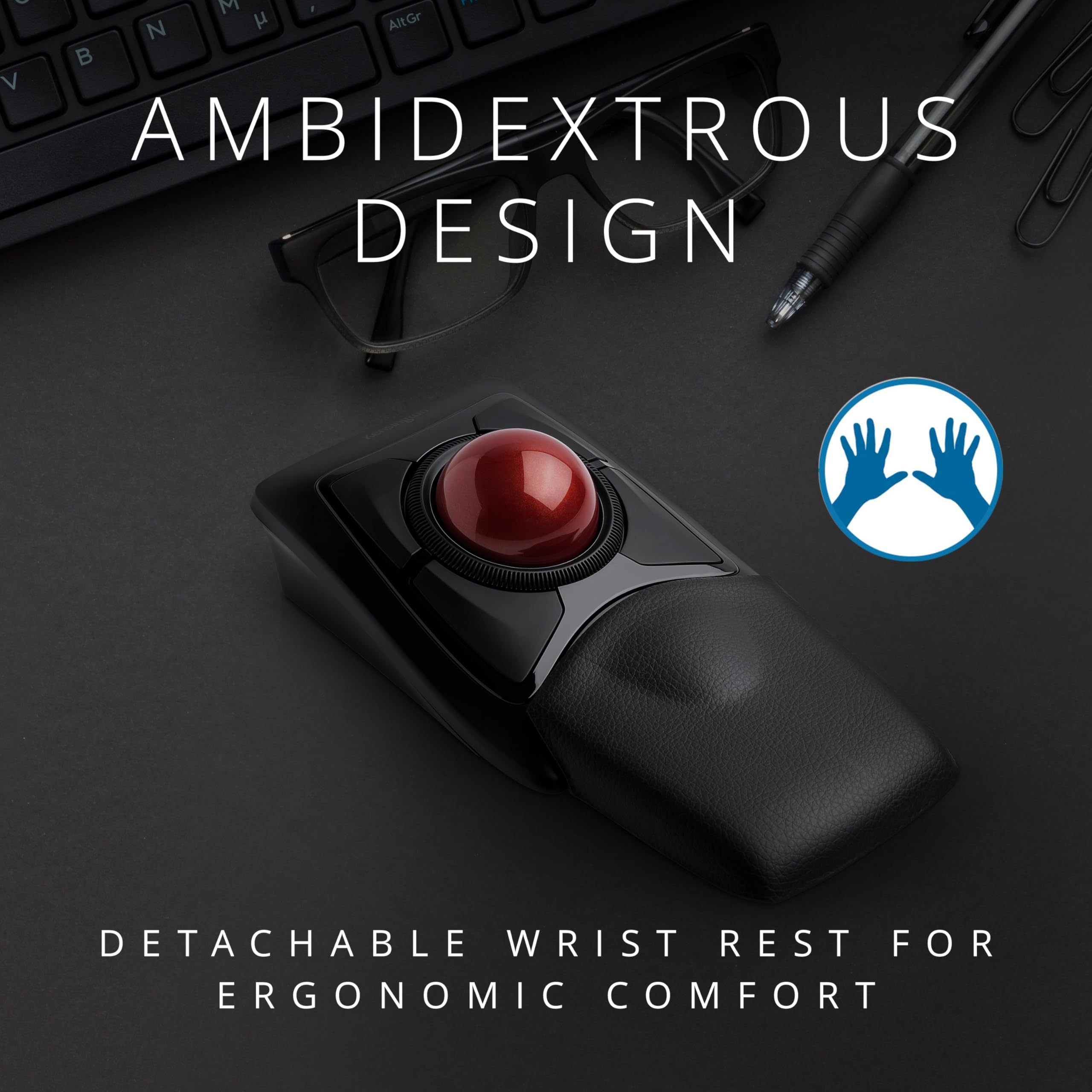
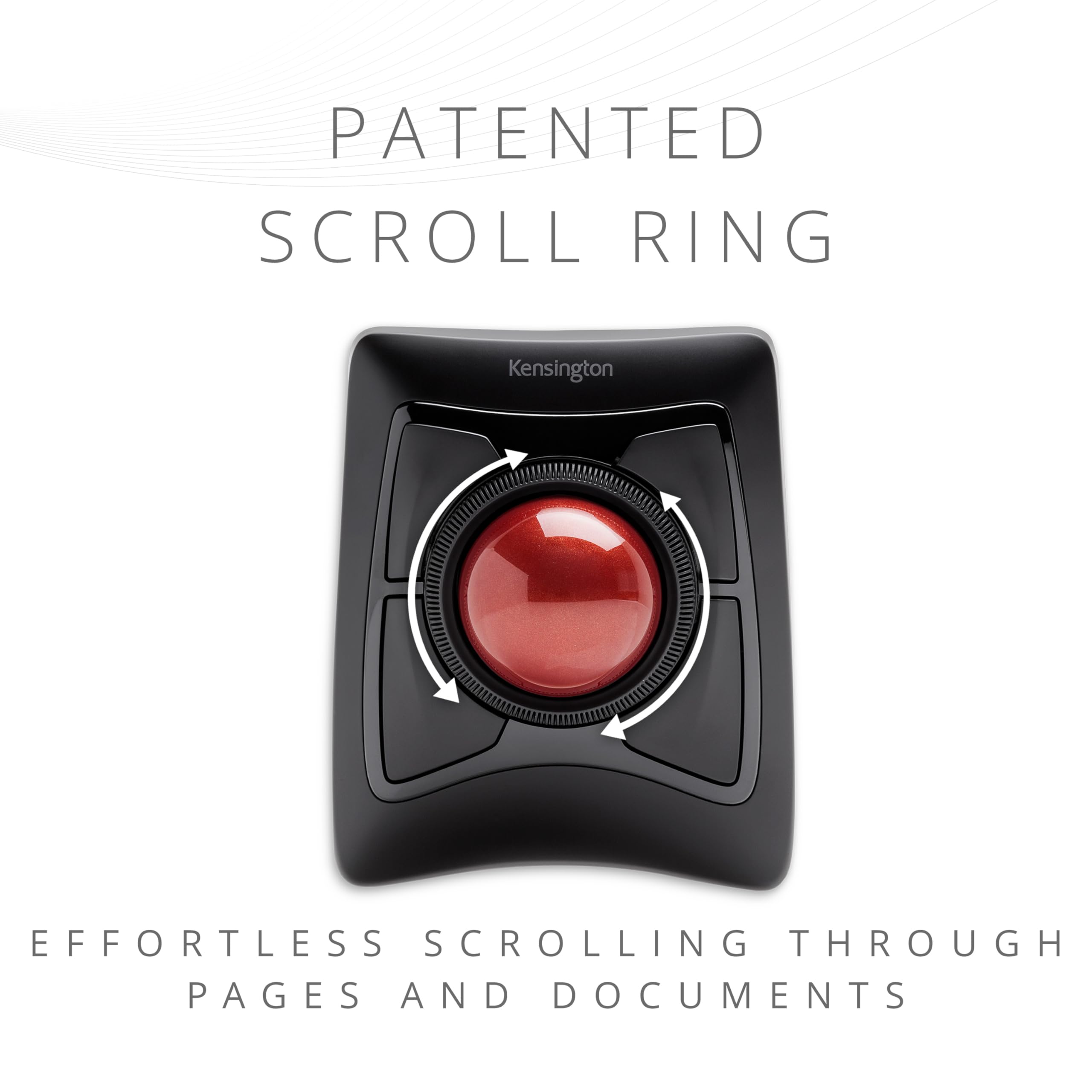
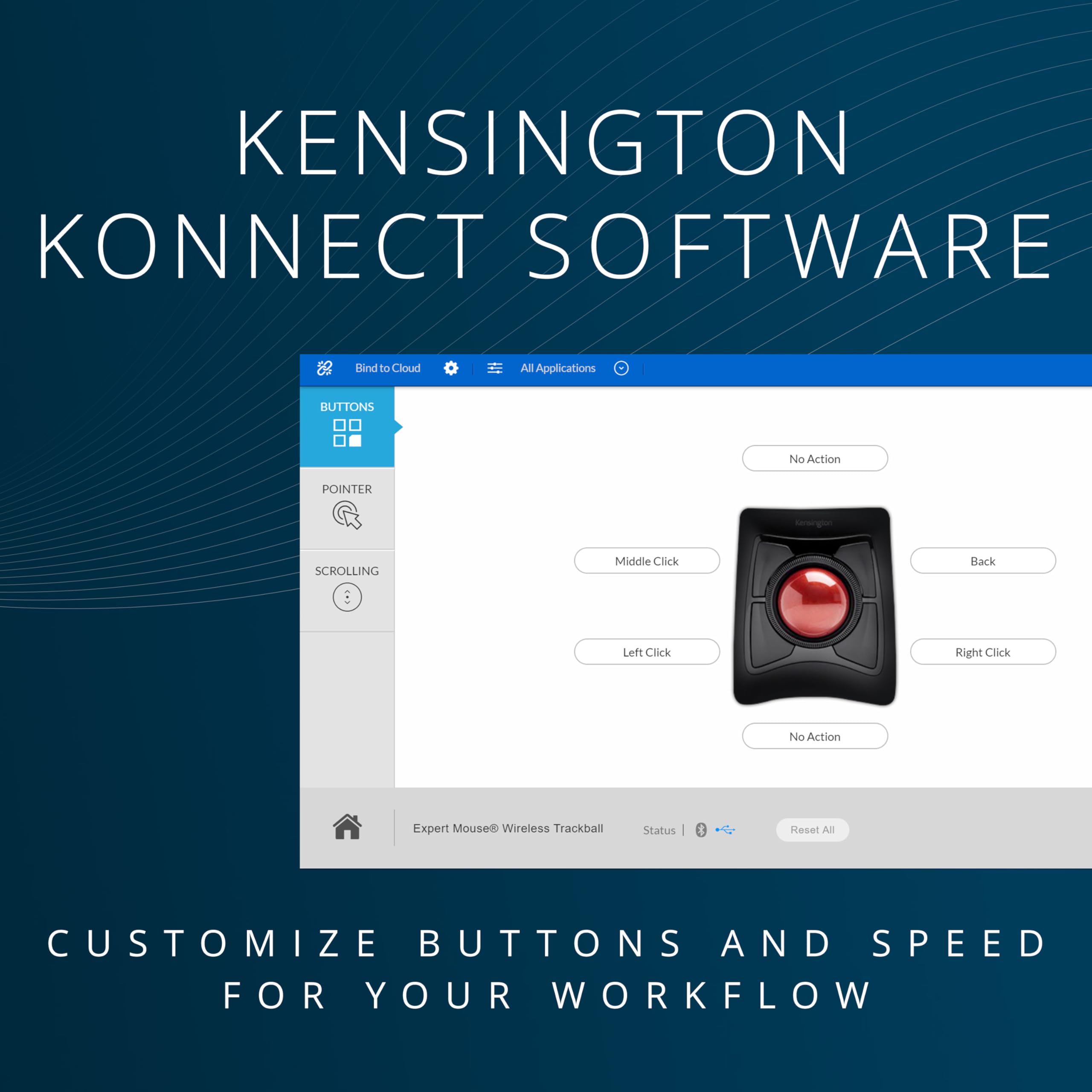
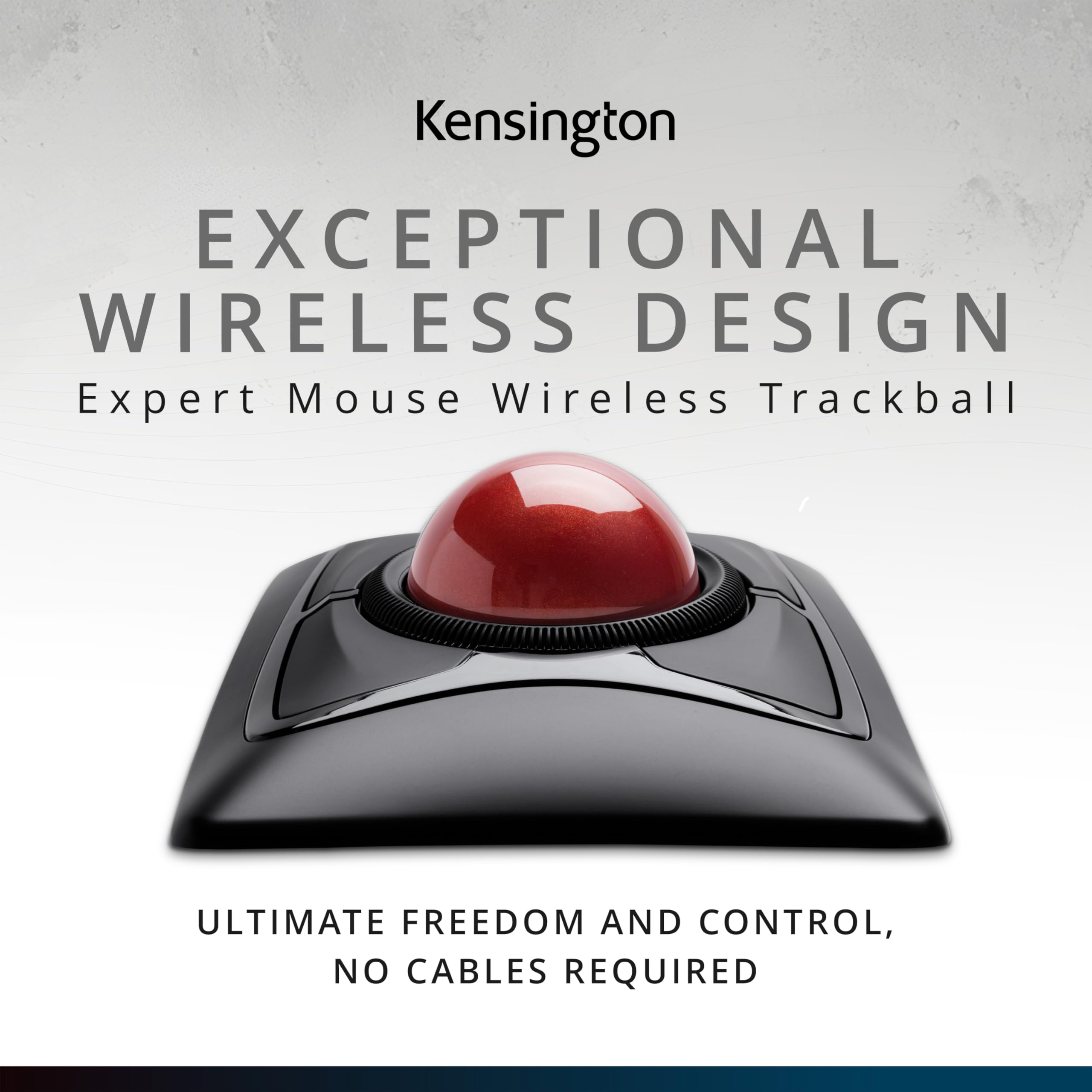
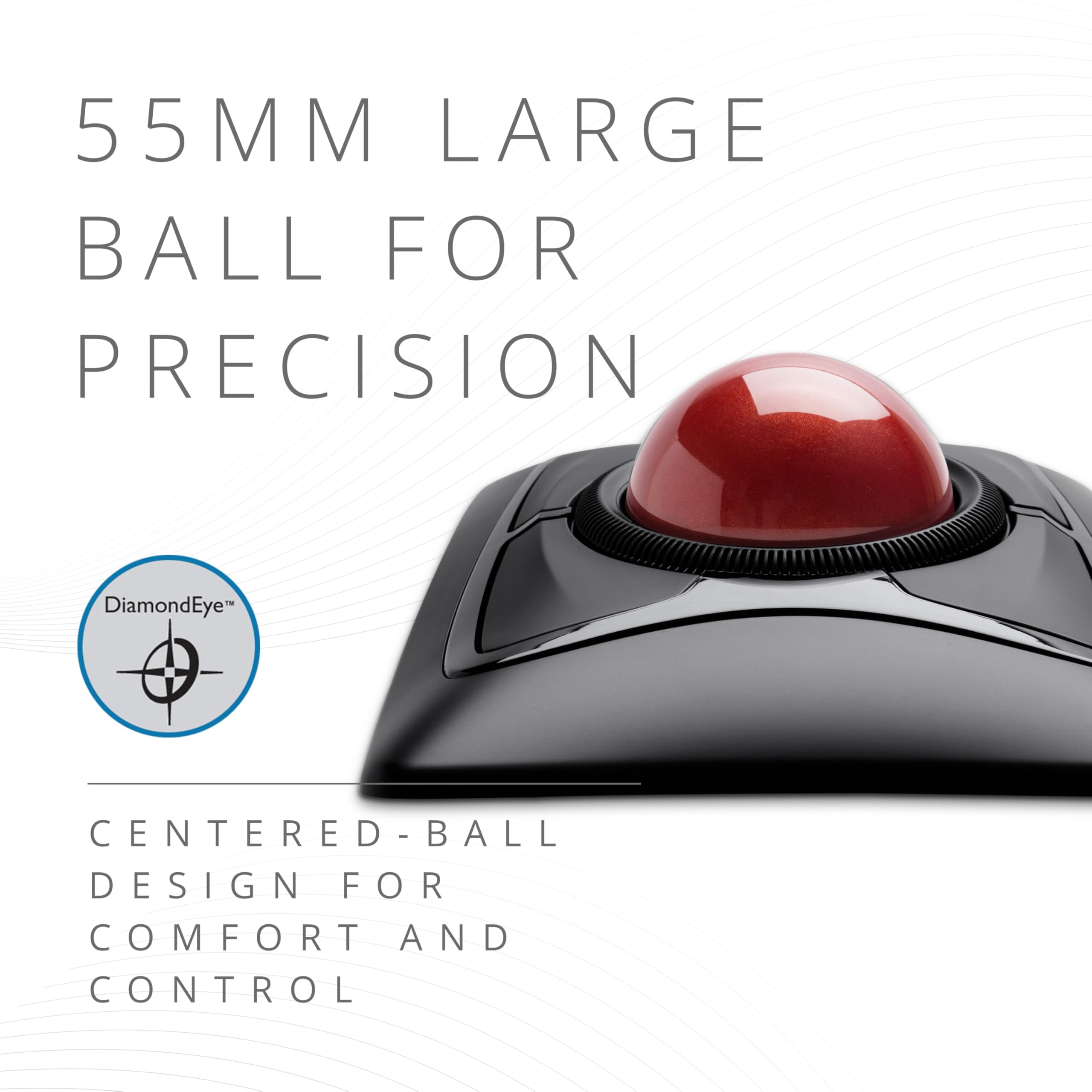
The Kensington Expert Wireless Trackball Mouse (K72359WW) combines a large 55mm ball with Diamond Eye optical tracking for precise cursor control. Featuring a patented scroll ring, detachable ergonomic wrist rest, and ambidextrous design, it supports all-day comfort and productivity. Connect wirelessly via Bluetooth LE or 2.4GHz USB dongle, customize buttons and speeds with KensingtonKonnect software, and enjoy compatibility across Windows, macOS, and Chrome OS. Backed by 3 years of coverage and lifetime support, it’s the professional’s choice for seamless, cable-free control.


| ASIN | B01936N73I |
| Additional Features | Ergonomic Design, Touch Scroll, Wireless |
| Antenna Location | Office |
| Are Batteries Included | Yes |
| Are Batteries Required | Yes |
| Best Sellers Rank | #2 in Computer Trackballs |
| Brand | Kensington |
| Built-In Media | Trackball^Wrist Rest^Dongle^Batteries (2)^Quick Installation Guide^Warranty Insert |
| Button Quantity | 4 |
| Color | Black |
| Compatible Devices | Laptop, Personal Computer, Surface Pro 1st Edition 12" and Surface Laptop 1st Edition 13", Tablet |
| Connectivity Technology | USB |
| Customer Reviews | 4.2 out of 5 stars 9,644 Reviews |
| EU Spare Part Availability Duration | 3 Years |
| Embellishment Feature | Crystal |
| Enclosure Material | Plastic |
| Finish | Smooth Plastic |
| Global Trade Identification Number | 00085896723592, 07802880611214 |
| Hand Orientation | Ambidextrous |
| Hardware Platform | PC,MAC |
| Item Dimensions L x W | 8"L x 6.1"W |
| Item Type Name | Trackball |
| Item Weight | 1.35 Pounds |
| Manufacturer | Kensington |
| Model Name | Expert Mouse |
| Model Number | K72359WW |
| Movement Detection | Optical |
| Movement Detection Technology | Optical |
| Number of Batteries | 1 A batteries required. (included) |
| Number of Buttons | 4 |
| Operating System | Chrome, Mac, Windows |
| Power Source | Battery Powered |
| Range | feet |
| Special Feature | Ergonomic Design, Touch Scroll, Wireless |
| Style Name | Wireless |
| Theme | Computer |
| UPC | 085896723592 |
| Unit Count | 1.0 Count |
| Warranty Description | 3 years parts & labor |
S**Y
High quality, great value
An extremely high quality mouse at a good price. I also own the Kensington Orbit, but the larger, heavier ball on the Expert makes for a much better experience. You can easily flick the cursor across the screen without having the ball move in its housing. The scroll ring is great and maybe a little better than the Orbit's and the additional buttons are a nice quality of life upgrade. Kensington seems to have deprecated the software they used to use for this device, but it works fine natively. I could not get the KensingtonWorks software to run on Windows.
G**O
best of two mice I will always rebuy
absolutely they best mouse for executives, presenters, writers, artists and RTS gamers. I use this side by side with my other trackball for every other gaming and activities. lasts and lasts, is easy to clean. mind cable wear tho. this was the first time I've ever had a mouse catch fire. no fault of design. it got pinched and shorted. however the old one's electronics saved both the PC port and its own board. I had enough parts left over to combine with an old one and make a spare. 10/10 I will always leave a good review when repair-ability and durability meets functionality and class. love the flow of the trackball and how I can swirl it where I want it putting my finger back on it when it reaches its destination. with five screens it is a must.
D**E
This trackball still reigns supreme.
I have written a complete review of this device in its Wireless Version which is no longer manufactured. Its overall design has been well described in these numerous reviews. I would like to address a few of the complaints registered in some of the reviews on this thread, at least IMHO: 1) The bearings on which the ball rests are different, and overall, there is no significant change in build quality which is more than adequate. 2) Initially I also had some difficulty on Win7/64 with Trackball Works 1.04 and 1.01, the European version which tech support recommends when you call in to complain about the former. In my case, this represented some sort of software conflict which was no longer the case when I gave it another try after having had to reformat and reinstall my system for other reasons. Initially, although I could program the trackball without difficulty, it would intermittently hang, or my computer would crash. Since the reinstall, now for about 3 months use, Version 1.04 works absolutely fine with this Expert Mouse, but install the software before connecting the device, as mentioned. Absolutely NONE of the initial problems have recurred. Trackball Works has some problems with complete programming of the Slimblade Trackball version and Kensington is working on it, with a supposed upgrade to the software due in March, at least at the time of this writing. 3) The ergonomic issues raised by some of the reviewers are legitimate, but it depends a great deal on the individual user. I agree that the "wrist rest" supplied is not a very successful solution. Some will prefer the flatter format of the Slimblade, but I don't think the four buttons work as smoothly as those on the Expert, and are very dependent on where you place your fingers on them, which is not the case with the latter which are nicely designed. At work, I use this trackball for hours on end, now for years, in our radiology department, scrolling through images, and have had absolutely no wrist or finger pain. One of the tricks is to operate the mouse with your hand canted to the right at about a 30 degree angle which helps to obviate more extreme wrist extension. Give your hand and wrist a brief rest by changing position every few minutes which can easily be done automatically during the workflow since you aren't gripping something. Any pointing device without rest will be a nuisance. For those who are particularly sensitive, place a small bean bag place under the palm of the hand, not the wrist. Since you aren't spatially moving the unit, it is not intrusive, if you buy a proper sized bag. 4) Complaints about the scroll ring, IMHO, are entirely unjustified. It works very well. I have had no problems with its function on this unit, my previous wireless mouse, or any in our Department at work. 5) Complaints about the ball's being sticky and insensitive are also groundless, IMHO. You will find slight "newness", reflected in slight stiffness,when you first use the unit. This will clear promptly, and even more quickly if you just spin the ball for a couple of minutes with moderate downward pressure to break in the interface between the support pins and the ball. Periodically clean the ball with a little soap and water, then alcohol to restore a smooth surface, and repeat the conditioning routine, in an abbreviated form. At the same time, inspect the pins on which the ball rests for accummulated dust and debris, and make sure they're absolutely clean. Works like a charm. For those that don't like the scroll wheel, try the Slimblade where scrolling is done via the ball itself, turned transversely. That works well....it's just a matter of personal preference. I personally prefer the larger ball on the Expert versus the Slimblade, and the independent scroll wheel. The interface cable on the Slimblade is a little more robust and less prone to kinking if you move the trackball around quite a bit, for example, if you're also using a graphics tablet on which you seat the trackball. In any case, I don't think it's an issue, particularly if you take a bit a care of how you set the mouse down so that it isn't repetitively stressed with a kink. BTW, I couldn't find the magnet that one reviewer talked about at the bottom of the receiver for the ball. All that's there is the optical pickup. BTW, if you use the Intuous 4 Wacom tablet, the RF mouse they supply is greatly improved over previously, and is nicely programmable, except for no control over acceleration which some users may find a distinct negative. Bottom line: HIGHLY recommended after years of experience using this trackball. Works perfectly well with Win 7/64.
C**H
Decent Mouse with a few oversights in the design process
I have purchased the Expert Wireless and Slimblade Trackball mice to compare which one is better in attempts to resolve possible RSI issues. Here is my opinion on how they stack up. Expert Mouse Pluses: +Fits great in hand +Buttons have a slight edge, which makes it easier to click than the slimblade +The scroll wheel works SIGNIFICANTLY better than the SlimBlade's twist to scroll option, especially when confined to a smaller window where the mouse jetting across the screen will cause you to randomly quit scrolling where you desire +The palm rest really helps, and is quite necessary for this mouse because of the angle +Wireless and Bluetooth options Expert Mouse Negatives: -Angle that your hand sits at actually causes more stress, and is the reason I will probably be returning this device -Scroll wheel has a very cheap design. While I like it better than the SlimBlade scrolling, it makes a strange noise any time you scroll more than a couple of clicks and makes me feel as though the product will break sooner due to cheap plastic parts. Also the wheel doesn't have any stop points/clicks, but this doesn't both me too much -Under the ball the mouse has no hole at the bottom, and the area isn't smooth, so it makes cleaning the area under the ball more difficult Slimblade Mouse Pluses: +Easy to clean - under the trackball everything is smooth and there is a hole at the bottom. This allows for skin cells to fall out of the mouse and with some occasional cleaning, you can keep the skin cells out of this mouse much easier +The angle is much nicer than the Expert mouse, leaving your hand feeling much more comfortable after a solid day of use +The design just looks nicer than the Expert mouse when they sit side by side Slimblade Mouse Negatives: -The keys are very flat and have no edges like the expert mouse, which actually makes clicking ever so slightly less comfortable -The mouse doesn't quite fit in your hand as nicely because it is not at a raised angle, but this is also a positive because it doesn't leave your hand feeling as fatigued at the end of a day -The scrolling functionality leaves a lot to be desired. While it doesn't feel as cheap as the Expert mouse, it causes a lot of issues while scrolling within small areas because your pointer will move and lose focus if you do a decent amount of scrolling at once down a large list. This has caused some loss of productivity and was the main reason I purchased the Expert mouse in hopes that the experience would be better. While I'd like to see the ability to scroll by turning the ball, I think it either needs to be refined to disable pointer motion altogether when activated, or they should bring back the rotatable wheel and put it on ball barrings so it can not only scroll freely and you could just stop it, but also to give it a smooth feel, instead of a cheap one. People would pay extra knowing the quality is worth it. -Only option is wired. Not only does this leave unsightly cables on my desk, it also makes it more difficult to switch between my right and left hand throughout the day. -Should have came with a wrist wrest like the Expert does All and all the only reason I choose the Slimblade over the Expert is because the expert is at a funny angle which causes more issues than just using a traditional mouse. Otherwise I'd totally select the Expert over the Slimblade.
J**S
24-hour Initial Review – Early Pros & Concerns
February 04, 2024 Update: Track ball works well. Doesn't seem to have but one issue and that issue is probably my problem. The scroll ring sometimes and my fingers don't jive causing me top hit one of the corner buttons. I must further practice, do much more practice. New Thought, 31dec23: Dragging and dropping, for instance, an email in MS Outlook to a folder can be challenging. I have not figured out the best method. Am looking for any ideas... 28dec23: Overall, I like the trackball and am tentatively at about 60/40 thinking to keep the device. Has many interesting functions and possibilities. Will know more as I work to better use the device. I definitely need more practice with the trackball because my long-term use of a regular mouse allows me to be pretty fast with the mouse. Early Pro’s: 1. Bluetooth connecting is really easy. 2. Kensington Works software for the trackball is easily downloaded for the device and pretty easy to use although it is not overly intuitive. 3. Large trackball seems very good particularly located in the mid position. Is good for me with some tremors and a shaky thumb compared with a side trackball. The middle trackball is far superior, for me, to the side mounted track balls. With practice, I am sure that I can rapidly move the cursor via the trackball. 4. Left Click/lower left button works pretty well. I seem to have it pretty well figured. Using my thumb for this button. 5. Right Click/lower right button not so handy as the Left Click button. Learning. May do better with it after more practice. 6. Have not really used upper two buttons, yet. 7. Scroll ring works well. Don’t have clicking noise that other reviewers have reported. 8. Don’t know how the battery life will be; we shall see. 9. Don’t yet know how the wrist rest will be although it seems okay with this short time review. Early Concerns: 1. Will take considerable practice for me which I am willing to do to become proficient with the trackball. 2. Have already learned to be very careful not to simultaneously touch the trackball while trying to scroll. Is easy to do! Result is my inadvertent action takes me some crazy place I did not want to go!
J**4
Embarrassingly Poor Product and Service
It's really frustrating just how poor this product (Wireless Expert Trackball) is despite the price you're paying. I remember the red trackball used to be a cool mouse that professionals used in their studios or desks. Now I question why. Here's a quick summary of things. I was going to write out in detail everything, but here's just the points: 1) Scroll wheel doesn't work. A mouse needs to do at least, AT LEAST, two things: 1) Click on things; and 2) scroll. This mouse does only half of what is expected from it.; 2) I thought it was just software/driver issues, so I double checked everything. Apparently the manual packaged with the product is outdated and tells you to download an old version (KensingtonWorks) instead of the new version (Kensington Konnect) despite the change earlier this year. Regardless, old or new - nothing fixed my issue; 3) Upon further research, it seems that the scroll wheel being broken is a common issue due to sloppy alignment or placement of the IR transmitter/receiver; 4) I requested a replacement, completely understanding that sometimes you just get a faulty product. And if the replacement works as intended, then cool. I was approved immediately for a replacement and notified I would get a replacement next day. Sweet. 5) Next day came, no replacement. Was told that there is a delay due to supply issues and they'll let me know when I'll get a replacement. 6) I'm literally looking at the product page right now and if I pay $87 (again), I can get the product delivered tomorrow. But since they have my money after sending a broken product the first time, they're telling me to wait and see when they can send me a replacement. I'M LITERALLY LOOKING AT FREE DELIVERY FOR TOMORROW IF I JUST BUY ANOTHER ONE. I got this because I do a lot of editing - for video and photography. I also do a lot of work involving excel sheets, accounting software, creating forms and etc etc Boring computer stuff mostly. My current trackpad isn't up to snuff with how fast I tend to work anymore so I wanted an upgrade. This product is great, I won't lie. I really like it. I've been using it to at least see if a trackball does make a difference, and does it ever. The trackball tech is really great compared to standard mouse and trackpads. But how do they mess up the most common feature of all mouses? I can live with a faulty product every once in awhile. That's life.That's why there's return/replacement policies. But between this being a common issue apparently for years now, the fact that they're still sending outdated manuals and material despite new software being needed to use their product, and having my replacement cancelled from next day to "we'll see" unless I just buy a whole new product, I'm left extremely disappointed. This is the first 1-star review I've given for a product (that I can remember), and I tend to buy a bit from Amazon and am even part of the Amazon Vine program where I review things from time to time. But this experience just left me extremely disappointed.
W**N
It Does Its Job. Painfully.
To preface, this is the first time I've ever bought a trackball mouse or used one for longer than a quick 15 minutes. I used this mouse daily at work for ~8 months. The Ball and Buttons: I like the trackball on this and how well it rolls, but I find that it needs cleaning more frequently than I expected, or else the ball movement becomes a little "sticky". I don't find the extra two buttons at the top to be that ergonomic, requiring me to either move my hand's resting position up - which I don't find comfortable for using the trackball - or move my entire hand whenever I want to use those upper buttons. Maybe I just don't have as big of hands as I thought (Hand length is 7.5", measured according to ohcow.on.ca mouse size calculator guidelines). All this to say that while I don't find those buttons comfortable to use, I don't think that this is an oversized mouse. Ergonomics: Though I don't find the size of the mouse to too small or too large, the resting angle of my wrist when using this mouse is a bit of a pain point for me, both emotionally and physically. I find that simply resting my hand on the mouse is fairly comfortable, but when I need to use the ball, I raise my hand up while leaving my wrist on the pad, creating a bit of tension in the tendons on the back of my hand/wrist. I have often thought that putting some sort of triangular pad underneath the mouse would put it a softer incline, easing that tension when needing to use the trackball. This is my worst gripe with the comfort of this mouse, which makes it painful to use for 4+ hours. Scroll Wheel: I work in IT, and do a TON of scrolling when skimming through documentation, code, emails, etc., so a decent, working scroll-wheel is paramount to me. This scroll wheel is not even decent and I can barely classify it as working. I have found it most comfortable to use either my thumb or index finger to push/pull the scroll wheel and in doing so, it puts uneven pressure on the wheel, which then causes it to bind. This binding doesn't entirely stop the scroll wheel from moving, but it does create a very noticeable change in the force needed in order to scroll. This little feature makes me want to put this in the trash. Software Customization: The software is easy to download and install and the customization is fairly straightforward. I particularly like that you can hold down a key to adjust the speed of the trackball, momentarily. However, after the initial setup, I was unable to make any further changes because it would not recognize the mouse. I tried pretty much everything in the book and even reached out to their team to open a case, but they closed it without any message or response. 0/10 on customer service and 3/10 on quality.
M**N
Simply the best.
I have tried them all, and this one is the best. Is it perfect? Is it for everyone? No. The big advantage this unit has over the others has been overlooked by other reviewers. When I use this track ball, there are many hand positions that work well. Quite often I drape my hand over the whole thing and move the ball with the callouses of my pointing and ring fingers that are on the palm of my hand. I can rest my hand on the table and use a fingertip or two. One of those that I like the best is cradling the top of the ball in the nook of my #1 and 2 fingers, just under the knuckles halfway back on the fingers. I use five or six different positions, and they are all comfortable and easy to be accurate with. The large diameter ball makes this possible, along with places on the housing that aren't buttons that fingers can rest on. I also put some of my hand weight on the ball. By using many different combinations of positions, the chances of injury is as low as it is going to get. I never get sore from the track ball, and I have been computing for a long time (please don't ask). The scroll ring is also easily turned with a finger or two, or thumb. From the top or either side. It's way better than those thumbwheels. The ring to has a clicky feel when turned. It's made that way. If you don't like it you can take it apart and remove the magnet. The screws are under the feet, which are just stuck on, and there are a couple more under the ball. Sometimes the ball is sticky out of the box. For a track ball to work, the friction of the ball has to be very low. This high friction goes away after a while, but you can't wash it away with soap and water for some reason. Another reviewer suggested greasing and polishing and I expect this works. Perhaps a solvent wash with alcohol. Maybe the oil from your skin gets in the plastic and lubricates it. If I give mine a spin right now it will go for 3 revolutions. I have large hands, and this thing is perfect for me. If you have small hands it may not be for you. I threw the wrist rest away. It's useless. I often put the track ball on the arm of an easy chair, and my whole arm and hand are supported perfectly. Setting it up for your own tastes with the software is important. It makes a huge difference. I use my computer mostly for programming and browsing, with some photoshop thrown in. Although I have a tablet, I can actually do better with the track ball in most cases when I use photoshop to fix pictures. For browsing, I have one of the upper buttons programmed to be the browser back button. That and the scroll ring will spoil you big time. Fair warning. The one thing I would like is to be able to adjust how much pressure it takes to trip the buttons. I sometimes screw up and inadvertently hit the upper left button (back) when I don't want to. I can see Kensington rolling their eyes - it's always something... I tried their new track ball, the slimblade, and it wasn't quite as good. The case and buttons were one and the same, so finding a place to rest hand and fingers resulted in a lot of unwanted button presses. Also, the buttons take different pressures depending on where you hit them. This unit doesn't behave that way. The buttons take the same pressure no matter where they are pressed. The rotating ball vs scroll ring was a non-issue. I went back to this unit because it's more ergonomic, even though it's a lot thicker. I am about to buy my fourth one of these. I have managed to break several in different ways, through no fault of the manufacturer. In general these are pretty tough units. I have dropped mine off the chair arm many times and it has been ok. The cord is not tough enough to withstand a battle with the vacuum. The unit works well with a 10 foot usb passive extension cable (even though it's too long for spec). I can tell you that if you put it on the floor, and the dog steps on the ball, one of the bearing holders is likely to break off...
Trustpilot
1 month ago
2 months ago