Some deliveries may take a little longer than usual due to regional shipping conditions.

DOWNLOAD THE APP


Customer Services
Copyright © 2025 Desertcart Holdings Limited
DOWNLOAD THE APP


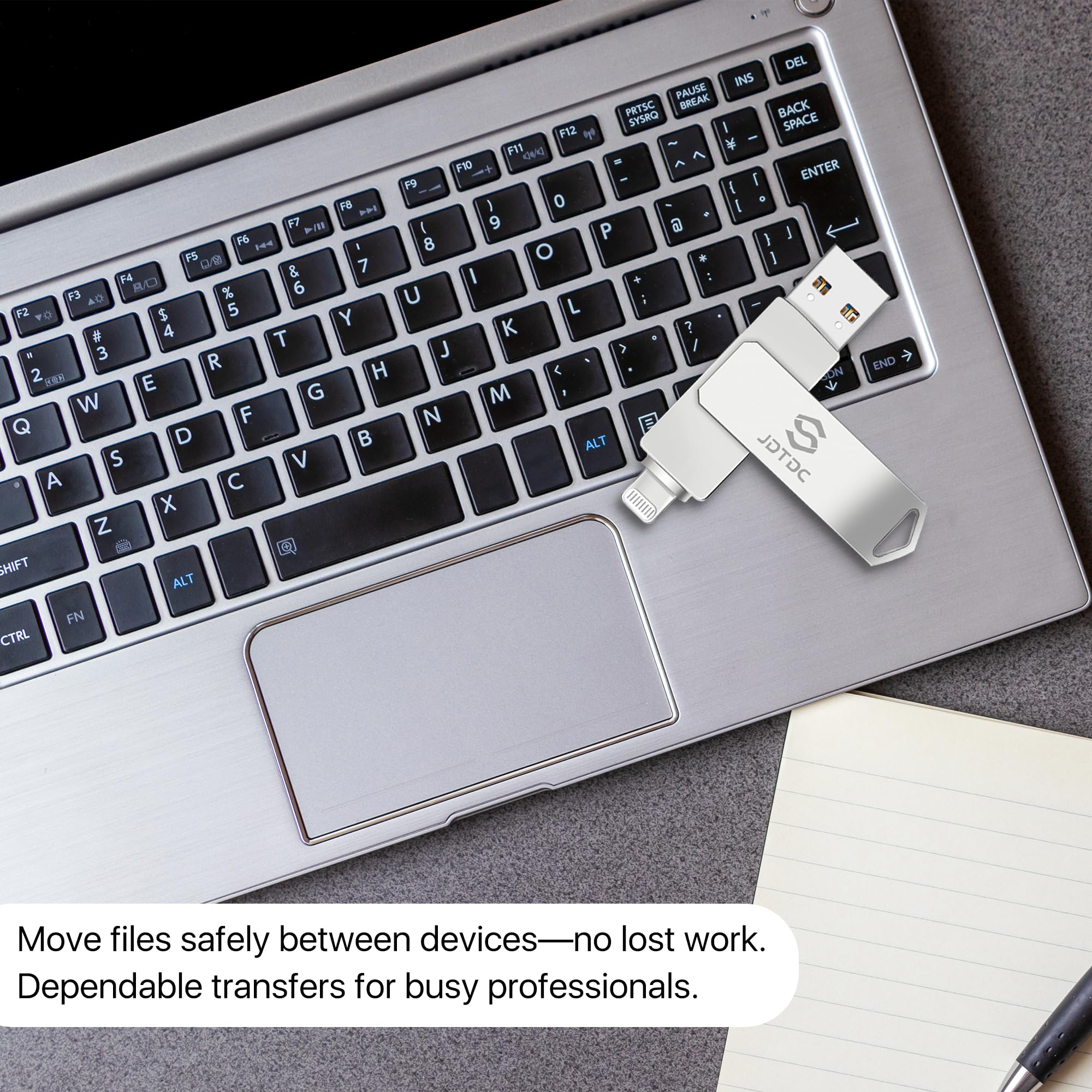
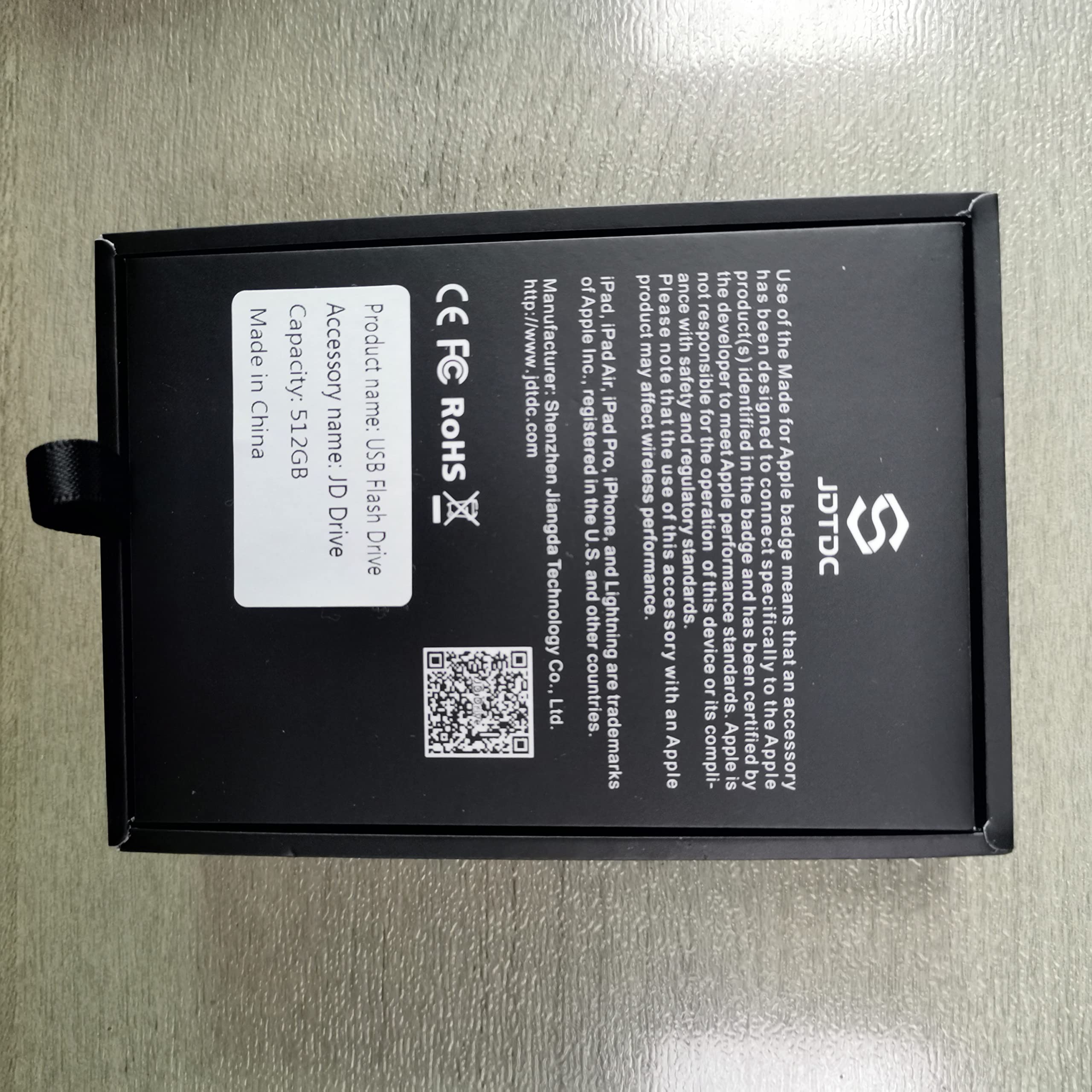


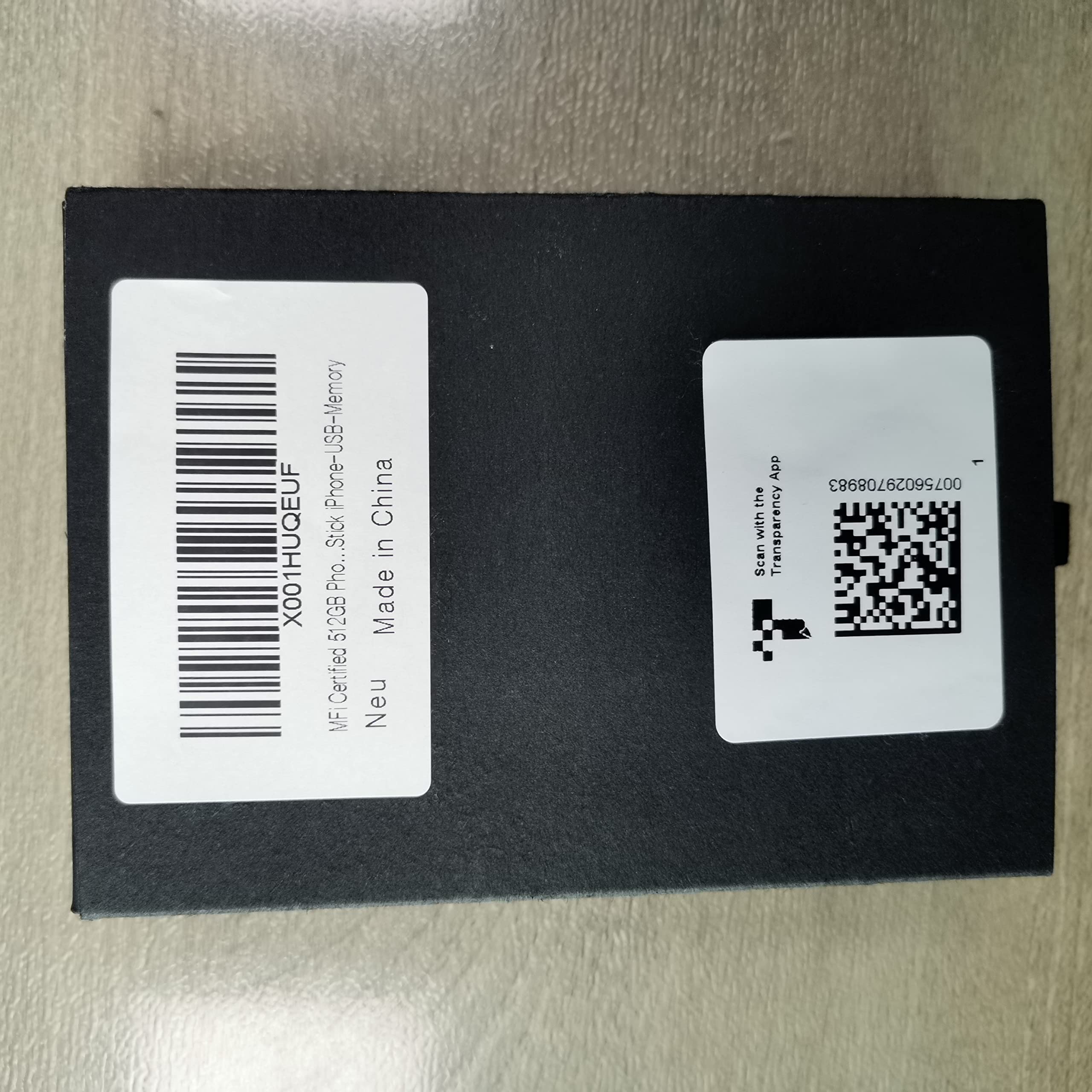


📸 Backup Like a Boss — Real Storage, Real Security, Real Apple Certified
This Genuine Apple MFi Certified 512GB iPhone USB Flash Drive delivers authentic storage capacity with ultra-fast 80MB/s read speeds and military-grade AES 256-bit encryption. Designed exclusively for iPhone and iPad with Lightning ports, it offers seamless 1-click and automatic photo/video backups via a dedicated app, ensuring your data stays safe without relying on iCloud or internet. Officially licensed by Apple, it guarantees full compatibility and zero data corruption, making it the ultimate external storage solution for professionals who demand reliability and privacy.


| Read Speed | 80 Megabytes Per Second |
| Connectivity Technology | USB |
| Color | silver |
| Model Name | JD003 |
| Product Dimensions | 0.79"D x 2.68"W x 3.7"H |
| Flash Memory Type | USB flash drive |
| Manufacturer | Shenzhen Jiangda |
| Hardware Connectivity Technology | USB Type C, Lightning, USB Type A |
| Hard Disk Size | 512 GB |
| UPC | 756029708983 |
| Compatible Phone Models | iPhone 14 Pro Max, iPhone 14 Pro, iPhone 14 Plus, iPhone 14, iPhone SE (3rd), iPhone 13 Pro Max, iPhone13 Pro, iPhone13, iPhone13Mini, iPhone 12 Pro Max, iPhone 12 Pro, iPhone 12, iPhone 12Mini, iPhone 11 Pro Max, iPhone 11 Pro, iPhone 11, iPhone SE (2nd), iPhone XR, iPhone XS Max, iPhone XS, iPhone X, iPhone 8 Plus, iPhone 8, iPhone 7 Plus, iPhone 7, iPhone SE (1st), iPhone 6S Plus, iPhone 6S, iPhone 6 Plus, iPhone 6, iPhone 5S, iPad 5/6/7/8/9, Mini 2/3/4/5/6 iPad Air Serie, iPad Pro(Lightning/ USB C connector)(iPhone/iPad/iPad Pro Requires iOS 9.0 or later), iPod touch (6th, 7th), Win11/Win10/Win8/Win7,PC,Laptop,Mac Requires macOS 11.0 or later and a Mac with Apple M1 chip or later. | iPhone/iPad Requires download 'JD Drive' app. (except for PC/Mac devices). Available for download JD Drive from the App Store | If you want to use this photo stick on iPhone 15 Series/iPad/Android with USB-C port, you will need USB to USB C male adapter (Adapter Not Included). |
| Hard Drive | 512 GB |
| Item model number | JD004 |
| Hardware Platform | PC |
| Item Weight | 0.6 ounces |
| Item Dimensions LxWxH | 2.51 x 0.51 x 0.35 inches |
| Flash Memory Size | 512 GB |
| ASIN | B08THR2JSD |
| Country of Origin | China |
| Date First Available | August 3, 2019 |
M**A
Very good backup system for my iPhone 12
I wanted to find a good reliable backup system for my iPhone 12, so I can save money on the iCloud. I was looking for an external hard drive made just for iPhone. Since I can't find an external hard drive just for iPhone, so I decided to go with the Flash Drive. I tried a cheap 256 GB flash drive for about $28, it failed to backup all my photos. They say you get what you paid for, so I figured that to get a good quality flash drive, I probably need to spend around $100.I bought an iKlips Duo+ 32 GB about five years ago, it's very well made, it still works just fine. It can fit in an Otterbox case. The new iKlips 4.0 app looks very powerful, it's more for a professional than a layperson, and it's expansive, a 256 GB cost $254.15.After extensive search, I found JD Drive from JDTDC, a 256 GB at about $60, so the price is good. And it looks solid and good quality. Then I watched the 3 videos, the operations look simple, and it has all the operations I need. The first time I downloaded the app, I didn't set it up right, so the drive couldn't see my photos in my iPhone. Then I deleted the app, down loaded the app a second time, this time I answered to allow all access to my photos, then it works. 1,000 photos took around 20-30 minutes to download. I connected to my PC, copied and pasted some pictures to my PC. All the operations on JD Drive work well and simple to use. Whenever I email the seller asking questions, they replied back the next day. So far I'm very happy with this product!
P**Y
Great product!!
I have several of these drives. They are easy to use. Great instructions included. I have backed up years and years of family memories. I highly recommend.
P**H
Beats the Alternative
I got this dandy lil stick because I take thousands of pix and vidz of my photogenic grandchildren on my iPhone, and at the end of the year I like to collect them onto a separate hard drive for safe keeping...because who really knows how long the cloud will last and/or remain secure.I live in the boonies and have satellite internet, which I generally describe as a baby step above dialup, so downloading all of these pix from the cloud is a nonstarter. This device SEEMED like it was made for my issue and, despite the usual completely polar opposite reviews that one always sees for such items, I took the plunge.And it absolutely works, does what it's supposed to do...except. When it gets warm, which it does on the regular, it gets cranky and slow, particularly when it's plugged into my phone. I've been doing the transfers in relatively small batches (A few hundred pix at a time), and it's a PROCESS, with plenty of time allowing the stick to cool down after each use. If you've got plenty of time on your hands (which I do), it's not that big a deal, but if you're not the patient sort, you might have trouble with this.So, is it perfect? Of course not, nothing is. I guess if it had a built-in cooling system, it might work more efficiently, but...for what it is, how SMALL it is and how inexpensive it is, it sure beats the alternative.
S**N
Great for saving my phone’s pictures!
So easy to use. My old Microsoft computer is no longer compatible with my iPhone for storing my pictures. Just plug the stick in the phone and select what you want to transfer and it actually works! It’s so much easier and way faster than my old computer. And I can plug the stick in my TV and view my pictures. It can be used for backup of other data, but so far I’ve used it for pictures only. I transferred a lot of pictures and still have a great deal of storage space left on the stick.
G**R
So far so good
I take FAR too many photos with my phone! It’s hard to stop myself until I use up ALL my memory on it! (Which happens quite regularly).I’d purchased a Blanbok memory flash stick a few months ago and was using it to transfer/save my photos from my iPhone (8). It was working great until something happened last week, and now I’ve tried everything the seller recommends to fix the problem & it still won’t copy photos to the device anymore.I just got this JD Drive photo stick a few days ago. It’s not as easy to create folders and they’re more of a learning curve with it, but the seller does have some YouTube tutorials which are helpful.The BEST thing for me so far, in the few days I’ve been using it, is the BACKUP feature!!! It took several days to back up all 37,600 photos & videos on my iPhone, but now they’re all safe! I’m traveling away from home and have a small hard drive I’m putting the backup on as well- just to make sure my photos are safe in 2 places before I start deleting them off my phone.To do the backup, at first I was scared & kept stopping because of the message on the page about how much could be deleted. The wording made me unsure if it was automatically deleting what it was backing up. After watching the tutorial video, I found out it’s just telling you how many photos have been backed up that you COULD delete them IF you want to.The other thing that’s great about this memory stick is that it stays plugged in better. I was able to keep my phone in my pocket while the stick was busy backing up. I was able to back up around 5000-10,000 every full phone charge (depending on how large the photo or video file was and also how completely my phone was charged. It did take several hours each time, and multiple days, to back up all 37,000 photos. (At one time recently, I had 42,000!)Another positive is that I was able to do other things on my phone or even turn the screen off and it would keep backing up in the background. And it knew which photos & how many were left to be backed up each time I restarted the process. It makes a backup of each album you have in your iPhone. You can also back up your contacts. And you can backup your iPad.I haven’t tried this yet for watching movies on my iPad, which I’d like to do. That’s next to try.I’ve only had this less than a week and the Blanbok drive was working great for 5 months. So time will tell if this continues to work. But at least I know I’ve got my precious memories backed up and safe.
J**I
The usual made in China crap
Plugged into my MacBook pro to use as an encrypted backup for critical files. Flimsy software does not recognize the drive at all. Used Apple's disk utility to make an encrypted image, that image won't work, says is corrupt. This works on other external disks. But I shouldn't have to use disk utility cause that's not what this product advertises. May as well buy any cheap $10 drive
Trustpilot
2 months ago
2 days ago