🎧 Transform Your Vintage Audio into Digital Gold!
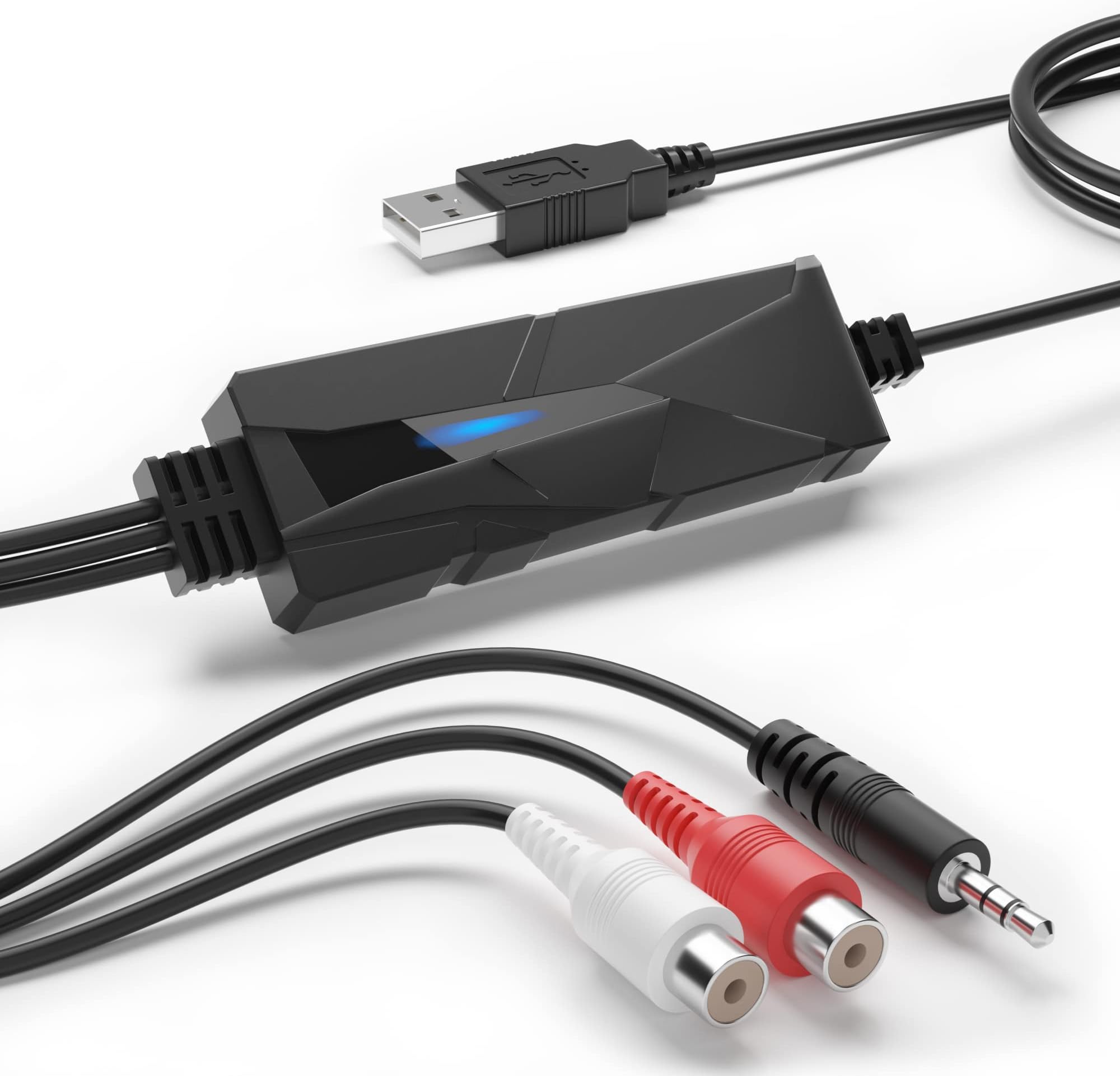
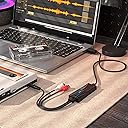
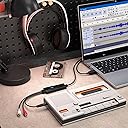
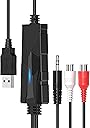
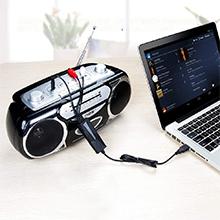
The V.TOP USB 2.0 Audio Capture Card is a compact, lightweight device designed to convert analog audio sources like cassette tapes, vinyl records, and radio broadcasts into high-quality digital MP3 files. Featuring stereo 3.5mm input jacks and plug-and-play USB 2.0 connectivity, it comes bundled with professional music editing software, making it ideal for preserving memories, podcasting, and audio editing on the go.


| ASIN | B00XU4NT6K |
| Additional Drives | CD/RW |
| Are Batteries Included | No |
| Best Sellers Rank | #588,153 in Electronics ( See Top 100 in Electronics ) #1,376 in Receivers & Separates |
| Brand | DriverGenius |
| Country of Origin | USA |
| Customer Reviews | 4.3 4.3 out of 5 stars (1,016) |
| Date First Available | 24 September 2015 |
| Included Components | AV Adapter, TF Card Reader |
| Item Dimensions LxWxH | 8 x 3 x 1 Centimeters |
| Item Height | 1 Centimeters |
| Item Weight | 57 g |
| Item Width | 3 Centimeters |
| Item model number | AudioXfer - 1 Pcs (A) |
| Manufacturer | Fly Kan Tech Co., Limited (H.K.) |
| Net Quantity | 1.0 Count |
| Product Dimensions | 8 x 3 x 1 cm; 57 g |
| Voltage | 5 Volts |
ト**郎
ちゃんとWin11で認識してくれるのか不安でしたが、 何も問題もなく繋げました。付属のソフトは使ってないので その評価はわかりません。クロストークも少ないので、L-R分離の解像度も 良いほうだと思います。耐久性はこれからですね。
C**.
I was looking for a gizmo to allow me to digitise a couple of old cassettes, as I already own a good Nakamichi cassette-player: There are a lot of USB devices which will only take a mono microphone input, so it took a while to find that this was exactly what I needed to do the job: Stereo signal from cassette-player to USB input on laptop. The research proved useful: Apparently, the optimum signal is via the line-out sockets on the rear of the machine, but to save having to dig around the back of my hifi, I chose to try the headphone-out on the front-panel. This has a level-slider, so I could adjust it to get the optimum level for recording in Audacity. So, I ended up with a full-size to mini-headphone adapter, a 5m headphone extension lead (so I could work comfortably on the sofa), and a USB-C adapter to connect with my M1 MacBook Pro. All of these are things a geek such as myself has laying around in various boxes! The USB-C adapter will, of course, go either way in the laptop, but the standard USB end of the gizmo has to be correctly oriented in order to fit into it. That means that the USB-C adapter now also has a correct orientation, in order to work correctly with left and right channels on the appropriate sides. All was hooked up, and a little carefully pushing of connectors employed, used as I was only getting one channel through to monitor on Audacity. Probably from the cassette-deck, which has never head headphones plugged in before. I also took time to ensure it was set to give the best sound-output: It has a couple of filters for tape-hiss, so I experimented with these, set the appropriate tape-type and Dolby, then played the cassette form the beginning and hit 'record' on Audacity. I left it recording whilst I turned the cassette over, to give me one long track to work with. I applied no filters to digital track, having gone through the above process. Also, the previous research had given me some useful tips with regard to the new software: Select a part of the recording that I wanted to be a single track, and then add a label (which will become the track title) to it, and repeat for each track. Then export as multiple tracks based on these labels, select a format for the audio files, add some artist and album details, choose the desired output format, and a few seconds later, I had a complete album of individual, digital tracks to copy to music player, SD card for car, etc. Great stuff! Just a note that if you want WMA file-format exports, then it requires an additional download of codecs from Audacity. Since these are only available under Windows, I saved the single, long track as an Audacity project on the Mac, and did the track, splitting on my Windows PC, where it was easier to see and hear what I was doing (larger monitor, better speakers). All this took a while: Obviously, the recording is in real-time, and this was my first time using Audacity, but I was impressed with both the quality of the original cassette on my Nakamichi, and the finished digital files which I created. If a CD had been available, I would have bought that to rip instead, but for the few times I need to do this, the device is extremely good value, works as expected, and gave me a fun morning messing around on a rainy Sunday.
C**L
Funciona perfeitamente e a conversão de som é feita com muita qualidade
R**E
Perfetto, funziona egregiamente senza bisogno di caricare alcun driver perchè è autoinstallante. Pienamente soddisfatto
I**R
Mit der kostenlosen Software „audacity“ und den richtigen Einstellungen in der Software (siehe YouTube) top Ergebnisse!
Trustpilot
3 weeks ago
4 days ago