Desert Online General Trading LLC
Dubai, United Arab Emirates
Desert Online General Trading LLC
Dubai, United Arab Emirates



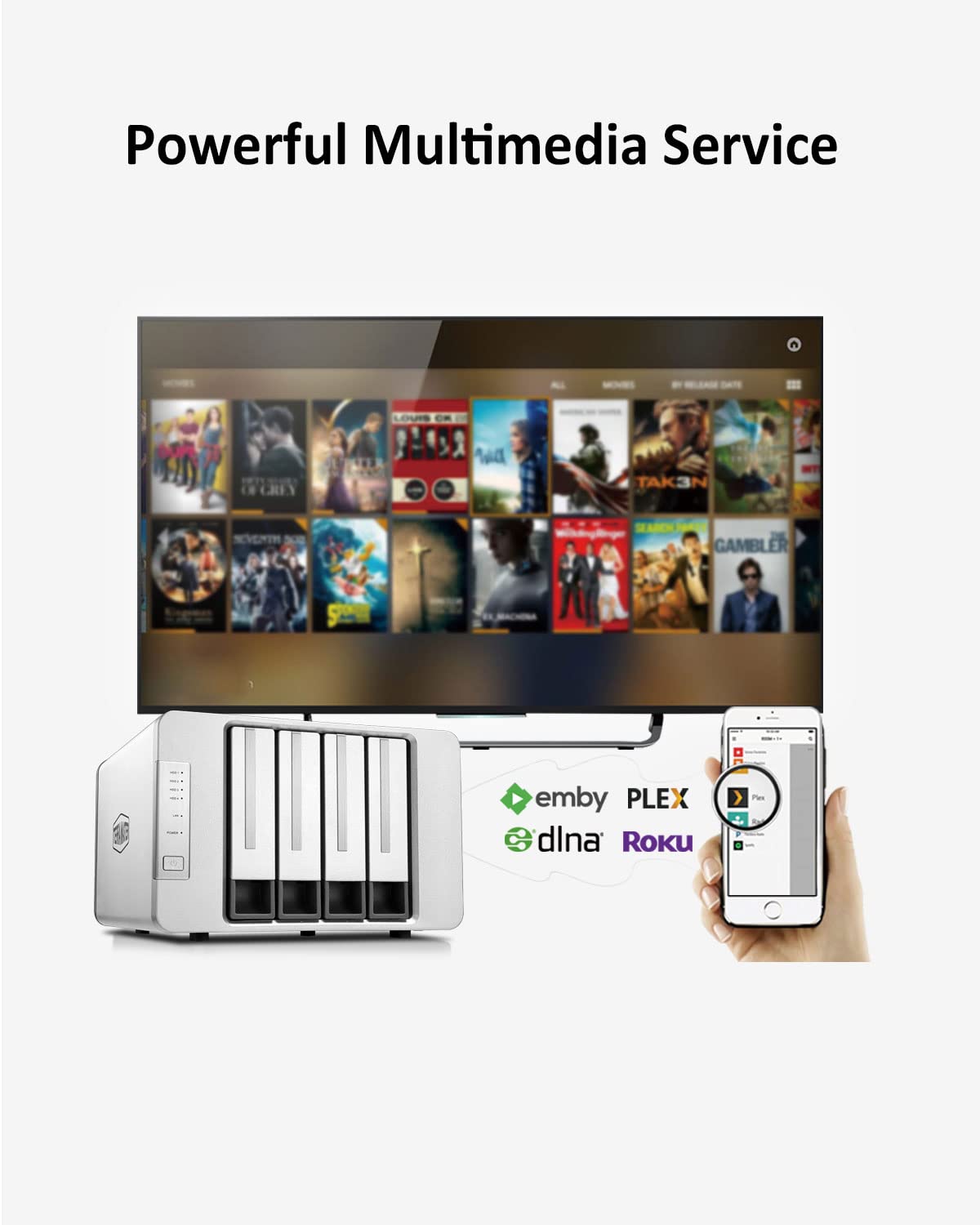

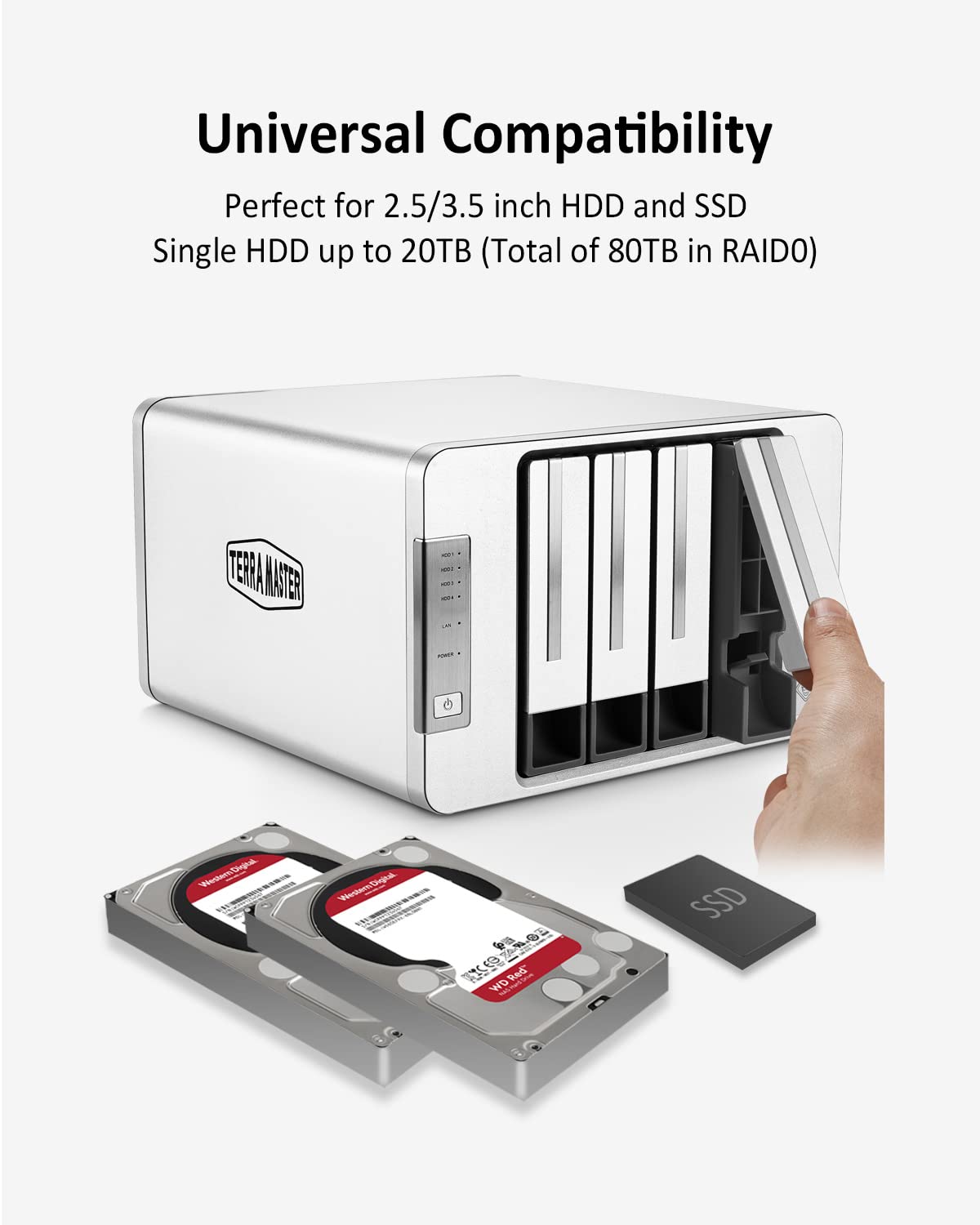
🚀 Elevate your SMB storage game with speed, scale, and silence!
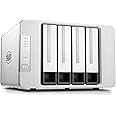
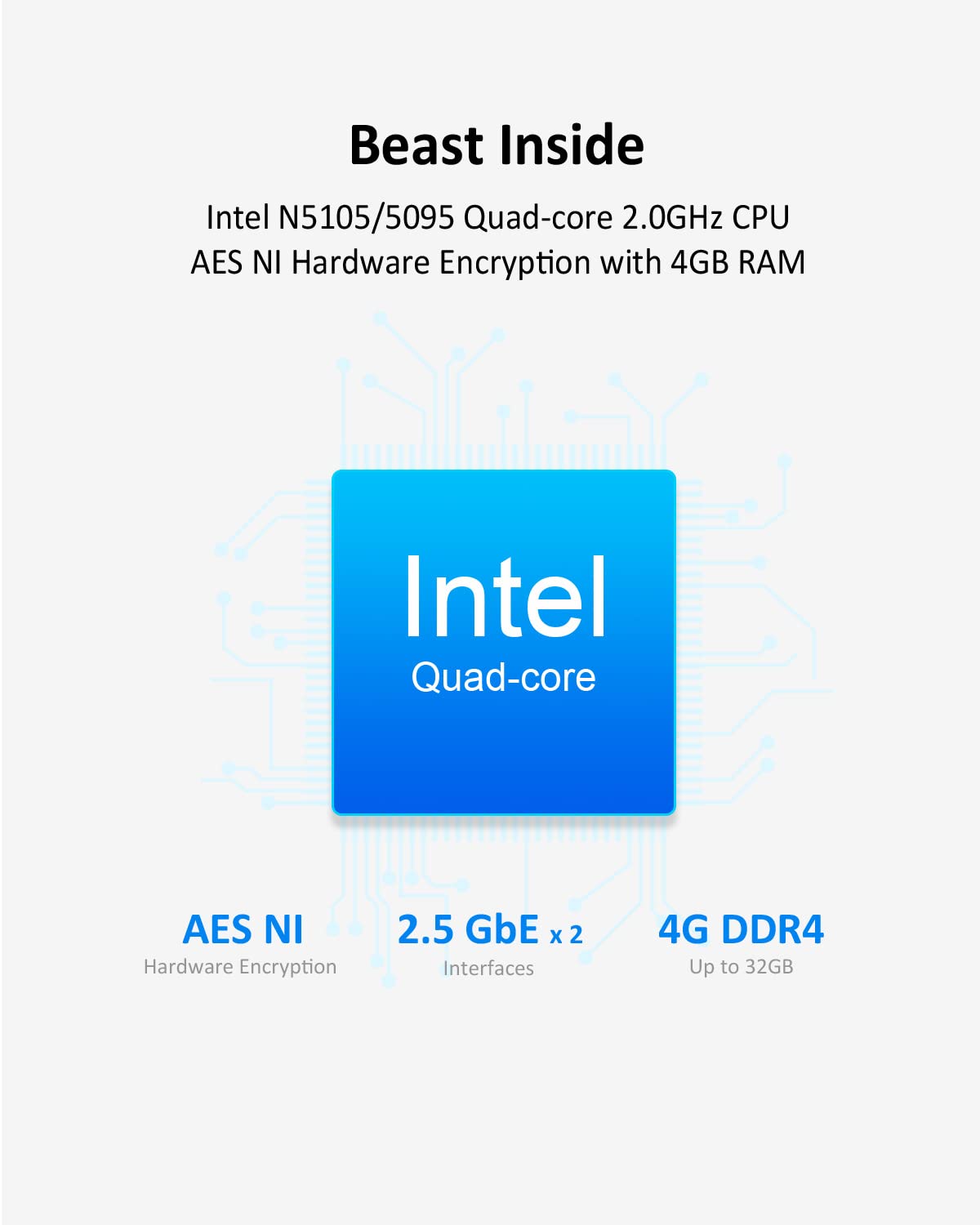
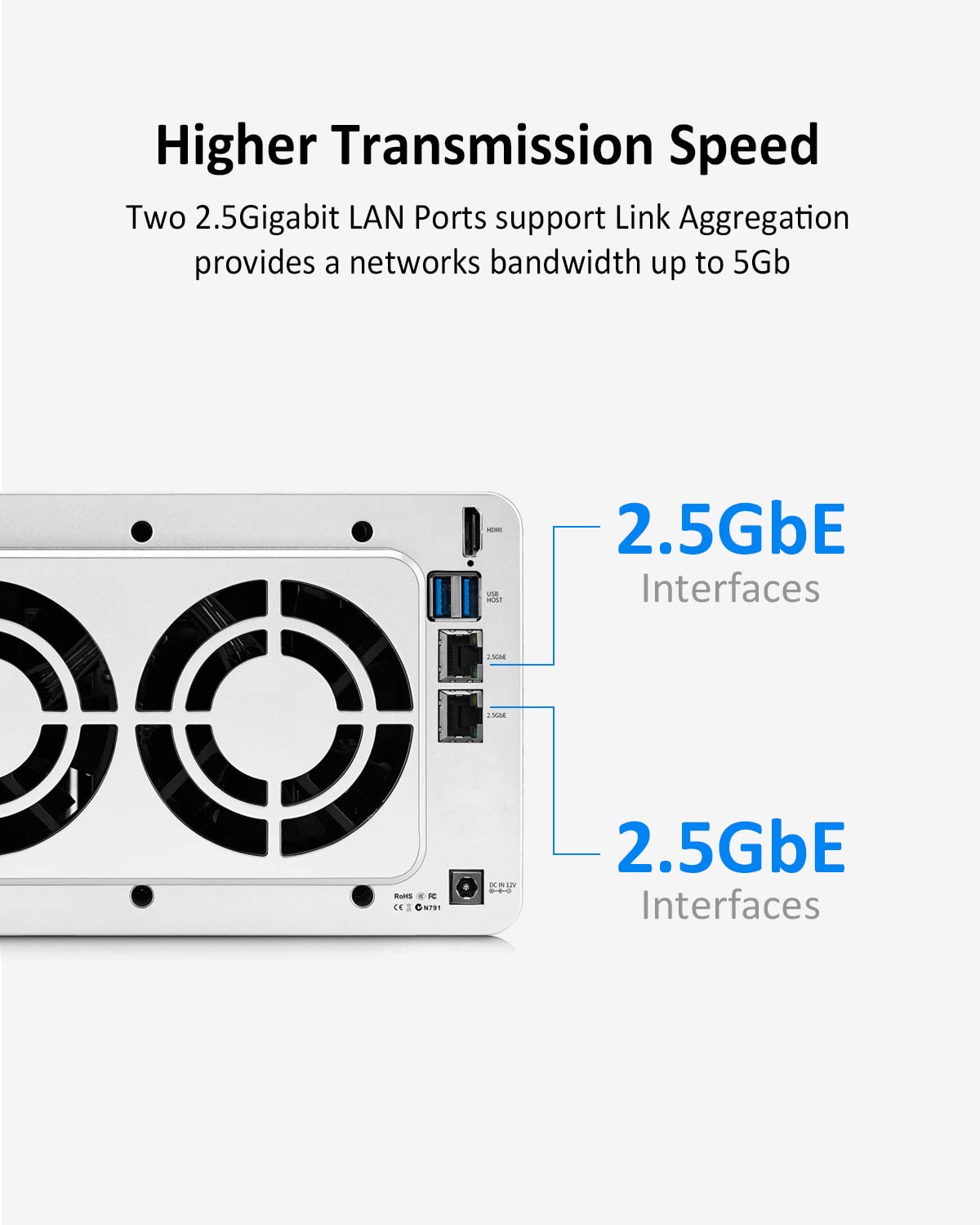
The TERRAMASTER F4-423 is a high-performance 4-bay NAS tailored for SMBs, featuring a powerful N5095 quad-core CPU, expandable 4GB DDR4 memory, dual 2.5GbE ports supporting 5Gbps Link Aggregation, and up to 80TB raw storage capacity. Its built-in M.2 NVMe SSD slot accelerates cache, while RAID support and multiple backup solutions ensure data safety. Designed with a compact, quiet aluminum chassis, it’s ideal for professional environments demanding reliable, scalable, and fast network storage.
| Brand | TERRAMASTER |
| Product Dimensions | 23 x 23 x 14 cm; 3.63 kg |
| Manufacturer | TERRAMASTER |
| Colour | silver |
| Form Factor | PCIe/104 |
| RAM Size | 4 GB |
| Memory Technology | DDR4 |
| Computer Memory Type | DDR4 SDRAM |
| Item Weight | 3.63 kg |
| Guaranteed software updates until | unknown |
A**.
TerraMaster F2-423 NAS: A Great choice for home users
After considering the competitors, watching the videos, reading reviews and factoring in the price to build a similar spec machine, I took the plunge and purchased the TerraMaster F2-423 NAS.This is a replacement for my tired WD MyCloud (hard drive started to click and performance is sub par with today's demands - no surprise considering it only has a dual core 650Mhz CPU & 256MB RAM) and I am very happy with it, the difference is night and day. It is a great choice for home users who need a reliable and affordable way to store and share files.The F2-423 is a 2-bay NAS that comes with a quad-core Celeron N5105 processor, 4GB of DDR4 RAM, and two 2.5GbE ports. It also has two M.2 NVMe SSD slots for caching, I've populated one with a 250GB SSD which has improved caching performance.I installed two Toshiba N300 4TB hard drives and configured them in RAID 1 for redundancy. This means that my data is safe even if one of the hard drives fails. These Toshiba drives are not as quiet as I was led to believe, choose wisely!The TerraMaster operating system is intuitive and user-friendly but could do with a bit more polish. I was able to set up the NAS and get it running in just a few minutes although this is not factoring in the time it took to synchronise the RAID 1 array, this took around 6 hours.I'm very happy with the performance of the F2-423. It is fast and reliable. I would definitely recommend it to anyone looking for a NAS for the home.Here are some of the things I like about the TerraMaster F2-423:Aluminium housing (except the front and back panels).Energy efficient design.Powerful quad-core processor.2.5GbE ports for fast file transfers.Two M.2 NVMe SSD slots for caching.Easy to use TerraMaster operating system.What I don't like:Hibernation is a bit hit and miss.More detailed logging is required.Front and back panels are plastic (I thought they were aluminium).I hope this helps!
G**Y
Just the job!
When our old TerraMaster NAS finally died, I chose this one as a replacement. TerraMaster offers good value and dependable devices though their software can be a bit awkward - but that's something I have gotten used to over the years (and their support usually responds to an email overnight when necessary).This F2-423 device was relatively easy to install. I added 16GB more memory (Corsair Vengeance DDR4 16gb SODIMM), an Ediloca EN600 256gb NVMe SSD (as hyper-cache) and 2x 6TB Seagate Ironwolf HDDs (in a Raid 1 configuration).I initialised the device and by default it installed TOS 5. As per the TerraMaster User Forums, I upgraded this to TOS 6 (6.0.530) which it immediately upgraded again to TOS 6.0.640 (only released a few days ago). This went smoothly, so I enabled the hyper-cache, went through the inbuilt Security Advisor and set up users and shared folders etc etc. TOS 6 is better than TOS 5 but not that dissimilar - the usual menus are there - but in different places! There are also a couple of new security features.I then reinstalled my apps including Duplo Backup, Clam antivirus, USB Copy, and PLEX Media Server (PLEX being our most important app on a NAS with home multimedia and family documents etc). Finally, I recovered our data from a separate NAS (Terramaster F2-212) we use solely for backups. Hey-Presto, everything worked!This is not the cheapest NAS but the performance is excellent (I hadn't realised how slow the old device was). It's relatively quiet and heat dissipation seems to be good.NOTE. The F2-423 is the first generation of TerraMaster NAS where one can use memory from manufacturers other than TerraMaster themselves. I looked on the user forums and saw that others have used Corsair Vengeance SODIMMs successfully (and saved A LOT of money). Likewise with the Ediloca EN600 NVMe SSD.With quick next day Prime delivery, I am rather chuffed 😀😊
A**N
Reasonably simple setup, still learning my way round
First time with a real NAS system after years running Plex on a old PC. Still learning my way around the system, managed to get all data transfererred ok. Small issue where Plex doesn't always seem to pick up newly added files unless I go back into the user permissions, no actual change needed but then it refreshes as expected. Also want to start experimenting with Docker.Unit itself is reasonable, very easy to add in HDD but M2 or RAM upgrade involves removal of the case - luckily this is fairly straightforward. Fan noise seems non-existent, hard drive noise obviously dependent on the quality of your drives but I've certainly no complaints.TOS seems functional but I am a little nervous about the level of support available, official forum on Terramaster website doesn't seem very active so I'm hoping I don't hit any major issues. But so far, all seems to be going ok for my pretty basic needs.
Trustpilot
2 weeks ago
1 week ago