We remain fully operational. Our teams are working around the clock to ensure your deliveries continue safely.

DOWNLOAD THE APP


Customer Services
Copyright © 2025 Desertcart Holdings Limited
DOWNLOAD THE APP

⌨️ Elevate your desk game with the thinnest, fastest, and most versatile wireless keyboard.
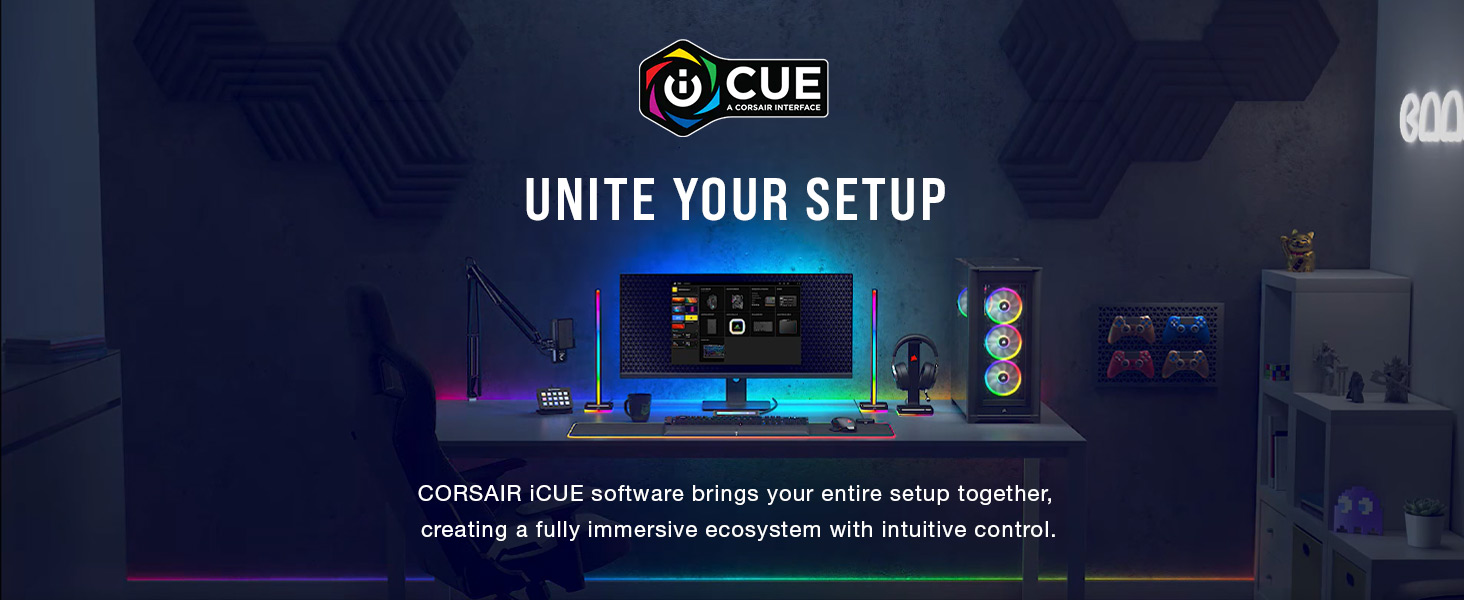
The Corsair K100 AIR Wireless RGB Mechanical Keyboard redefines premium productivity and gaming with its ultra-thin 11mm aluminum frame, sub-1ms SLIPSTREAM wireless, and Cherry MX Ultra Low Profile mechanical switches. Designed for professionals and gamers alike, it offers seamless multi-device connectivity, up to 200 hours of battery life, and fully customizable per-key RGB lighting and macros via CORSAIR iCUE software. Experience flagship performance and style in a sleek, durable package.




| ASIN | B0BDMLY69R |
| Batteries | 1 Lithium Ion batteries required. |
| Best Sellers Rank | #1,438 in Video Games ( See Top 100 in Video Games ) #145 in Mac Accessories #145 in PC Gaming Keyboards |
| Brand | Corsair |
| Color | Black |
| Customer Reviews | 4.4 4.4 out of 5 stars (4,585) |
| Date First Available | October 4, 2022 |
| Hardware Platform | Gaming Console, Laptop, PC |
| Item Dimensions LxWxH | 17.3 x 6.15 x 0.67 inches |
| Item Weight | 1.72 pounds |
| Item model number | CH-913A01U-NA |
| Language | English |
| Manufacturer | Corsair |
| Operating System | Windows 10 |
| Power Source | Battery Powered |
| Product Dimensions | 17.3 x 6.15 x 0.67 inches |
| Series | K100 AIR WIRELESS |
J**Y
Smoothest keyboard I’ve owned! Flagship feel with a few quirks.
I’ve been using the Corsair K100 for a bit now, and it’s easily the smoothest typing keyboard I’ve ever owned. The OPX switches feel incredibly responsive and consistent, whether I’m gaming or doing long typing sessions. It genuinely feels like a flagship board the moment you put your hands on it. For gaming and productivity, it shines. The macro-on-the-fly functionality is extremely useful, and the dedicated control wheel is one of my favorite features. I didn’t think I’d use it much at first, but it’s surprisingly versatile once you assign it to things like volume, app switching, or custom functions. It’s a small detail that ends up making a big difference. That said, iCUE can be a little sensitive and occasionally annoying to dial in perfectly. It’s powerful, but it may take some tweaking to get everything exactly how you want it. Also, at full price, this keyboard is definitely on the expensive side. Build quality is excellent — it’s heavy, solid, and doesn’t move around at all (which I personally prefer). The RGB lighting is beautiful if you’re into that sort of thing, with lots of customization options. One extra note: Amazon’s used or “like new” options can make this keyboard a much easier buy if full price is out of reach. It’s a great way to experience a true flagship board without paying top dollar. Bottom line: If you want a premium keyboard for gaming and serious typing and don’t mind spending a little time setting it up, this is a fantastic option
I**E
Fast light-touch-typing with extra macro keys and knobs, and fully programmable RGB lighting
Very smooth, love the light touch typing feeling of Cherry MX Speed, extra keys and buttons and knobs, and fully programmable RGB. I have been using Corsair K95 Platinum with Cherry MX Speed for 7 years and I needed another RGB mechanical keyboard for another PC, so I opted for Cherry MX rather than OPX so I don't have to get acclimated to new type of keys and swapping between Cherry MX and OPX when I move between PCs. I'm sure that if I haven't used Cherry MX before, I would have chosen OPX. I also used Cherry MX Brown, but I prefer Speed once I got used it. Although pricey (especially compared to Corsair K95 at the time I bought it), I took advantage of a sale. I couldn't find any mechanical keyboard that comes close to this one in terms of functionality and quality and programmability, especially the six macro keys on the left side I can't do without (I also considered Corsair K70 but they don't have macro keys). This mechanical keyboard is such a delight for gaming, coding, typing, etc. I use this on a Mac and Linux. Linux has ckb-next driver, and its development version (newer than release version as of Nov 2025) also detects the top left scroll and can program RGB on it. I created my own custom RGB lighting by copying one of the animations and then changing all the configurations to my liking. I use the USB port to connect my wireless mouse dongle and it works perfectly even if routed through a USB hub with on/off switches, then a USB KVM switch, and then through a third USB hub that is externally powered. If you are using a USB switch with mouse/key roaming feature that only works with a standard keyboard, there is a way to change the keyboard mode into BIOS mode by pressing some keys (search the Internet since it's not mentioned in the manual). You'll have to connect the mouse directly to the USB switch instead of the keyboard. You can revert back to normal mode with full functionality using some other key presses if you no longer need to be limited by a USB switch with key/mouse roaming feature. The wrist rest is very comfortable. It's nice that it's magnetically attached. The one in my old Corsair K95 had the plastic tabs broken so I had to throw it away. You probably won't find any alternative that comes close with macro keys, full custom RGB lighting, good quality, and the smoothness of a linear mechanical keyboard. If you've never used linear short activation switches, it may take some time to get used to it, but once you master it, you won't want to use any other switches. YMMV though.
J**.
Corsair's best keyboard thus far.
I've owned tons of Corsair's previous keyboards starting with their early monocolor white led k95 to the various other iterations of the K70 and K95 that were released over the years. I've always had some issue with them that made me hope that it would be fixed. The first K95 had problems with the black on the keycaps wearing off and the led lights dying quickly. Later RGB versions seemed to fix the LEDs dying, but introduced issues with a single key press registering multiple keystrokes. Then the quality of the keycaps of newer releases seemingly degraded and were completely loose out of the box. So loose that if you tapped a key too quickly, the keycap would fly off the board. That got old very quickly. Then the K95 RGB Platinum also had the issue of some of the LEDs starting to become really dim compared to the other keys. I switched to the EVGA Z20 after I got fed up with the various issues, but found it had its own host of problems including random disconnecting from the computer and losing power regardless of what USB port I plugged it into. I discovered that Corsair had a new keyboard with a new type of optical switches and decided to give their keyboards one more chance. After some months of use, I have to say this keyboard is fantastic so far and all my previous issues with their keyboards appear to be gone. - The keys feel just right when typing. - The fonts used on the keyboard look a lot better and the keyboard overall has a classier look to it. - The keycaps are not loose in the slightest. They are snugly fitted to the switches and actually takes a bit of effort to pull them off so I'm not worrying about them flying off the keyboard anymore mid-game or while chatting. - There hasn't been a single instance of a single keypress registering multiple keystrokes. So far, the LEDs for these OPX switches have been holding up over the months and I hope they stay that way. - The keycaps are double shot so I don't have to worry about the paint on the keys coming off. - Not really a past issue per se, but perhaps due to the new OPX switches, it's not as loud when the keys bottom out while typing compared to the Cherry MX switches. An improvement in my opinion, but some people might prefer the louder clickety clack of the Cherry MX switches. As an added bonus, the wrist rest is also their best yet. It must use a memory foam inside as it has yet to flatten out even after applying a lot of pressure on like resting my elbows on it frequently. It's a huge improvement over the hard plastic wrist rests with the rubberized coating. It also conveniently snaps right onto the keyboard with magnets. If I were to list any cons, they would be: - Price. This is one expensive keyboard. I have had no issues with it so far, so I'll take it over having a cheaper keyboard with problems. - Easy to accidentally press a key if you're not careful as they are linear and don't require a whole lot of force. Also, they have a VERY short actuation distance. - I find the scroll wheel to only be mildly useful, but that's just my based on my own needs and usage.
L**S
One thing to note is that the keys are extremely sensitive, but its relatively easy to get used to it.
D**E
Vorweg: Ich bin kein Gamer, sondern benutze eine Tastatur für Büroarbeiten. Insofern sind mir das bunte Muster und die Programmierung der Tastatur egal. Pro: * Fühlt sich super solide und wertig an ! * Tippgefühl ist erstmal gut * Tasten für Lautstärke und mehr * Kann sie mit Bluetooth und einem proprietärem? Funkstandard betreiben und oder per Kabel Mittel: o Preis o Beleuchtung ist entweder an oder aus. Nicht wie beim Mac, dass sie sich selbst ausschaltet (Luxusproblem) o Bei Videokonferenzen ist die Tastatur zu hören. Niedrig: - Nach einem Arbeitstag hatte ich irgendwie Muskelkater, da man wohl doch ziemlich die Tasten drücken muss (Grund, warum sie leider zurückgehen musste) - Stellenweise doch noch ein bisschen hoch die Tasten für meinen Geschmack -- Maßstab: Laptops
A**O
I have many keyboards bit only this one die very fast. Not at all reliable for that kind of money. It's impossible to return it. I'm greeted by a crappy robot. I want a single button with a return form. But you deliberately make the return process complicated so that I give up halfway through.
D**H
I previously used cherry MX Red switches on my cooler master Pro L white LEDs for the past 7 years. It's still doing good. Wanted to try these. So here are some things I observed 1. Click actuation is so short, might get time to get used up. 2. In game it felt super easy to click. So for gaming is worth, not much for typing 3. Build quality is next level. There's no compromise on that. 4. Is you're into streaming, streamdeck can be integrated into the kb. 5. For me personally I felt my hands are locked when using the hand rest. So I removed. I've never used them before as well, May be cuz f that I might've felt that. 6. If you've bucks, blindly go for it
P**O
It's expensive, quite expensive... but the quality and typing experience are amazing. It would be really hard to go back to previous keyboard. The only issue I found is that I couldn't make my Hue app to take control over the lighting and change the color of the keyboard. It's possible to take control over the phillips lightstrip and sync the lights color. For some reason reason is only working one way. As you can see on the attached pic all my Razer devices are fully synchronized with my hue lights except for the keyboard.
Trustpilot
3 weeks ago
3 weeks ago