We remain fully operational. Our teams are working around the clock to ensure your deliveries continue safely.

DOWNLOAD THE APP


Customer Services
Copyright © 2025 Desertcart Holdings Limited
DOWNLOAD THE APP


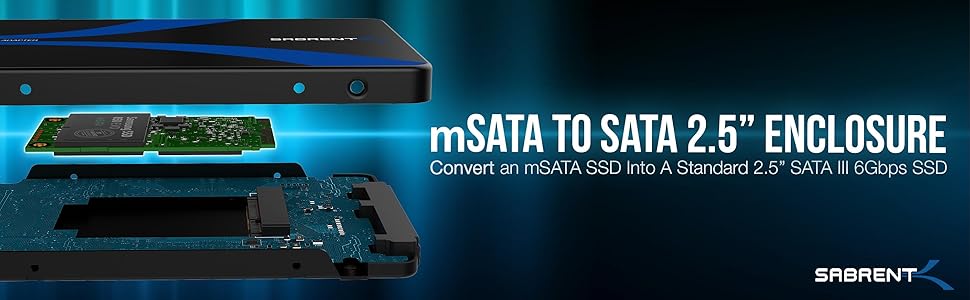
⚡ Transform your mSATA SSD into a powerhouse 2.5" SATA drive—speed, style, and simplicity in one sleek package!
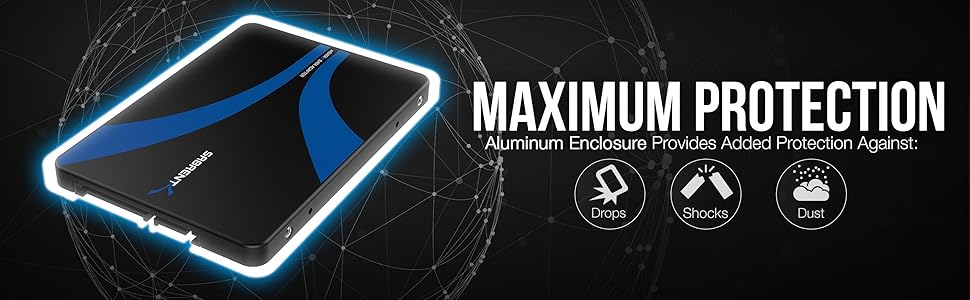
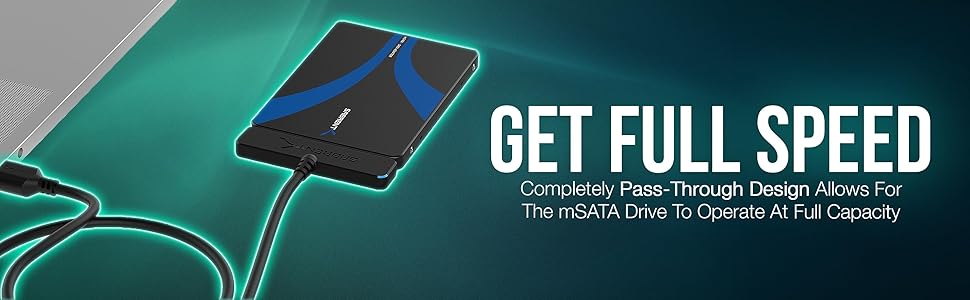
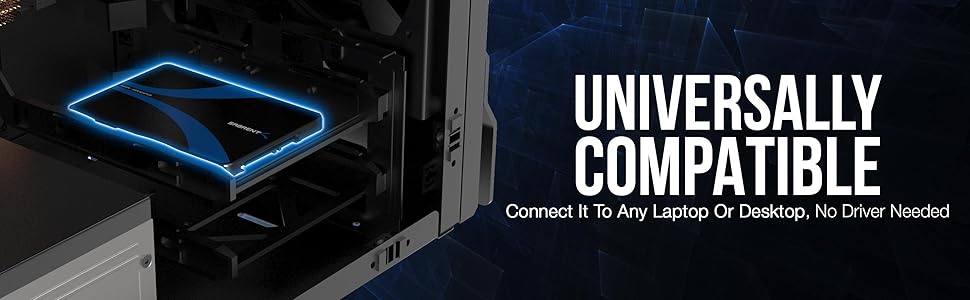
The SABRENT mSATA to 2.5 inch SATA III aluminum enclosure adapter converts your mSATA SSD into a standard 2.5" SATA drive, delivering blazing SATA III transfer speeds up to 6 Gbps. Crafted from durable, shockproof aluminum, it includes all necessary screws and a screwdriver for easy installation. Compatible with Windows, Linux, and more, this plug-and-play adapter offers a reliable, high-performance storage upgrade with an 8-year warranty upon registration.


| ASIN | B01MS6669V |
| Best Sellers Rank | 8,582 in Computers & Accessories ( See Top 100 in Computers & Accessories ) 32 in Enclosures |
| Box Contents | mSATA to 2.5-Inch SATA III Aluminum Enclosure |
| Brand | SABRENT |
| Brand Name | SABRENT |
| Colour | Black |
| Compatible Devices | computers and laptops running Windows, Linux or compatible with a USB interface |
| Country of Origin | China |
| Customer Reviews | 4.4 out of 5 stars 10,277 Reviews |
| Data Transfer Rate | 5000 Megabytes Per Second |
| Enclosure Material | Aluminium |
| Global Trade Identification Number | 00819921013422 |
| Hardware Interface | SATA 3.0 Gb/s |
| Hardware Platform | Universal |
| Hardware interface | SATA 3.0 Gb/s |
| Hardware platform | Universal |
| Item Dimensions L x W x H | 10L x 7W x 0.7H centimetres |
| Item Weight | 40 Grams |
| Manufacturer | SABRENT |
| Material | Aluminium |
| Product Warranty | 8 Years Upon Registration |
| Product dimensions | 10L x 7W x 0.7H centimetres |
| Supported Devices Quantity | 1 |
| The Standard Size of the Hard Drive or the Bay the Hard Drive Is Compatible With (in inches) | 2.5 Inches |
| UPC | 819921013422 |
| Unit Count | 1.0 count |
M**K
Simple and effective SSD adapter
Great for repurposing an old M.2 SATA SSD as external storage. Feels solid, and the transfer speeds are as expected.
P**H
Top notch
I bought this to go with a 240Gb Kingston MSATA drive. The package includes a small screwdriver and all the screws you need to assemble. Use the included tab to pull the enclosure apart, pop your MSATA module in, and secure with the two larger screws. Then pop the top back on, and use the four smaller screws to screw the case together. Once in my system it needed Disk Manager (computer manager, then select disk management on the left) to format it and assign it a drive letter. Benchmarking using Samsung Magician gives it a Sequential Read of 539 MB/s & Write of 523MB/s this is about the same as a 250Gb Samsung Evo 850 which scored 549 and 528 respectively. Random IOPS were down, with Read and Write at 67138 & 67871 vs the Samsung at 93994 and 85449. Bear in mind most of this will be the MSATA drive choice, as opposed to the enclosure, but thought it worthwhile comparing so you can see it runs at a good rate. For comparison, a 4Tb Western Digital traditional drive in the same benchmark, scored 168MB/s and 165MB/s and Random IOPS were 488 & 244 ... so a lot lot slower than the SSD. So for £10 you really can't ask much more, it's a good enclosure with the screws and tool needed to fit, and gives good performance.
B**N
Great product but with a small addition it would greater.
This M2 SSD SATA housing is a good product that worked perfectly out of the box. What I particularly like is the build quality; the housing is anodised aluminium rather than plastic so it is lightweight but sturdy enough. Though it's clearly not intended to be roughly handled - but why would you? I use this with a standard SATA to ESATA connector (inc. USB power connector) and alternatively with a SATA to USB only connector; but of course the device can be attached to a PC in the same way as a standard SATA hard drive. I now prefer this standard sized SSD housing to the smaller M2 housings that aren't much larger than the chip-set. Whilst the smaller housings are very convenient for USB connection, there is obviously more air space around the chip-set in this housing and I would think that this must be beneficial to keeping the chip-set cooler. Certainly the smaller housing I have does warm up appreciably after a lot of data shifting. So what would get it 10 stars from me? Well, in many M2 housings there is a stand-off for the mounting screw that keeps the board level and parallel with the housing base. In this unit there is no stand-off so after tightening the screw (and one must) the back end of the chip-set is forced down to the housing base that bends the chip-set ever so slightly; and I don't like that as, in the long term, it could put unintended pressure on the board and connector. A 2mm thick slither of foam placed under the back-end of the board cured this potential problem. But it would surely be better if the manufacturer supplied a fibre washer for the screw. Pedantic I may be, but M2 SSDs aren't cheap and need to be handled with care; so why not add a washer to the case. Not much to ask!
C**R
Very Useful! (if not a little dated)
These have become very useful to me, from repurposing old storage, to allowing hotswap of old M2 drives, as well as making them portable. Quality is decent, relatively easy to put together, the cable it comes with is nice. Remember these are SATA only, no NVMe support. I give them to clients after upgrading their laptops so they can still access their old files if the cloning of their install has issues. My one complaint is that it still uses USB 3 Micro-B, instead of USB C which is a considerably better connector. USB-C is smaller and more durable and a lot of modern devices have it now.
H**S
now need a mSata drive (now I've got one)
Well apart from the supplier once again not selling me a NEW Sabrent item (second time this has happened) Thought it was was mSata only but Sabrent website description states: mSATA to USB 3.0/2.5-Inch SATA III Enclosure Adapter EC-MSMU Backwards compatible with USB 2.0 and 1.1 with their transfer speeds Plug and play no drivers required Exclusively designed for M.2 NGFF SATA SSD B or B+M Key 1.SATA Interface - 2.USB 3.0 - 3.MSATA SSD Slot - 4.MSATA SSD Screw Holes Well not the one I purchased, product model is the same, bit confusing Plugged it in and recognised by windows Just have to wait till I get a mSata drive Just gonna keep it and add to the rest of my paraphernalia, sure it will come in handy one day! UPDATE The unit did not sit around long, ordered a 512GB mSata SSD to test it Ran comparison tests with a 2.5 Sata SSD from the same manufacture, thought I had the same model but noticed the mSata was 3D NAND TLC with the 2.5 Sata III was QLC so not exactly like for like The results were very similar over the various setups and permutations Photos are for the units 2.5 Sata III and USB 3.0 interfaces (the USB 3 test input was 10 GBit/s so results could not be higher) The unit performed very well and met the expected speeds of the in situ mSata drive The only gripe I have is with the small fixing screws that along one side butt up against the PCB and initially would not let the screws be flush with cover, but unit its self looks great It is useful to have the interface options, normally I would use a 2.5 Sata III in a USB enclosure or Sata to USB interface adaptor Just have to see if any of my computer tech has a mSata inside or some one wants a drive checking In the meantime I plan on using it as test drive, not let it sit on shelf for the money I have had to shell out Functionally its fine, I like it!
L**O
Easy way to use an mSata card as an external storage or internal SSD drive
I had bought an mSata SSD card and wanted to be able to place it inside a laptop that had a 2.5" mechanical drive with Sata connection. So this enclosure seemed the ideal solution. I went for this particular model as I thought that a metal enclosure would be better at dissipating any heat generated rather than a plastic variety. This all-metal enclosure was slightly fiddly to open but there was a strap to assist in pulling it apart. Inside there were a set of 6 screws - 2 large screws to locate the mSata card and 4 smaller screws to seal the enclosure, and a small screwdriver. At the moment I am using the setup as an external drive connected to the laptop via a Sata to USB 3 cable (Sabrent) incorporating handy LED lights that let me see when the card is working. My first task is to clone the mechanical hard-drive to the mSata card with this external setup and then swap it for the mSata enclosure. The enclosure is exactly 7mm high x 7cm wide x 10cm long. I am happy with the installation and the price point is fair.
R**G
Sabrent mSATA to 2.5-Inch
My requirements for this device were twofold, firstly to act as a holder for a msata drive to allow me to clone an existing msata in my NUC computer to a new one. Secondly, I wanted to use the holder to house the old msata, so I could install it in another computer. Although cloning should have been quite a simple process I found it was not so simple using Windows, form my dual boot Windows/Ubuntu system. I tried several recommended programs, however, all seemed to fail, so I then went on to using Ubuntu, and just three lines of text in the Terminal, which did it easily and simply. I then just replaced the old drive in the NUC with the new cloned drive, and it just worked as though nothing had changed, except it now had a drive with twice the capacity. The old msata drive was then placed in the Sabrent adapter which could then be used as a 2.5” sata drive in another computer. I went for the Sabrent drive for two reason, its construction was of aluminum, and it made a direct connection with the sata interface, and I was not disappointed with my selection, or its performance. Of course purchasing the item via Amazon was quite straight forward, and Store4PC-Europe on Amazon, listed the product in detail, so there was no need to contact them with questions. They even followed up the purchase afterwards asking if I was 100% satisfied, and if not how they could help.
D**O
Okay
Did not work for me Thankyou
Trustpilot
3 weeks ago
2 weeks ago