
DOWNLOAD THE APP


Customer Services
Copyright © 2025 Desertcart Holdings Limited
DOWNLOAD THE APP

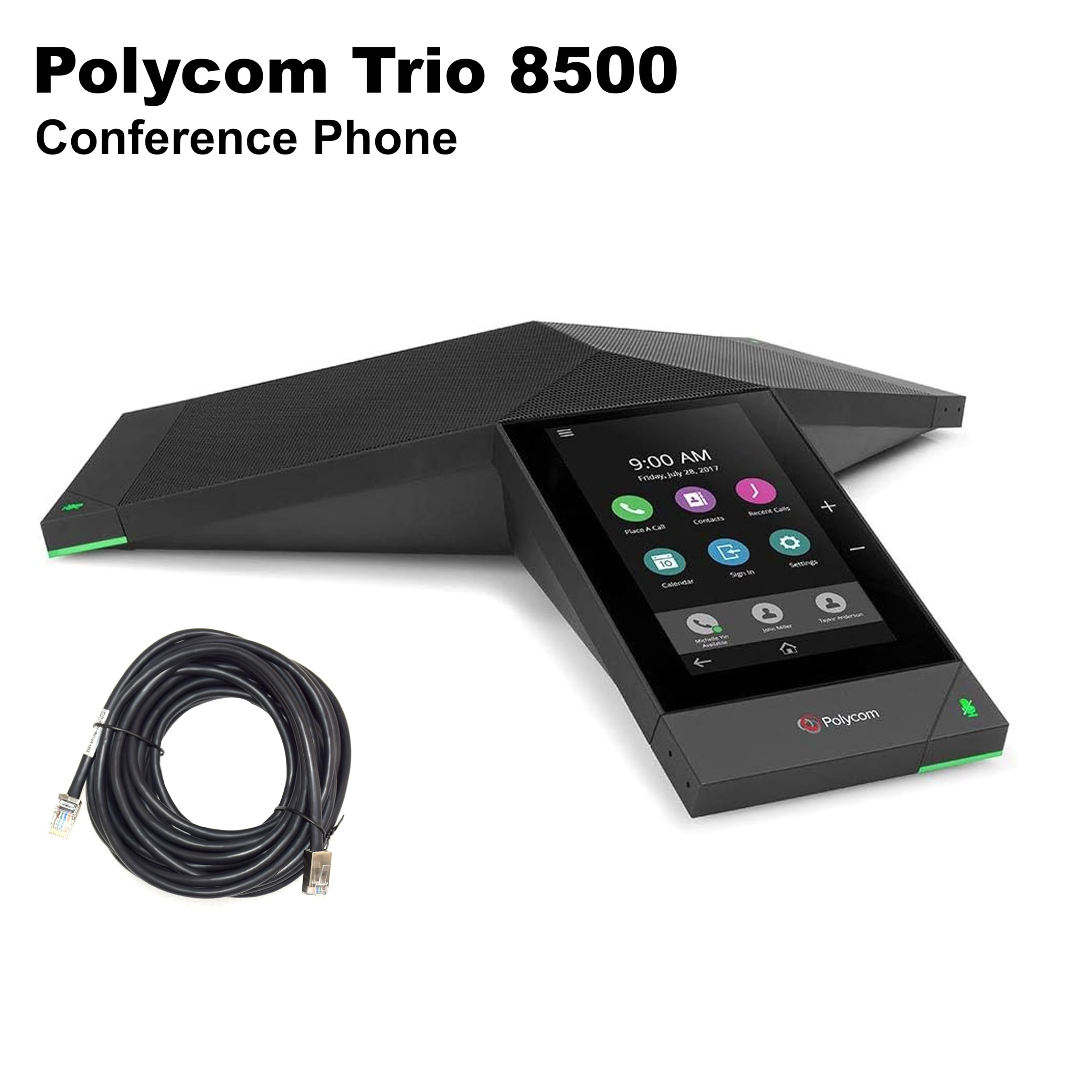


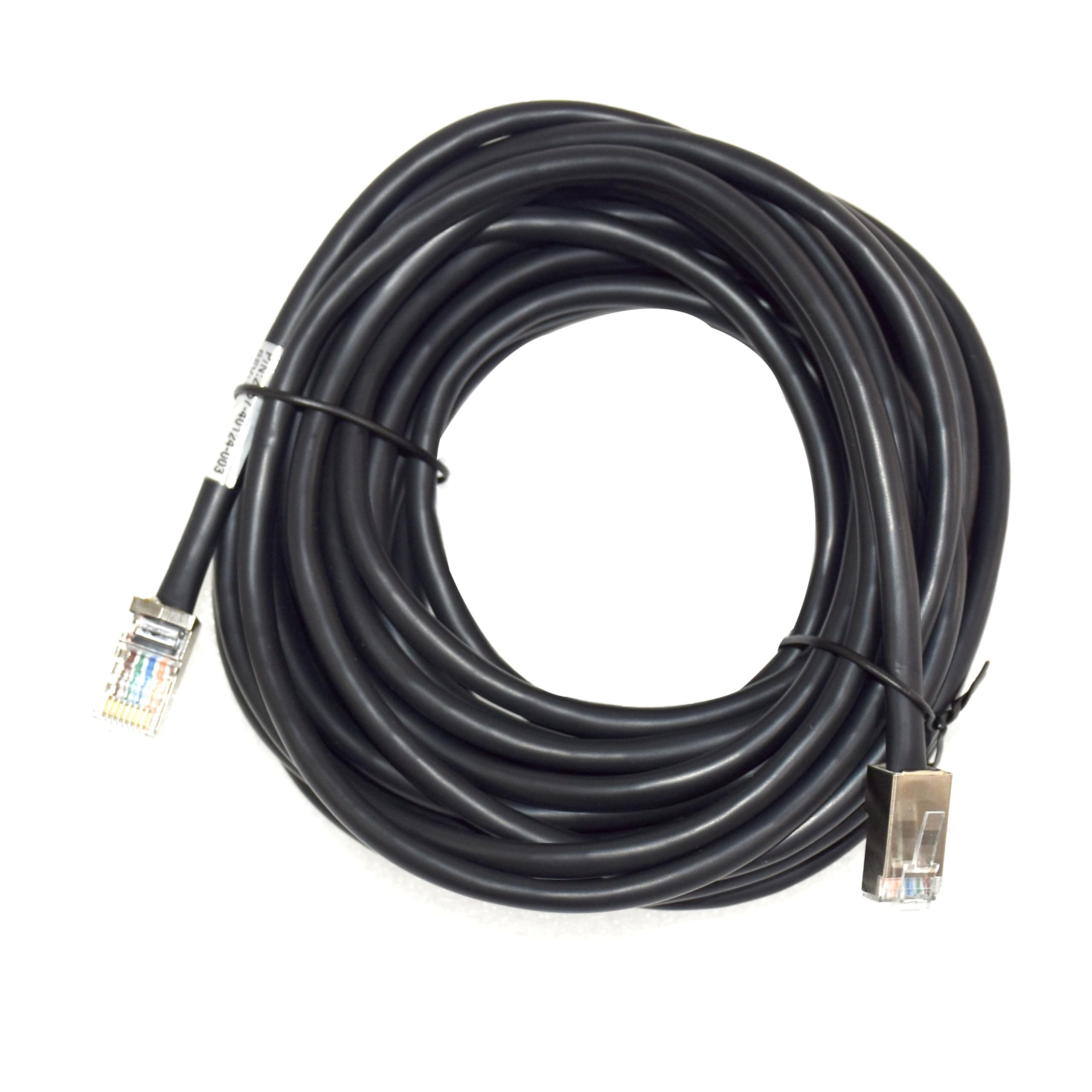

📞 Elevate your meetings with sound and style that command attention.
The Polycom RealPresence Trio 8500 is a premium conference phone designed for smaller rooms, delivering superior audio clarity up to 14kHz with advanced noise cancellation and full duplex technology. Featuring a 5-inch color touch display and built-in USB and Bluetooth, it supports flexible device connectivity and hybrid platform integration. Ideal for professional teams seeking seamless audio, video, and content collaboration in one sleek, future-ready device.


| ASIN | B077C71DV6 |
| Best Sellers Rank | #134,978 in Office Products ( See Top 100 in Office Products ) #71 in Telephone Audio Conferencing Products |
| Customer Reviews | 3.9 3.9 out of 5 stars (25) |
| Date First Available | November 11, 2017 |
| Is Discontinued By Manufacturer | No |
| Item Weight | 2.17 pounds |
| Item model number | 2200-66700-025 |
| Manufacturer | POLY |
| Product Dimensions | 14.02 x 12.17 x 2.76 inches |
C**R
Great so far
We have the Trio 8800 in other conference rooms and thought we would give the 8500 a try since it is designed for smaller rooms with a lower price. It works great so far. Polycom has a little work to do however on their admin portal to ensure that minor changes do not render the phone inactive. I have seen this on many Polycom models however and this has not impacted my rating. Just something to be aware of. (Resetting to default does the trick.)
C**S
Waste of money, do not buy
This item came with no instruction and the description does not mention that is only working if you have an active ethernet connection. I was a total waste of money... DO NOT BUY.
R**E
Poly 8500
Easy to setup and use. Works great as a conference phone on the Zoom phone service.
C**.
Receiving my polycom used and with missing parts
Received my polycom 8500 dirty, with missing parts, and looked used. I was hoping to use once received but that unfortunately will not happened.
M**S
Effective for the price. Quality sound and connections. We are quite happy with it!
A**I
Nice conference phone
T**D
we brought the standard option which by the looks of it can be used with Skype and MS teams at later date, if you wish. OK start with, plug in, go to browser page for device and perform software update, once complete reset to factory defaults. use the set up through web browser. start with the "simple set up" option, worked for us to connect to mitel 5000. but you will need to be familiar with SIP, PBX systems and ports. you may need to adjust the digimax. take great care with SIP, make sure you enable authentication. in terms of performance, better than the old poly's we had. easy interface. but it would be great if you if you could manage the contacts through the web interface.
Trustpilot
1 week ago
2 weeks ago