
DOWNLOAD THE APP


Customer Services
Copyright © 2025 Desertcart Holdings Limited
DOWNLOAD THE APP

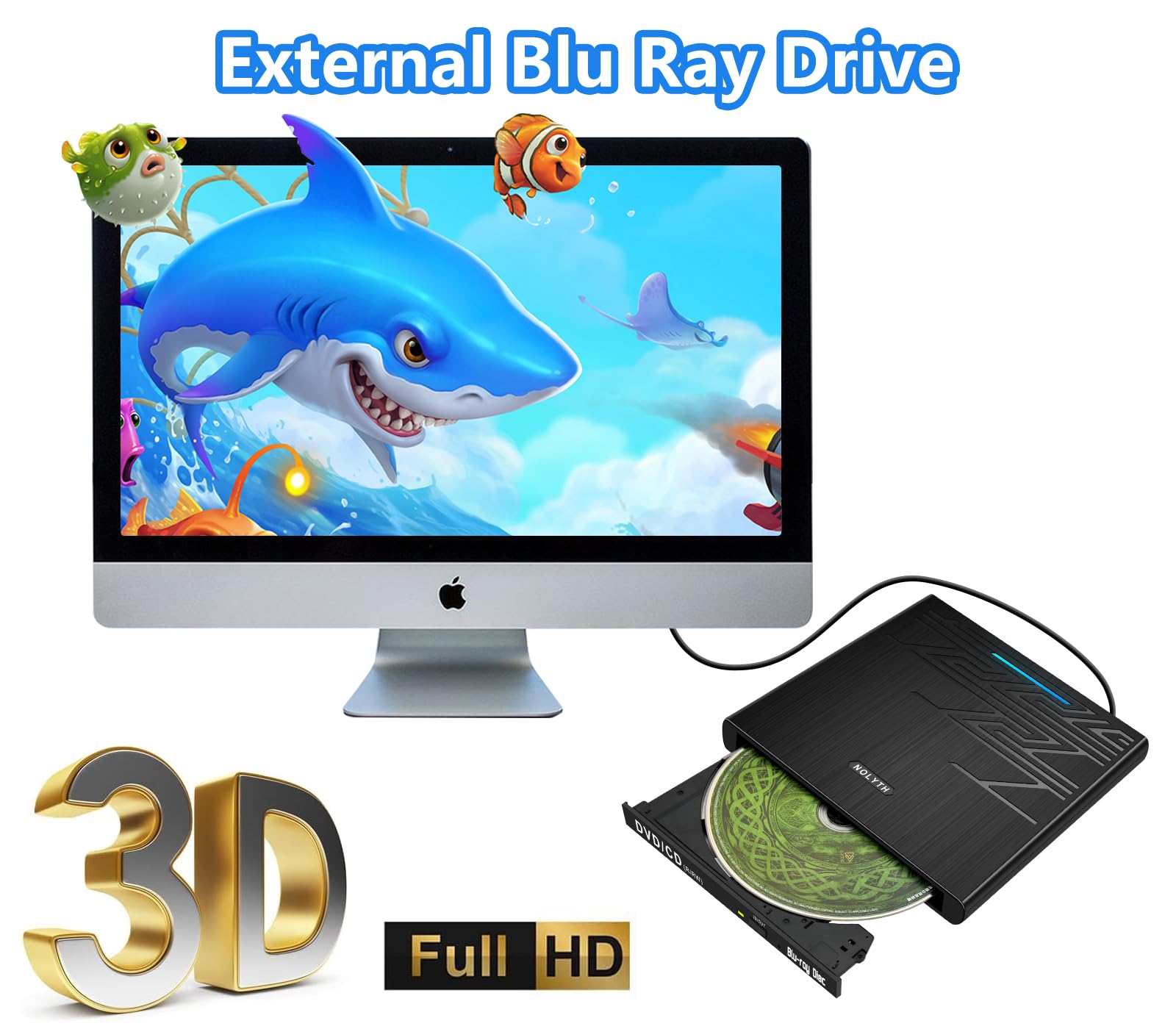



🎬 Elevate your media game—because your laptop deserves premium Blu-ray power!
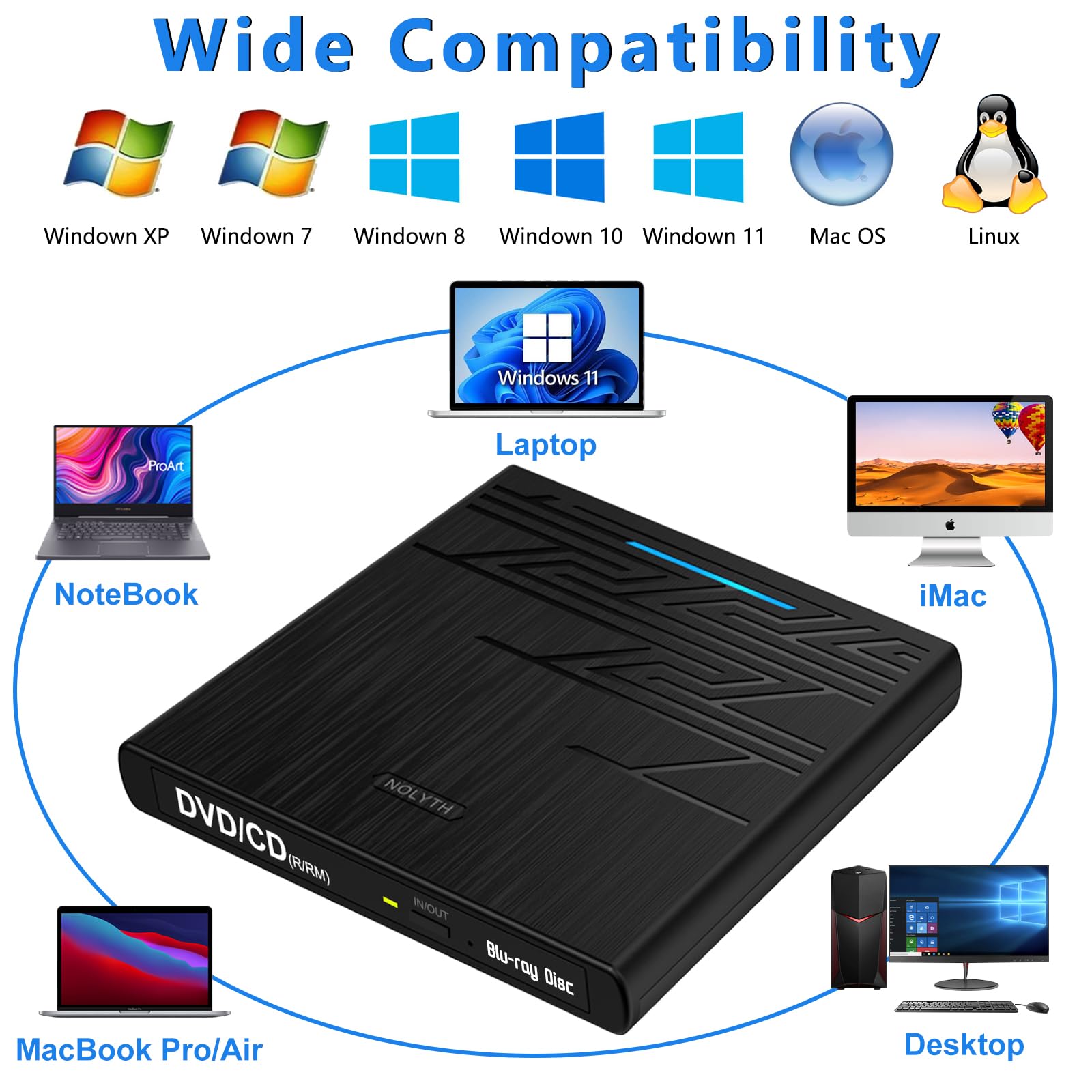
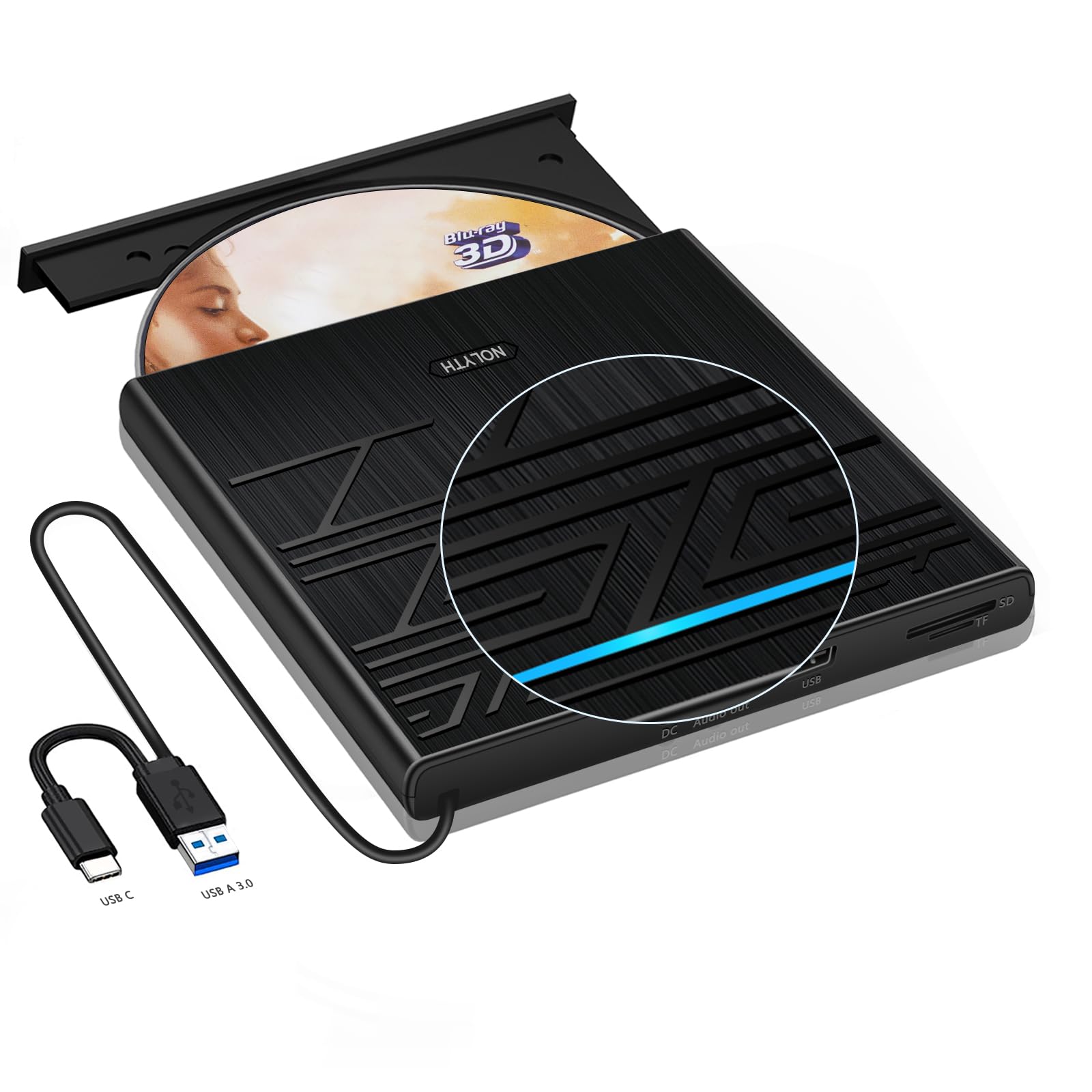
The NOLYTH External Blu Ray Player is a sleek, portable drive designed for professionals who demand high-speed BD/DVD/CD reading and burning. Featuring dual USB 3.0 and Type-C connectivity, 3D playback support, and versatile SD/TF card slots, it offers broad compatibility with Mac, Windows, and Linux systems. Perfect for media enthusiasts and managers alike, it combines robust performance with a compact design and reliable customer support.


| ASIN | B0CPSPC6DS |
| Best Sellers Rank | #100 in External Blu-ray Drives |
| Brand | NOLYTH |
| Color | Full-Black |
| Customer Reviews | 3.9 3.9 out of 5 stars (670) |
| Date First Available | December 8, 2023 |
| Hardware Platform | Laptop, Mac/MacBook/iMac, PC |
| Item Dimensions LxWxH | 6.04 x 5.85 x 0.78 inches |
| Item Weight | 12.3 ounces |
| Item model number | Confoly Tech-xxxx |
| Manufacturer | Confoly Tech |
| Operating System | Windows, Linux, Mac OS |
| Product Dimensions | 6.04 x 5.85 x 0.78 inches |
J**A
Fantastic customer service and a great drive
I needed an outboard drive for my MacBook Pro (Retina, 13-inch, Early 2015). This drive conveniently comes with an adapter from USC-C to B which made it easy to connect to my old machine. For software, I downloaded a few files from VLC which allowed it to play BRD and I was away! The build quality is excellent and it takes all disc media. Plug it in and it is recognized. The first unit came damaged so it was operating erratically. I contacted Nolyth and they responded right away. They tried to send out a replacement right away but Amazon was not up to the task! Fortunately Coco stayed with the case and the replacement made it to me. I certainly appreciated having someone deal with the labyrinth that is Amazon so I could sit back and wait for the new drive to come!
H**H
Works as expected, better quality device that I expected for this price point.
The disk worked out of box with no configuration needed on a Windows 10 PC. I did experience some intermittent disk read issues which seemed to be resolved by plugging the second USB "power" cable into a USB A/C charge port for a phone rather than another USB port. I suspect the power draw was too much for the USB hub on my PC. To date I have successfully backed up about 30 BlueRay disks. I am happy with this purchase.
L**K
Impressive product: NOLYTH 5-in-1 External Blu-ray Drive
Overall impressions: The NOLYTH 5-in-1 External Blu-ray Drive worked flawlessly as advertised and operated in all ways per the manufacturer’s instructions. The Blu-ray picture quality is very remarkable. The colors are vivid and very lifelike. The Drive reproduces Blu-ray quality very accurately. I operated the Drive with DVD media as well. Again, the Drive operation was flawless. For the price point offered, the NOLYTH 5-in-1 External Blu-ray Drive is an excellent purchase option. Product arrival: The Blu-ray Drive arrived from Amazon ahead of schedule, and as usual in excellent condition. First impressions: The Drive is solidly constructed, and its size is 6 inches square and 1 inch high. It sits easily on top of a Mac mini. In use the Drive doesn’t heat up excessively and only generates a mild hum. The drive noise is not an issue even thou in my case it sits on less than 2 feet from my chair. The Drive was securely packaged in a very nice carrying case with compartments for the drive itself, and the enclosed interface cables and instruction manual. The bi fold carrying case is remarkably well manufactured. It is a zippered bi-fold design made of a rigid material covered in black nylon and accented with a red zipper and carrying strap for the wrist. One compartment is dedicated to hold the Drive with an elastic strap and cushioned fabric cover that excellently protects the Drive. The second compartment is versatile enough to secure interface cables, instructions, and media disks. The drive has an external button for opening and closing the media drawer. The media tray opens to the front of the Drive. The right side of the Drive has independent slots for TF and SD Cards. Also, there are two additional USB 3.0 ports. The rear of the unit has the interface port to connect the Drive with the Mac Mini. There are no ports on the left side. Setup: The manufacturer supplies a well-written setup manual describing the Product list and appearance, Produce description, etc. Read the instructions for installation details. • Ensure to plug into a USB 3.0 plug on the Mac. Using a non-powered USB 3.0 hub caused the Blu-ray not to be recognized. • The drive did not come with Blu-ray software. Apple does not provide software for Blu-ray devices. From experience Macgo Blu-ray player is the best easiest software to use. A trial version is available free of charge. Upgrading to a purchased copy is a seamless process from the Macgo vendor site or the Mac App store. 1. Start by installing the Macgo software on my Mac 2. Drive installation is very simple. Just Plug and Play. Plug the included interface cable into a USB 3.0 port in the Mac and the interface port on the rear of the device. 3. Turn on the Mac. And login Playing Blu-ray Media: 1. Place a disk in the drive media tray and close the tray. For my version of OSX, the manufacturer recommends wait approximately 20-30 seconds for the Mac to recognize the Blu-ray media. Alternately, wait for the Blu-ray media icon to appear on the Mac desktop or the Finder sidebar. 2. Start the Blu-ray player software 3. The Blu-ray will start up automatically. 4. To eject the Blu-ray on a Mac. Stop the player software. Drag the Media icon from the desktop to the eject button on the Mac desktop.
W**P
nope
didn't even get to try the Blu-ray burning part, just tried and both the Blu-Ray player and burner part has now quite working I bought this for myself last Christmas not even 5 months later and up until Monday night I was still ok with it, was playing DVD/Blu-rays just fine just that weekend in fact, and was using it to make digital copies of our movies Anywho, I wasn't going to but more than one had asked if I was going to make a slide for my Sis, I really didn't want to, I usually wait until I was ready to make one after someone pasted but was asked again So I did and thought hey I bought this thing with some blank Blu-ray disks I can put the slide on that just to try it out Didn't work wouldn't see the BD-R disk hmm oh well I thought such as life but it burnt it onto a DVD just fine didn't think anything of it now remember was playing Blu-ray just fine even a couple of days before Then I thought this morning I'd watch a Blu-ray movie, didn't work did this movie go bad or something I thought to myself hmm tried another Blu-ray movie that too wouldn't see the movie in the drive ahh what the tried one more NOPE it plays DVD's just fine and burns DVD's just fine But the Blu-ray player/Burner part just quit altogether how strange only the Blu-ray part not working Not even a full five months thankfully was on holiday sale so I did not pay full price for it
T**A
Very nice bluray player/recorder
I got this little drive to use with my Dell lap top. I have a Sony drive that I was using for a few years now, BUT I DID NOT LIKE MY SONY BECAUSE REQUIRED TWO USB PLUGS TO FUNCTION. This drive needs only one plug, USB C plug. So I compared this with SONY and I found that the picture is better. The customer service is fantastic. They e-mail me the owner's manual ahead of time and offered help if I need it. The drive is not noisy and does not have any vibrations. It looks good and functions good. I did not have a chance to record anything yet, but I will write about when I will do so. It comes with a very nice special case. Very well and carefully designed and made. I love it, and I recommend it. Buy it and you will be happy too. 10 STARS FROM ME. Thank you for this good drive, WE ALL NEED IT. DOES NOT COME WITH ANY SOFTWARE. TO PLAY/ RECORD YOU NEED YOUR OWN SOFTWARE. For playing bluray in win 10 install cyberlink power dvd.
D**L
I bought powerdvd ultra 22 software to play blurays. Works flawlessly. Worth buying the software. Had trouble with free software playing blurays. This bluray drive is good quality with a heavy feel. Looks cool too. Very nice product.
D**N
I've only run into one blue ray so far that it won't play but I blame it on the DVD software and not the machine itself, the external player seems to be well built and works great, it's small quiet and light.
N**S
This product worked a few times, seemed ok, but then after light usage (only for reading DVD), then it stopped working for no apparent reason. Windows can't recognize it, says some issues with USB not functioning properly, and then got a message about USB not recognized. I tried many troubleshooting options found online, but nothing worked. I tried it in different USB ports and with the four different computers I own, it is just not working. I think this product is not made with good quality parts, which might explains that poor longevity. I don't recommend this product.
A**R
I started to use the product on my new MSI Creator laptop which was delivered with Windows 10. When my laptop received the Windows 11 upgrade, my NOLYTH Blu-Ray Drive encountered some compatibility problem and did not work. I contacted the vendor ad the Sales Manager Coco Lee replaced the product in less than one week. I strongly recommend this product and the vendor.
C**E
Très léger, mais n'a pas l'air très solide. En tout cas, fonctionne bien pour le moment.
Trustpilot
1 month ago
3 weeks ago