
DOWNLOAD THE APP


Customer Services
Copyright © 2025 Desertcart Holdings Limited
DOWNLOAD THE APP

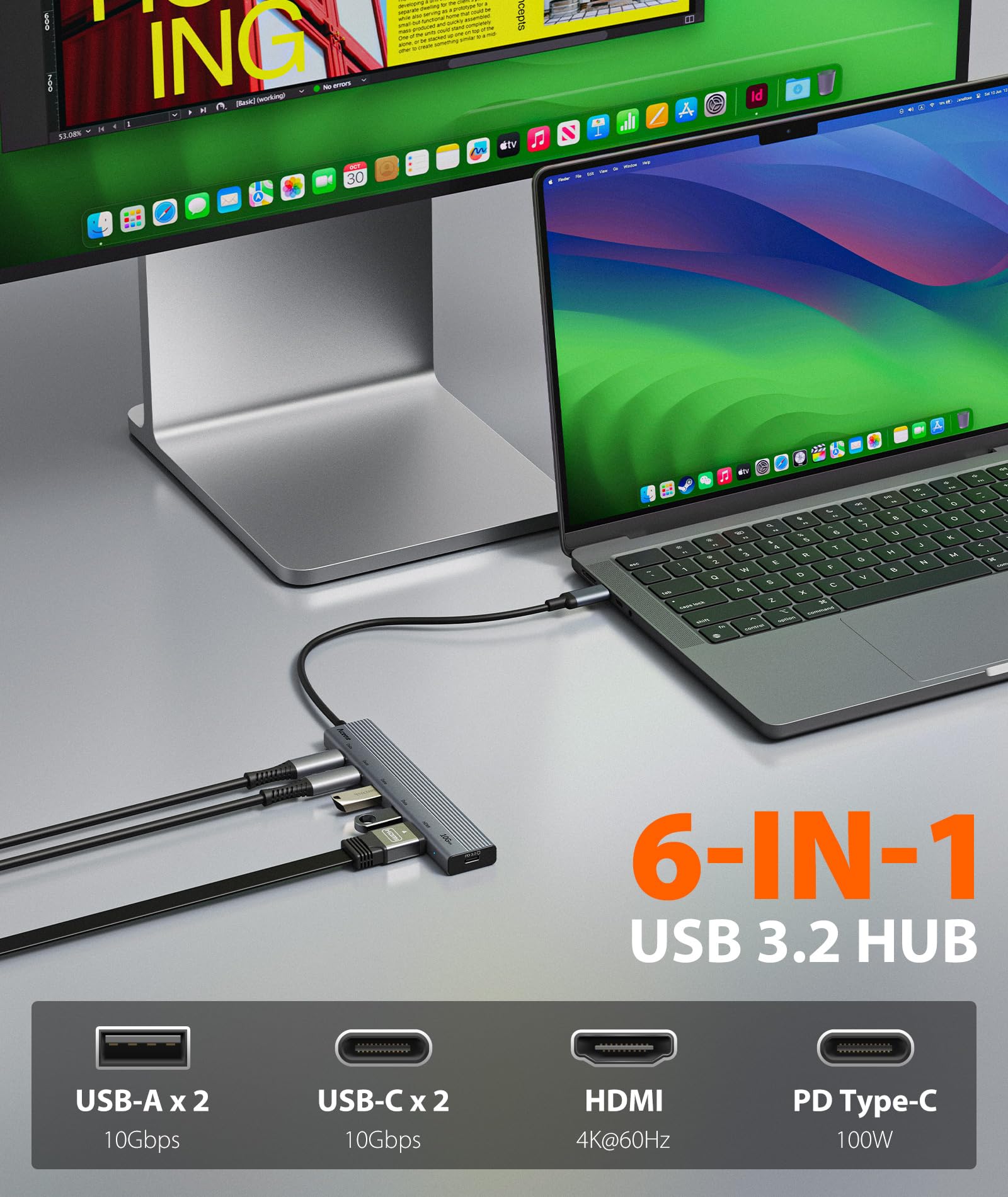
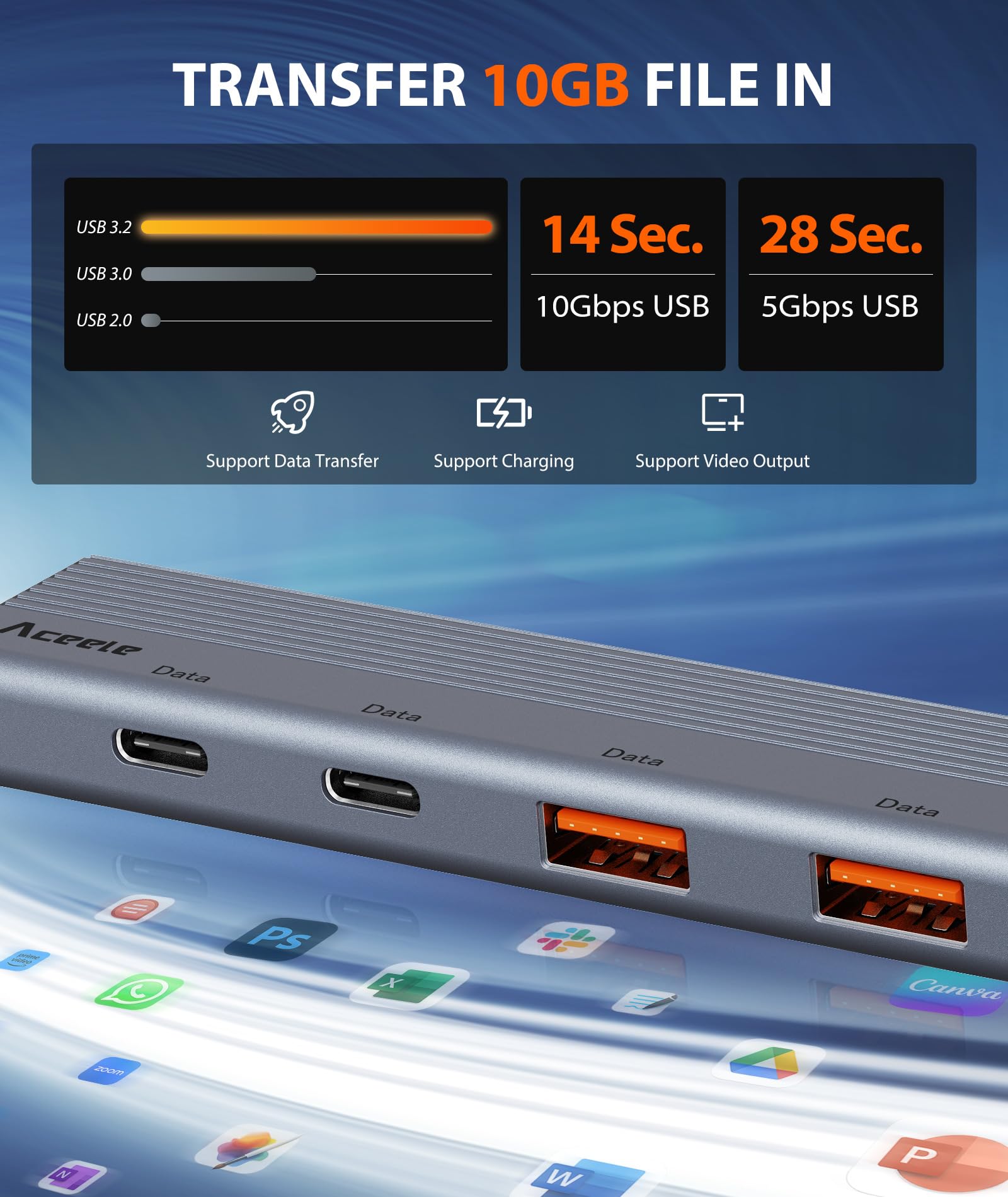



🚀 Unlock your laptop’s full potential with Aceele’s 6-in-1 USB-C Hub — power, speed, and clarity in one sleek package!
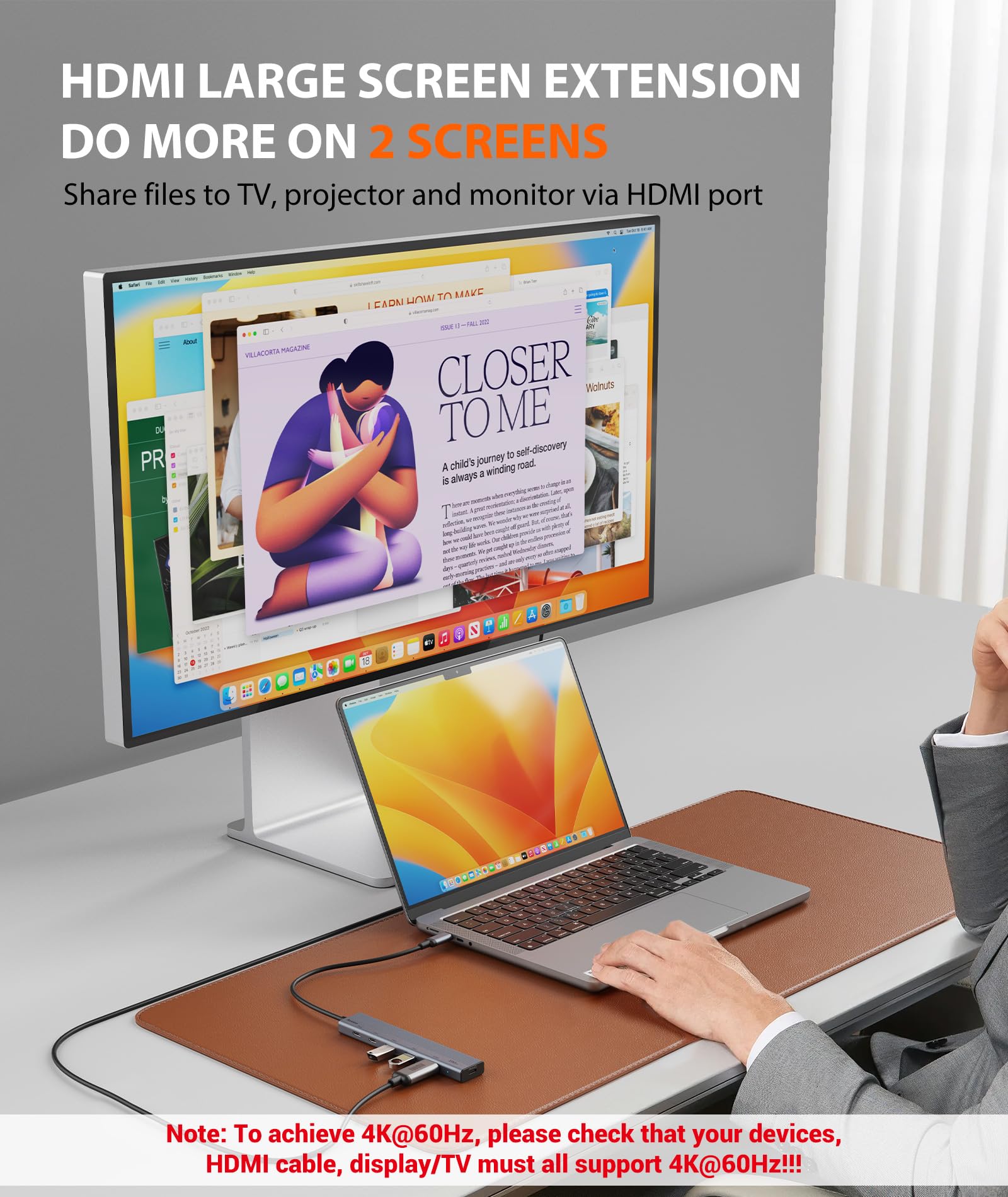
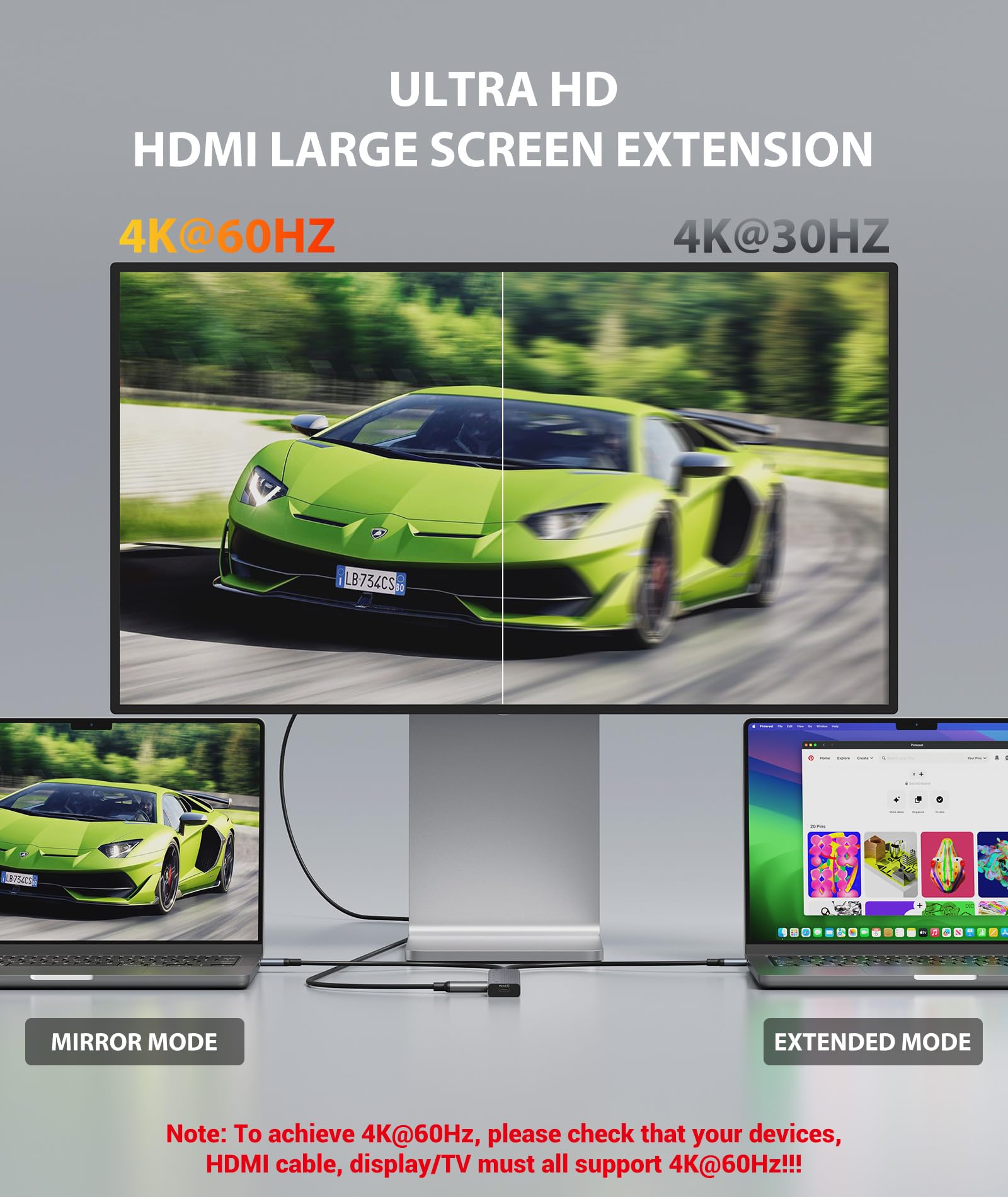
The Aceele USB C Hub is a versatile 6-in-1 multiport adapter featuring dual 10Gbps USB-C and USB-A 3.2 ports, a 4K 60Hz HDMI output, and a 100W USB-C Power Delivery port. Designed for professionals using MacBook Pro/Air, iPad Pro, Surface, XPS, and other USB-C devices, it offers fast data transfer, high-resolution display support, and efficient charging in a compact, lightweight form factor.


| ASIN | B0DCV753MN |
| Best Sellers Rank | #203 in USB Hubs |
| Brand | Aceele |
| Color | Grey |
| Customer Reviews | 4.2 4.2 out of 5 stars (7,284) |
| Date First Available | December 5, 2024 |
| Item Dimensions LxWxH | 5.91 x 3.15 x 0.71 inches |
| Item Weight | 2.39 ounces |
| Manufacturer | Aceele |
| Operating System | macOS |
| Product Dimensions | 5.91 x 3.15 x 0.71 inches |
R**Z
A very needed addition to my new PC
I just finished building my new PC as my old perfectly capable Windows 10 PC Microsoft was deemed incompatible with Windows 11! As I built my old PC in 2013, I had to get my techy 18 year old grandson to help me select parts. The case I bought is a good one but to my dismay the front USB ports are on the bottom of the case! Due to my existing multiple USB plus other cables in the rear, I had to set the PC on the floor (on a new roller platform). This made USB access for cables/devices that can vary every day (I.E. Cell Phone) troublesome for an 82 year old man. This extender is the perfect solution of convenience and performance for my day to day USB Type A needs. I have it connected to a USB A 3.2 10GB (Red) port in the rear of the PC. The extender ports are the same. I have double sticked attached the the top of the front top of the PC.
M**L
Feels very lightweight, but speed is good
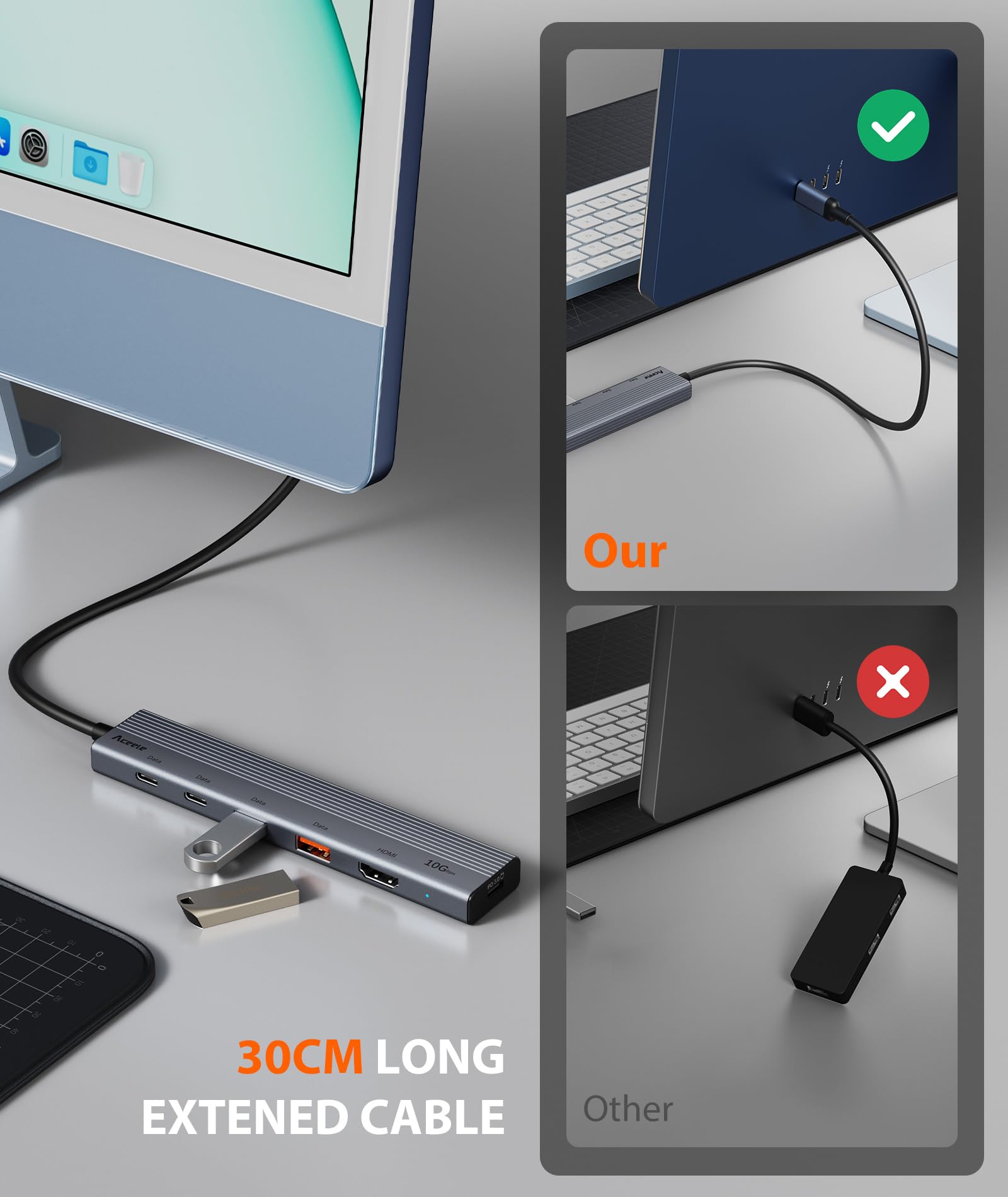
I bought this to use as a more convenient spot on my desk to attach USB devices, rather than having to plug them into the computer, and it's attached in place with double-stick foam tape. The cable was a good length... I understand why many manufacturers of these kinds of small hubs usually opt for a very short cable (since the assumption is that it will be used right next to a laptop computer in a travel situation), but I'm glad that there are at least a few available that have a longer cable. I chose this hub because it had both USB-C and USB-A ports, was 10gbps, met the physical requirements of what I was looking for, and had a port for supplying power to the hub. The hub is very lightweight, I'd even go so far to say that it feels a bit on the fragile side. But hopefully durability will be ok. Speed on all four ports was good (see attached screen shots... this was a Samsung T7 Shield 2TB, with an M1Max MacBook Pro). Directly connected to the computer was, naturally, a bit faster, but through the hub is fast enough. In other words, it is indeed a 10gbps connection, even if it's slightly slower. Though my typical usage won't require it, I went ahead and supplied power to it via a USB-C cable and charger... without this, two SSDs and a flash drive mount fine, but trying to add a portable hard drive, the hard drive would not spin up (which is not the fault of the hub... that's just too much power being drawn from the host port). With the power cable attached, that hard drive (in addition to the other devices) worked fine. I'm glad the manufacturer included this capability.
C**T
great value for the price. doesn't achieve full 10 Gbps over USB 3.2. works w 2020 M1 MacBookPro
so worth the price of admission! The primary issue I had with my previous Inateck USB 3.0 USB-C hub I was looking to solve is ensuring both video *and* audio come out through the HDMI output of the hub connected to my 2020 M1 MacBook Pro. A secondary issue that is solved is the hub is super slim and compact and you can easily tuck it out of sight which helps the desk look less cluttered (and great for travel) which is always a plus. A note about HDMI support: I found out if you connect the HDMI output of this hub *and* you have the 2nd Thunderbolt port of your MacBookPro outputting USB-C video, you have to unplug the USB-C video cable for the HDMI output to become live. This may very well be a limitation of the M1 chip but I could have sworn it was possible to drive the *same* image on two external monitors. My only gripe and why I've docked a star is I'm not getting a full 10 Gbps throughput of the USB 3.2 ports. They are better than USB 3.0 but not as good as what I'm experiencing connecting directly to the Thunderbolt/USB 4.0 ports on my 2020 M1 MacBook Pro (see attached screenshots, 3 testing NVMe enclosure over USB-C and 2 testing an HDD dual SATA dock over USB-A) I may need to do additional tests so if I get completely different results, I'll update this review. It is also obvious the hub doesn't get as warm (when idle) as my old Inateck so I feel the hub will last longer. I have HDMI, a dual SATA dock with a 6TB HDD, a USB-A BT adaptor, a 10 Gbps NVMe enclosure, and a USB-C adaptor with a 512GB micro SD all attached (see photo) and the hub is operating like a champ without being warm to the touch when idle. This personally gives me more peace of mind. I do miss having a built-in SD card reader and Ethernet port in the hub but in reality, (1) I'm winding down my use of micro SD as they are soooo much slower than NVMe and (2) if you have fast WiFi 6 in the house, WiFi is fine for casual use. I know I can always daily chain my old Inateck hub if I really need Gigabit Ethernet (which isn't going to be often). The benefit at the end of the day is I prefer having 4 *generic* USB 3.2 ports (2 USB-A and 2 USB-C) to attach what I wish. There is a sticker on the hub that clarifies 2 things that are confusing in the instructions: (1) there is *no* USB-C video passthrough. I have a Dell USB-C monitor that is able to provide 65W power, a USB 3.2 hub, and accept video over a single USB-C cable. If you really want this convenience, you are better of getting a Thunderbolt hub. More recent USB-C hubs support video over USB-C but what I realized after doing a lot of research is these USB-C ports only support data and video and *not* power - so this means that your USB-C monitor *can't* power the USB-C hub and charge your laptop and you need a *separate* power supply to connect to the PD port on the Aceele USB-C hub (which defeats the purpose as you'll need to take yr laptop AC adapter out of yr travel bag and plug it in all the time & create more clutter) (2) the USB-C PD port *cannot* be used for data (so it sits empty and unused for me, see comment below that the hub does *not* require power if powered by Thunderbolt). Contrary to what one of the reviews reported, you do *not* need a power supply connected to the hub (I am powering the hub using a Thunderbolt port so this could be why). The PD port on the hub exists to charge your laptop. I already have my USB-C monitor connected to the 2nd Thunderbolt port providing power so in my configuration, I have no need of the PD port on this hub. Overall, for what it costed (got it on sale for half the price), it's a great upgrade to hold the fort until the prices of Thunderbolt hubs/docks come down to Earth. It may not have the fastest speeds for any NVMe enclosures you have connected but if you're data transfer needs are not demanding (no video editing), it's fine.
L**.
A great C hub
This works perfectly on my iMac so I don't have to reach around behind it every time I want to plug in my iPhone or a shared external CD player. It transfers video from my iPhone perfectly despite the warning stating that it doesn't handle video. It's exactly what I needed to bring those USB-C ports around front.
D**E
recognized by M1 mac mini. data rate untested.
so far so good! $ system_profiler SPUSBDataType USB: USB 3.1 Bus: Host Controller Driver: AppleT8103USBXHCI USB 3.1 Bus: Host Controller Driver: AppleT8103USBXHCI USB 3.0 Bus: Host Controller Driver: AppleEmbeddedUSBXHCIFL1100 PCI Device ID: 0x1100 PCI Revision ID: 0x0010 PCI Vendor ID: 0x1b73 USB3.1 Hub : Product ID: 0x0822 Vendor ID: 0x2109 (VIA Labs, Inc.) Version: 2.13 Serial Number: 000000001 Speed: Up to 5 Gb/s Manufacturer: VIA Labs, Inc. Location ID: 0x02600000 / 14 Current Available (mA): 900 Current Required (mA): 0 Extra Operating Current (mA): 0
J**N
En bra och gedigen hub
P**A
Good quality
E**O
Liten och tillräckligt lång sladd för att kunna placera på bra ställe. För det priset rekommenderar jag den.
M**A
bilgisayarınıza yeterli usb 3 portu yoksa işte bu ürün tam aradığınız ürün. işlevsel. uzun kablosu sayesinde istediğiniz yerde kullanabilirsiniz.
G**L
Sometimes it works with data transfer thruw usb-c ports, sometimes it does not. Still didn't figured it out! Not every usb stick connects with it...... Tried everything, also different formats of usb sticks...... It does the same with the usb A ports.
Trustpilot
4 days ago
2 weeks ago