
DOWNLOAD THE APP


Customer Services
Copyright © 2025 Desertcart Holdings Limited
DOWNLOAD THE APP


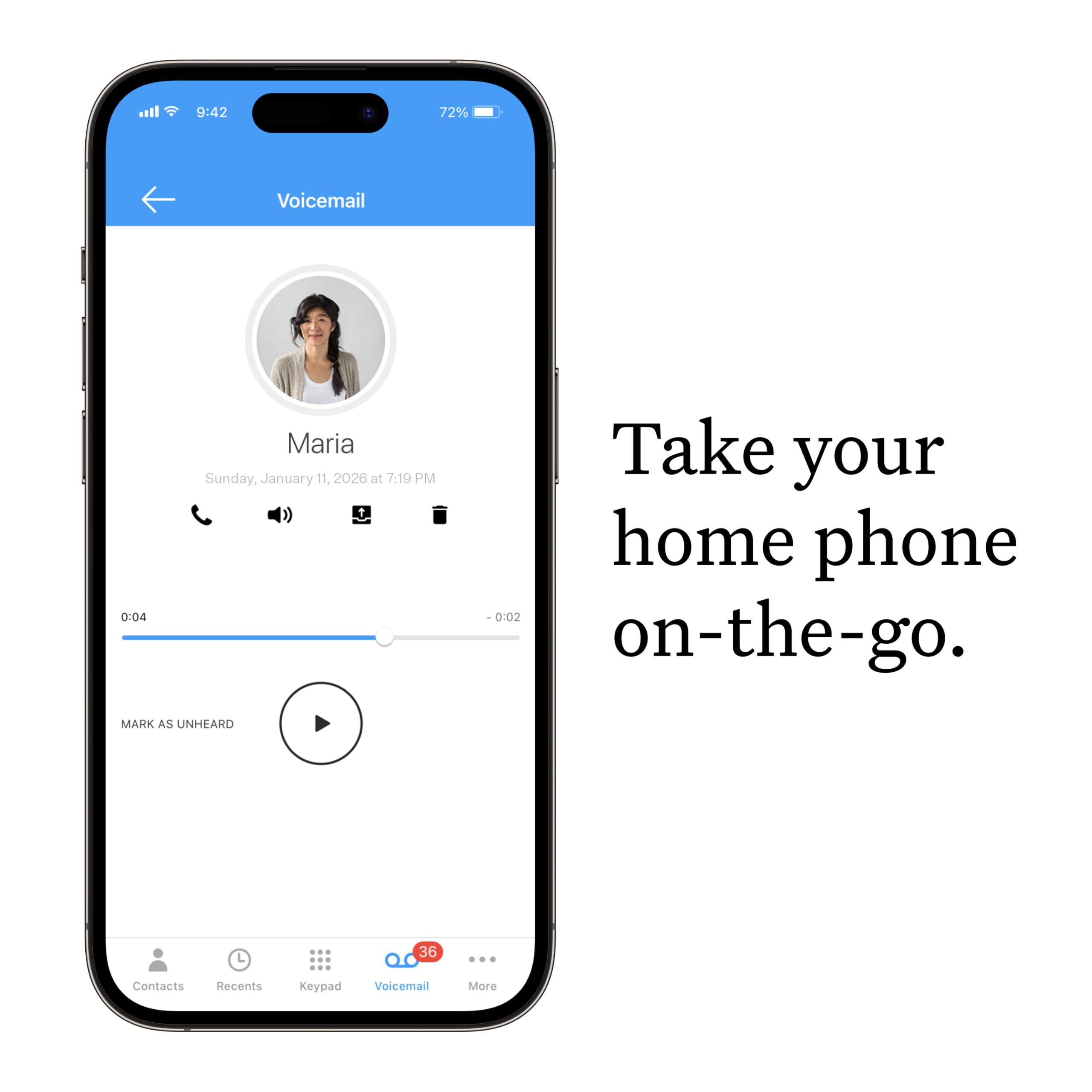


📞 Stay connected, save smarter — the future of home calling is here!
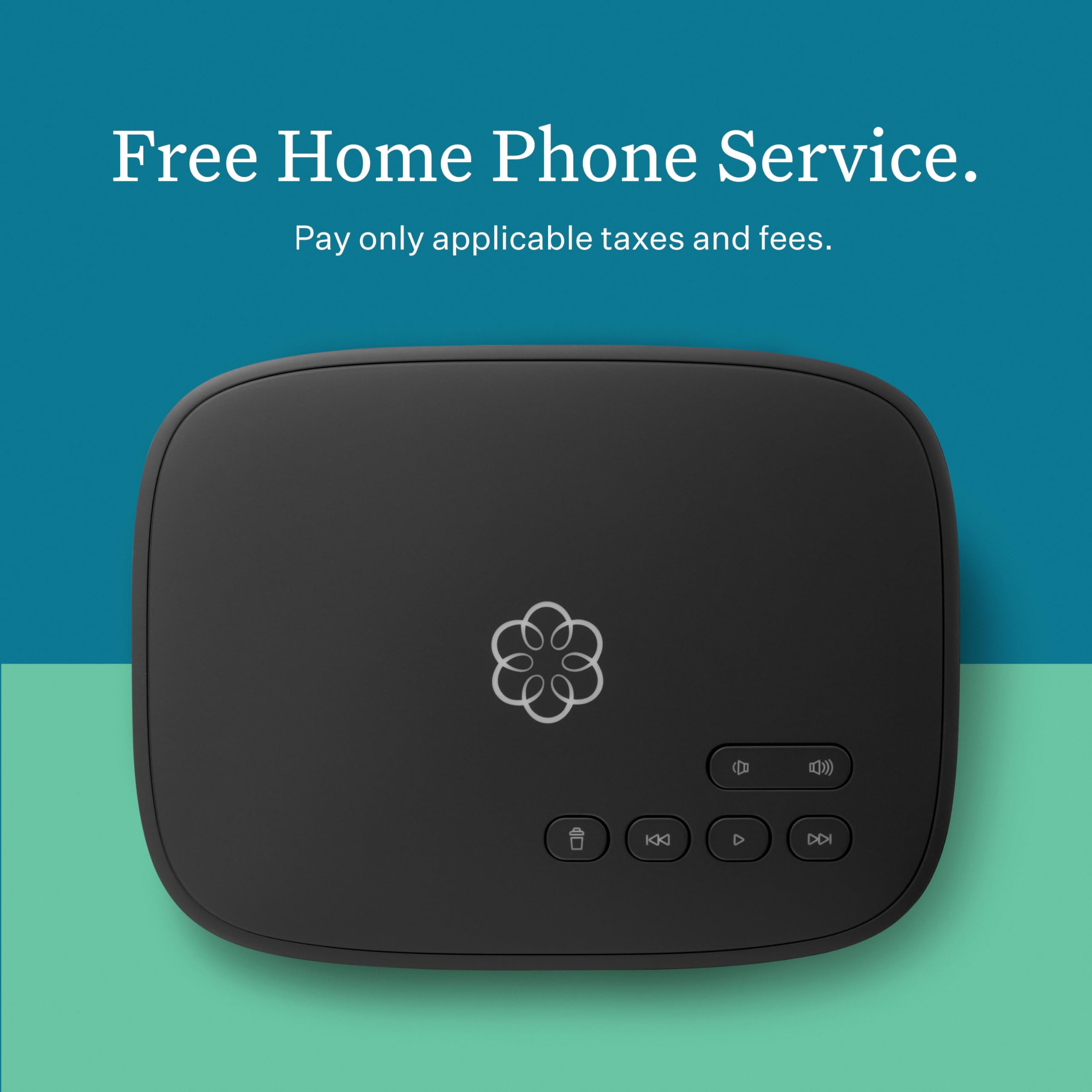
Ooma Telo Free Home Phone Service delivers crystal-clear nationwide calling over your high-speed internet with no monthly fees beyond taxes. Featuring WPS for easy wireless setup, PureVoice™ HD technology for superior sound, and smart home compatibility with Echo and Nest, it offers advanced call management options including telemarketer blocking and voicemail-to-email forwarding through its Premier service.




| ASIN | B00I4XMEYA |
| Best Sellers Rank | #1,564,552 in Electronics ( See Top 100 in Electronics ) #121 in VoIP Phones |
| Colour | Black |
| Customer Reviews | 4.3 4.3 out of 5 stars (5,522) |
| Date First Available | 11 June 2014 |
| GSM frequencies | 1.9 |
| Item Dimensions LxWxH | 22.6 x 7.6 x 21.1 Centimeters |
| Item Weight | 544 g |
| Item model number | Ooma Telo |
| Manufacturer | ooma |
| Net Quantity | 1.0 Count |
| OS | RouterOS |
| Other display features | Wireless |
| Product Dimensions | 22.61 x 7.62 x 21.08 cm; 544.31 g |
| Special features | WPS |
J**T
I've owned my Ooma Telo Voip device for approximately 18 months. I purchased it for my small home office. I was pleased with its setup, preformence and cost. I did run into a problem when I recently changed my home network, discontinued my home office number and ported my home number over. I could not get my Ooma to connect to my network. I recently purchased an Eero mesh device. Because the Eero router has only 1 outgoing ethernet port, I connected it to an 8 port unmanaged Netgear switch. One of the lines from the 1st switch was connected to a 2nd Netgear switch adjacent to a computer. Devices connected by Wi-Fi were able to network. A desktop computer connected by ethernet cable to the 1st switch did not network. The problem was solved when the 2nd network switch was disconnected from the Eero router. The Ooma device worked. My tech thought that the connection of both switches to the Eero router caused my networking issue even though seperate ethernet cables were used.
T**N
My main reason in moving from POTS (Plain Old (Landline) Telephone System) to Ooma (VoIP) is to BLOCK those annoying nuisance calls. With this in mind I intended from the start to get the Premier service over the Basic. I knew right up front what I was doing. This whole topic was made very clear to me by the Ooma website. As to the website, it was very helpful in explaining how I could integrate Ooma into my situation and to explain what I needed to get it started. This took hours, not minutes, because this was all so new to me. But, after I had spent the time, all the necessary information was right there on the website. When the product arrived all the time spent beforehand was well worth it. It made installation and set up go quite smoothly. I've only had Ooma a few days and it is not yet totally integrated into what will be my former landline system. I am in the process of having my landline number ported. In the meantime I purchase the HD2 handset so I could begin to use Ooma and to use as my personal phone when my present cordless phones are connected. Activation went very smoothly with one hiccup. The instructions that came with the Telo were very easy to follow. The hiccup came as I went thru the online activation process. It would not accept my credit card (part of the activation process). I tried several times with different cards. I ended the process thinking that acivation was not successful. I called Ooma Support and they were very patient and helpful. It turned out that activation was succesful, but the credit card was not showing. They stayed with me while I repeated the activation process on another browser. This did not work. They then told me how to log into my account online and insert the credit card information. Everything was a success and I was very happy with Customer Service. I later went thru the online process to Port my landline phone number. When completed, I wasn't sure that I had done this right. I used the online Chat service and they confirmed that they did not get this order which was all I wanted to know. I thought I knew what I did wrong and repeated the process online. This time it was successful and I got immediate confirmation. Ooma tells you that it could take 3-4 weeks for the number to be ported. It is already scheduled to be done in a week. I decided to use Linx to connect my present cordless phone system to Ooma. Setting up Linx was very easy and went according to the enclosed intructions. I haven't connected my cordless phones yet. I'm waiting till my landline phone number is ported. I purchased the HD2 handset to use to get used to Ooma while awaiting the number port. I also want it as a private phone for my own use. I don't exactly like the feel of the buttons, but it seems fine. I did have a problem where the batteries went dead after a few days. I called Customer Service. They thought the problem was with the batteries that came with the unit. They quickly offered to send a whole new handset (for free exchange), but I opted to just buy a new set of name brand AA rechargable batteries for $10. This was the problem. Again, good Customer Service._______NOTE: Since I wrote this I found that the new batteries also weren't charging. I accidently solved this by unplugging the charging cradle from the PLUG end (it didn't help to unplug from the cradle end). So basically I am totally pleased. Everything is working fine. Setup was very easy. The phone sound quality is fine. The whole process of going from POTS to Ooma has been painless. Customer Service was great. My one bit of advise is to put in the time studying what needs to be done to get the system up and working before you open any boxes. Depending on your understanding it could take hours. The website has everything you'll need to know. That time spent is well worth it. ADDED NOTE: The porting process went very smoothly. It took 6 days. I then set up my home phone system using both Ooma HD2 handsets and my original cordless system that is probably 15+ years old. I used Linx to hook up my non-Ooma cordless phones. I've actually liked the way with which the Ooma phones work in my setup that I've added more of these than I had originally intended. I also used Linx to attach a Medical Alert system. This was all so easy to do and worked out extremely well. I ended up with a few very minor things that I couldn't figure out. In these cases Ooma Support by phone and chat resolved these very quickly. Now I'm just waiting for the silence of blocked nusance calls. In summary, starting with deciding on which VoIP to go with right thru to getting everything set up, I am very impressed with Ooma. As a bonus I got a great customer service rep at my original landline carrier and she made sure my other internet services, minus the phone, stayed in tact and that the full cost of what I was paying for the phone was removed. IMPORTANT: If I hadn't contacted my original landline provider's customer service I would only have saved $5 off the cost of the bundled phone. The customer service agent advised me to move internet and tv to a different bundle and I thus saved $30. She also set it up as an extension of the original contract so that I wouldn't have to pay a termination fee on the original bundled services. Update: Have had Ooma for about 2 weeks now and NO MORE NUISANCE CALLS, which was my main reason for making this change.
D**N
I have used VOIP telephony services before and always went back to a land-line because of call quality issues. So I was skeptical when I saw the Ooma Telo, but based on the reviews and what I was reading about the audio quality features, I decided to give it a try. Who wouldn't love to get rid of their telephone bill? Installation was really quite easy, it turned out, as long as you follow the instructions. After registering the device online as instructed, I attached it to the LAN side of my broadband router and powered it on for the first time. It blinked red for a bit, then turned purple as it downloaded its updated software. After a few minutes, the light turned blue, and I got a dial tone on my phone. So then I placed a call to check out the audio experience. As I expected, like all VOIP products I've tried, there was a slight delay in the audio, which can be annoying - especially since the actual delay gets doubled in two-way communications. The actual delay one-way is slightly less than one second (which is slightly better than other VOIP products I've used). So one second after I say something the other person hears it. Then they respond which I hear that one second after that. The net result is that I hear almost two extra seconds of silence between my speaking and my hearing the other person's response. It's annoying, but expected. So I withheld a star for that. I like the voicemail and caller-id features that come with the free subscription (which the phone company charged me an extra $10 per month for), but I was disappointed to discover that my current phone number could not be ported, and the available selection of phone numbers in my chosen area code gave me about 50 number to choose from, so not a lot of options. Supposedly they can port many people's phone numbers, but not mine, and not for free either. If my number had been eligible for porting, it would have cost me $40, and would have entailed filling out a paper form, mailing it in, and waiting a few weeks for the transfer to take place. I take another star away for that. But today I'm giving one star back for the audio quality. Even though there is the slight delay, the audio has been crystal clear for me. I'm having a problem with my broadband provider today (which they're sending a technician out to repair... next week...seriously?!?!) I'm only able to get a little less than half a megabit download speed at the moment, even though I paying for 10. So I thought, "This is my chance to test how my Ooma performs when the Internet is dead slow." I've placed several calls now through the Ooma Telo while surfing and testing download speeds. Chrome loads the pages painfully slowly, and I continue to see anemic download speeds, but my phone call is crystal clear. I hear absolutely no degradation in call quality compared to when the Internet was running at full speed. So, goodbye phone bill! And to all of my friends out there, please program my new phone number into your address books, and feel free to believe that I'm giving extra thought to what you've said before I respond... Ooma is here to stay.
R**M
I dropped All of my Cable Services except internet recently. I added Ooma for VOIP Phone Service for my Land Line. The installation was easy and they "Ported" my existing land line number over to Ooma in a few days. The ooma VOIP has worked flawlessly. I would Highly recommend it.
A**Y
I have been paying for a VOIP landline through my cable provider for years at well over $30/month, including fees. We keep our landline because we are old-fashioned, I guess. Both of us have cellphones, but it’s hard to break old habits. So, when we decided to quit cable, Ooma became a great possibility, and I am really impressed with the whole Ooma process. I got the basic Ooma Telo, followed all the instructions, and had it up and running on my wifi at home in about 30 minutes. I learned several things along the way. First, I should say that we wanted to keep our old landline number, so we wanted to use the Ooma porting process. It costs around $40 to do this, and it took less than 10 days. It can all be done when you are setting up your Ooma Telo. Second, before you set up your Telo, look on the bottom of the unit and copy down the activation code. You will need it and your credit card information to start the activation process. Now, you can set up Ooma Telo on line or through the Ooma Set-up app. I used the on line set-up. Third, when you set up your Telo, you will need to pick an available phone number, even if you want to port your old phone number to the Telo. Make a note of your new number (you can keep it if you want to, but, if you are planning to port your old number to the Telo, you still need to new number you chose as your temporary account ID on my.Ooma.com). Once you are able to port your old number, you can make your old number replace that new number automatically (Ooma gives you that option, and it works!). Once you complete the initial setup on line, you connect your Telo to your wifi router via the provided ethernet cable, being careful to use the proper ethernet port on the back of the Telo, and then power up your Telo with the provided power supply and plug. Ooma will let you know that your account is now active. If you are NOT porting your old number to the Telo, then you can go ahead and plug in your phone to the Telo. Don’t plug in your phone to the Telo if you are porting your old number. Wait until Ooma and your old VOIP provider let you know that your porting is complete (you can still use your phone until then). Once you get that confirmation, then you simply plug your phone's cord into the back of the Telo, and you are all set. My monthly fees for the landline are now around $6.50, so I’m saving about $25 per month. The Ooma Telo will pay for itself and pay for the porting fee in about 4 or 5 months. Finally, the call quality is as.good or better than my old VOIP service, and I really can’t tell the difference in the way the phone works at all. Caller ID works just the same, voice mail, too. And you can easily keep track of your calls on my.Ooma.com. This is a really great system, and well worth the money. Ooma's customer support is first-rate, too!
Trustpilot
2 weeks ago
1 month ago