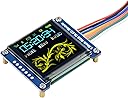
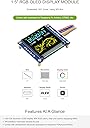
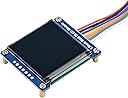
🌈 Elevate your projects with color that commands attention!
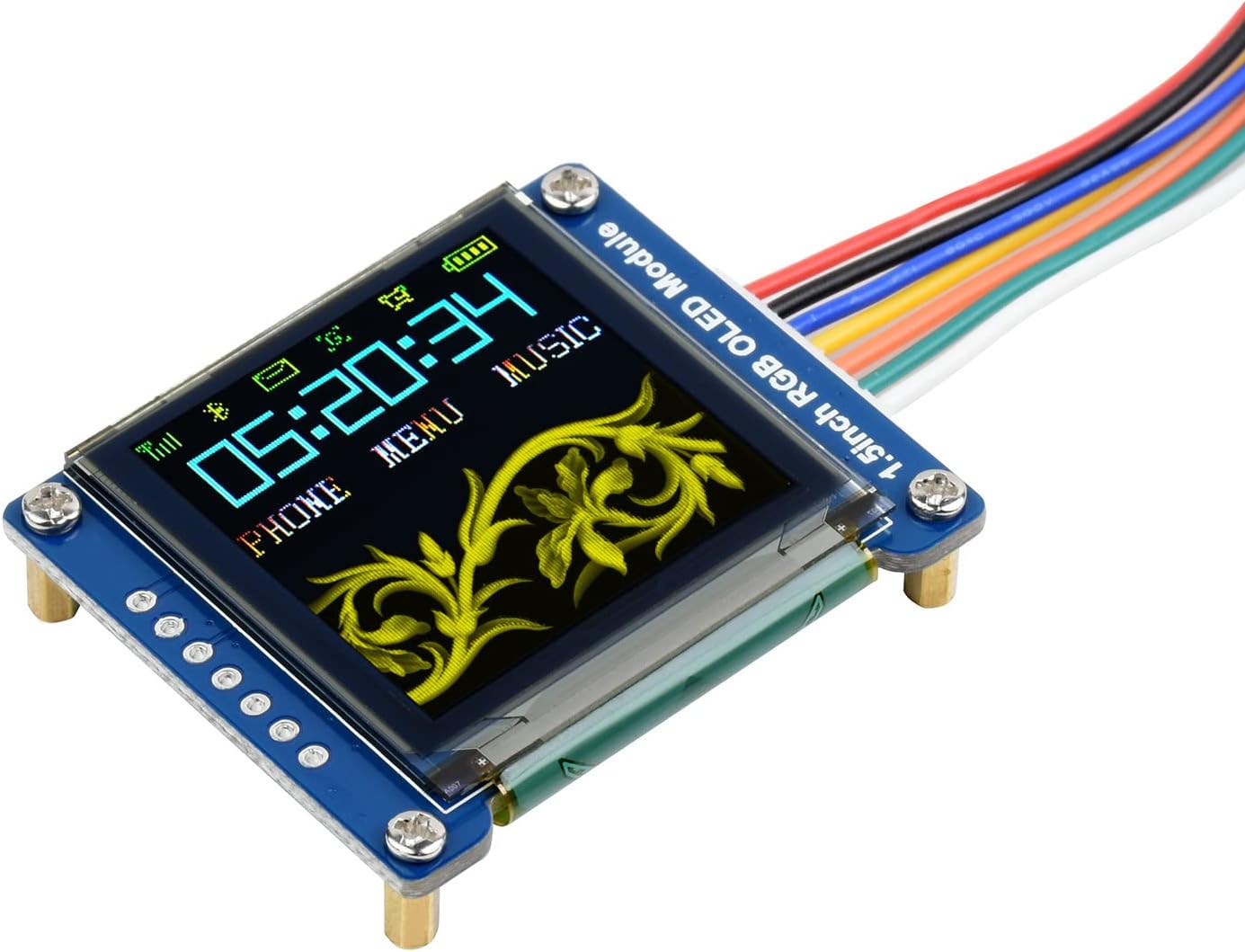
The Waveshare 1.5inch RGB OLED Display Module delivers a sharp 128x128 pixel resolution with 16-bit high color depth (65K colors) on a compact 1.5-inch screen. Featuring an embedded SSD1351 controller and flexible 3-wire or 4-wire SPI interface, it ensures fast, reliable communication. Its wide viewing angle and dual voltage support make it ideal for professional-grade embedded applications, backed by comprehensive development resources for Raspberry Pi, Arduino, and more.


| ASIN | B07DB5YFGW |
| Best Sellers Rank | 29,007 in Business, Industry & Science ( See Top 100 in Business, Industry & Science ) 20 in OLED Displays |
| Guaranteed software updates until | unknown |
| Item model number | 1.5inch RGB OLED Module |
| Manufacturer | Waveshare |
| Package Dimensions | 8 x 7.2 x 3.4 cm; 10 g |
M**O
Amazing Display
Works perfectly, great quality and colours
E**C
Great Little 3.3V Display
Works great with an Adafruit Feather microcontroller and the Arduino IDE. The supplied cable and the socket on the board are much appreciated - saves having to mess around soldering and is much neater than pins.
A**R
Good display, just don't use Waveshare library
This is a great little display - clear and bright and easy to use with Arduino. The documentation from Waveshare is good with loads of technical data about the display and board but the Waveshare Arduino library is rubbish. I wasted hours trying to get it to do what I wanted until I stumbled on the ucglib on github by olikraus which is much better.
O**R
Poor instructions, poor q/a, defective
Item sent was defective. Some solder joints not soldered properly. Instructions provided are out of date and not clear. Manufacturer communication was ok but it took a day to reply to each email so trying to get to the bottom of this has taken days. Item also had a q/a sticker on it but it was obvious this had an issue with the solder joints so q/a not up to scratch.
J**.
Dirty- Creates Supply Born Noise / Interference
The display Creates Supply Born Noise / Interference. If you use this for audio projects within an audio based circuit, op amps, preamps, hifi etc it will create a switching noise (due to its onboard step up reg for the panel) and this is not easy to get rid of. In fact after several days of filtering isolation and messing about, gave in swapped to TFT - no more issues. Avoid if its used for Audio situations.
S**.
UPDATE: See attached photo of parameter mod-menu attached to synthesizer sequencer project that can be found on you tube on channel moeller's workshop. Assembly details are documented there. Hi, this is nice display yes? Ah, but a wang-doodler bad-time to make work... Why yoo ask? Well, I tell you.. listen close, because I'm only going to type this once, okay here goze... There are a lot of pins, and they all have to be hooked to the right ones on your controller of choice, but the real pain comes when you try to compile the code and get errors like "Can't compile for Arduino"... yikes! What do you doo? Well, I tell you, so pay attention! I type only once okay? Look at narrative preceding error in the little black box area of your IDE, the spot you never pay attention to, and read what it says... I agree, it's all nonsense, but you may notice a message like "Multiple libraries exist, IDE chose: blaablaablaa.h" (Probably the GFX library) if this is the case you MUST delete all the other instances of that library and use the LATEST & GREATEST version, by doing this you force the IDE to choose it, if you doo that? Man you be back in BIZZZ... trust me.
M**H
Das Modul bzw. das darauf befindliche Display ist für 3,3V ausgelegt, das Datenblatt läßt auch keine Logikpegel über 3,3V zu. Deshalb habe ich das Display zunächst an einem Arduino Nano (5V) über einen Arduino-Levelshifter angeschlossen. Zum Testen habe ich den Demo-Sketch benutzt - das Display blieb schwarz. Es stellte sich heraus, dass es mit dem Levelshifter zusammenhängt. Alle Signale der 4-Wire-SPI schienen zu funktionieren, nur die Datenleitung Din/SDA nicht. Ich habe dann dieses Signal mal direkt vom Arduino bezogen, ohne Levelshifter dazwischen - und sofort lief das Demo reibungslos, wie es sollte. Momentan habe ich kein Oszilloscope und konnte daher die genaue Ursache nicht ermitteln, womöglich wird das Timing nicht mehr eingehalten. Das Displaymodul macht was es soll. Das eigentliche Display auf dem Modul hat sogar einen Parallelanschluß, also 18bit-Datenleitungen. Würden man die verwenden, wäre das Display sehr viel schneller, aber diese Anschlüsse sind halt nicht herausgezogen, würde auch mit einem ATMega328P nicht gehen. Der Demo-Sketch ist leider schnell zusammengeschossen, er enthält keinerlei Kommentare, noch nicht mal die Funktions-/Methodenheader sind mit ihren Parametern deklariert. Das aber wäre sehr hilfreich zum schnellen Verstehen des Programms. Will man mit dem Display wirklich eigene Anwendungen erstellen, dann sind mindestens Grundkenntnisse im objektorientierten Programmieren (C++) Voraussetzungen. Ebenso muß man sich zu den Befehlen des Displays zur Konfiguration ernsthaft mit dessen Datenblatt auseinandersetzen, es sind viele Parameter vor der Nutzung zu initialisieren - die Konfiguration im Demo muß nicht in jedem Fall optimal sein.
A**.
Es necesario ejecutar el ejemplo 1in5_rgb.py del repositorio Oled de la marca. Funcionando perfectamente a 3.3v.
T**G
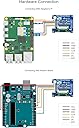
When I got this display I spent an entire day trying to figure out how to hook it up to an esp32-s3 board because the documentation is only for a particular Audrino board. On top of that the demo code would not work with my esp32 board, had to google alternatives. If you are new to esp-32 development it’ll be really hard to figure it out, but I finally was able to hook it up and use and it’s a really nice display once you get it working.
M**E
Testé sur ESP32 avec la librairie arduino , fonctionne très bien.
Trustpilot
3 weeks ago
5 days ago