Desert Online General Trading LLC
Dubai, United Arab Emirates
Desert Online General Trading LLC
Dubai, United Arab Emirates



🚀 Elevate Your Internet Game!
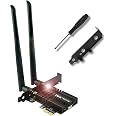
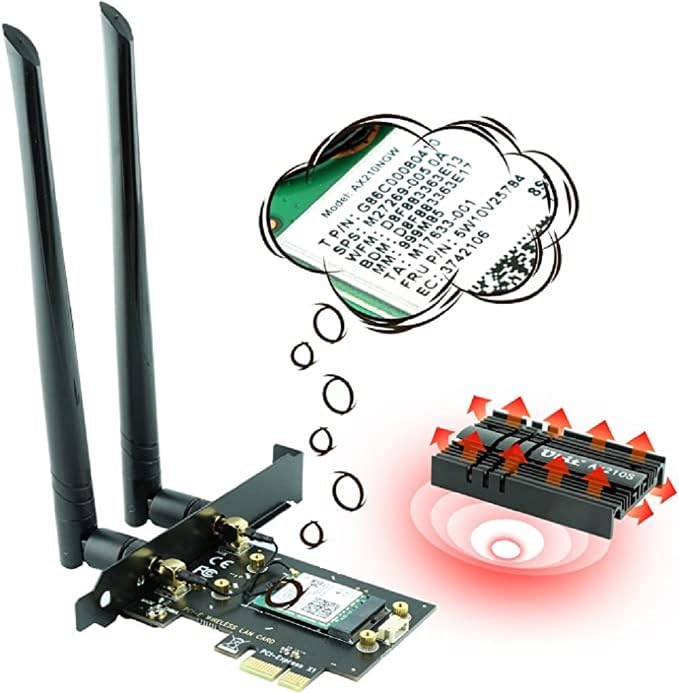
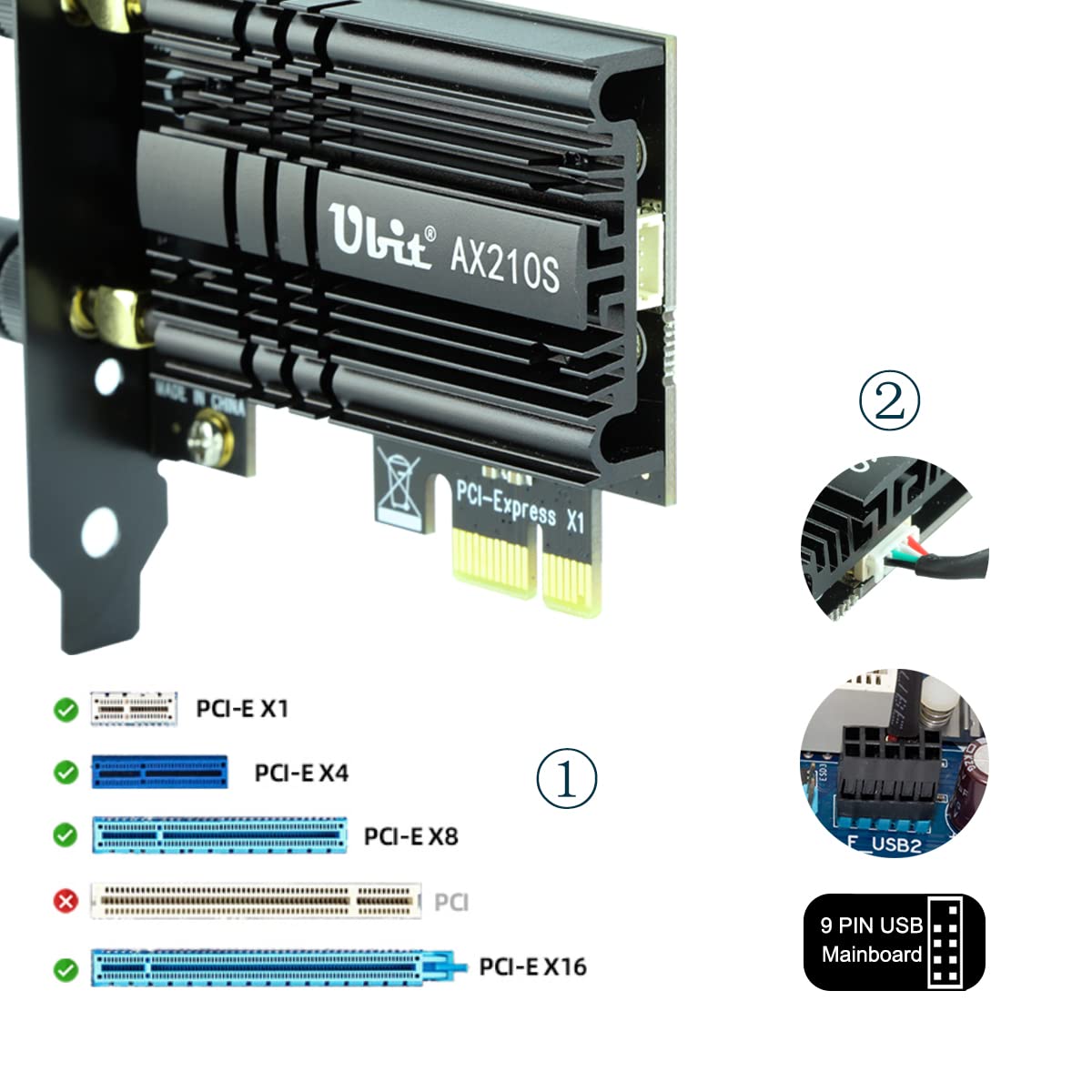
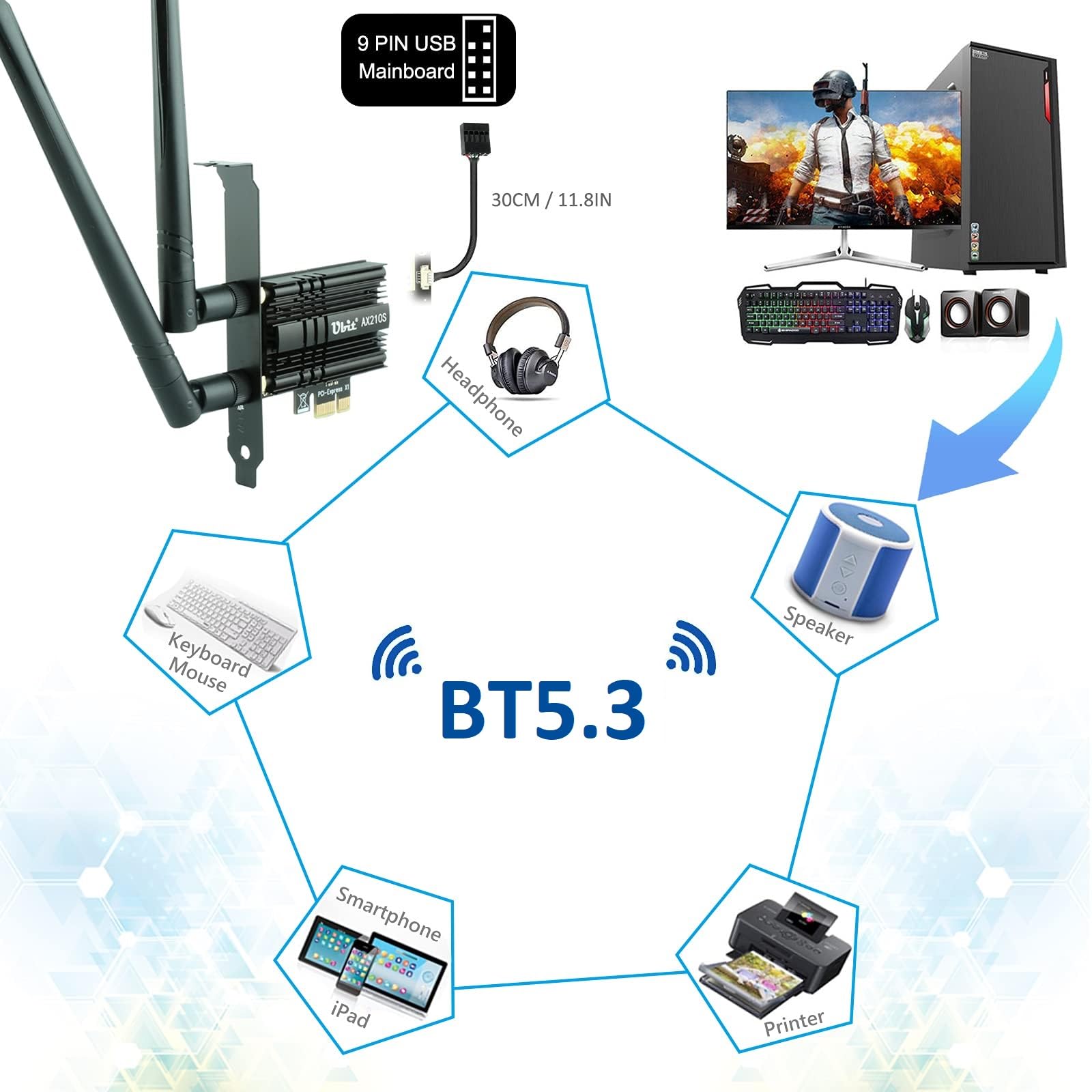
The UbitAX210 WiFi 6E PCIe Wireless WiFi Card offers cutting-edge tri-band connectivity with speeds up to 5400Mbps across 6GHz, 5GHz, and 2.4GHz frequencies. It features advanced MU-MIMO technology for optimal performance in multi-user environments and is equipped with the latest BT 5.3 for enhanced Bluetooth capabilities. Compatible with Windows 10/11 and Linux, this card is designed to future-proof your wireless experience.


S**E
It works. Easy to install. Doesn't stick out. Won't fall out.
I'm very happy with my choice of this item for adding wifi to my desktop computer. I just bought a nice used desktop computer the day earlier. While setting the desktop up. I discovered that it didn't have wifi access, only LAN. After doing research, I see that while usb dongle wifi adapters are very easy to install, they also take up a USB port, stick out like an appendage and for better speed, you have to get a more expensive, larger unit.For me, the internal wifi card is the better option. Better speeds for lower cost, typically and the only thing that sticks out is the antenna. The only con is the installation is a little bit of a challenge, but it really isn't difficult.This was the 2nd time I have installed an internal computer component in the last few weeks. Both times I have used an AI assistant to walk me through the process, which is completely free to use. Just pick your favorite leading AI assistant, tell it what you are working with and what you want to do, and it will explain it to you in perfect detail. Even without the AI assistant, it wouldn't have been that difficult just looking up the instructions. Bottom line, it was very easy to install for me, a total lunkhead, and any difficulty I did have, was easy to get free assistance to sort out.Once I had the card installed AND the BLUETOOTH cable connected to the motherboard, I put the desktop case cover back on, attached the antenna, plugged the power cable back in, confirmed that the new Wifi router was running in the device manager, signed into my home router, then confirmed the new Bluetooth connection was working and connected my Bluetooth devices.Now I have a great desktop in my office with internal wifi and bluetooth connectivity, in a tight little package!
T**.
Fast, cheap, and convenient
TLDR: Love the speed, the price, and the ease of installation.Edit: The company reached out to me and had me edit my review because it mentioned something they didn't want me to mention. It was about a promo code I received that they didn't want mentioned because it could confuse other buyers if they didn't receive it. I expressed that I didn't appreciate them trying to dictate how I write my reviews, as I try to review products with total integrity, but I removed it in order to avoid confusion.I just installed the card (14JAN20) and it works perfectly. It fits a bit loose in the PCI-E slot, so I had to use the screw included rather than just the "toolless" clip on my case. It's stable with the screw tight, so no problem.Installed the drivers from the executable on the included CD and they worked fine. I didn't need to restart for them to work like so many other people. I did promptly download the latest drivers for the AX200 chip out of habit, but I can't say I noticed any major change in performance.The card connects to my WiFi AC Linksys combo modem/router at 866.7Mbps (per Windows) on a 5GHz connection with one floor between it and the router. That's better than the WiFi AC card in my laptop, which connects at half that. I have a 200Mbps down ISP connection and I'm getting data rates that I've clocked at a consistent ~150Mbps when downloading files.I have verified that the bluetooth is working as expected. I only use it for my wireless headphones, so I can't comment on the data rates or power efficiency of the Bluetooth 5.0. It connected to my headphones without any hesitation and the sound quality is not perceivably different from my USB transmitter, which is good.Overall, I'm very impressed by this card, especially upgrading from a WiFi N card. I'm looking forward to seeing the performance boost when I buy a WiFi AX router in the future.
T**A
Price vs Performance/ Quality is in your favor. Intended for gaming.
So this was relatively in expensive as far as Wi-fi adapters go. I wanted to replace my USB Netgear A7000 because of signal issues and overall density where I live. I live in an apartment complex with several hundred units and thus it's subject to channel crowding.Installation was easy and windows auto detected it for me. Learning from prior experience, I downloaded the drivers prior to installation. Setup was straightforward with no issues. It automatically connected to my wi-fi network. It was also capable of connecting to the WPA-3 network I setup.I ran several speed tests and monitored connections speeds. Overall connect speed and signal strength went down. Unexpected, but definitely wanted my ping went down and for gaming this is most important. Most likely the stainless steel case is reducing signal strength and speed simply due to its composition and the placement of the tower. I do however maintain full download capabilities from a WAN point of view (500 Mbps down 50 Mbps up) with no packet loss on the tests I ran. I pinged google servers with 5 sets of 30 pings.Games such as Archeage, Star Wars: the Old Republic, Call of Duty: Modern Warfare and Final Fantasy XIV all showed lower and more stable pings, and more consistent frame rates.I figured it would be best to show what this is paired with in case you are interested or find it helpful:Rig:I7-9700K32GB Ram1TB NVMERTX 2070 SuperMSI Z390 Gaming PlusRouter: Asus AX-11000 Gaming router
Trustpilot
4 days ago
2 weeks ago