Desert Online General Trading LLC
Dubai, United Arab Emirates
Desert Online General Trading LLC
Dubai, United Arab Emirates


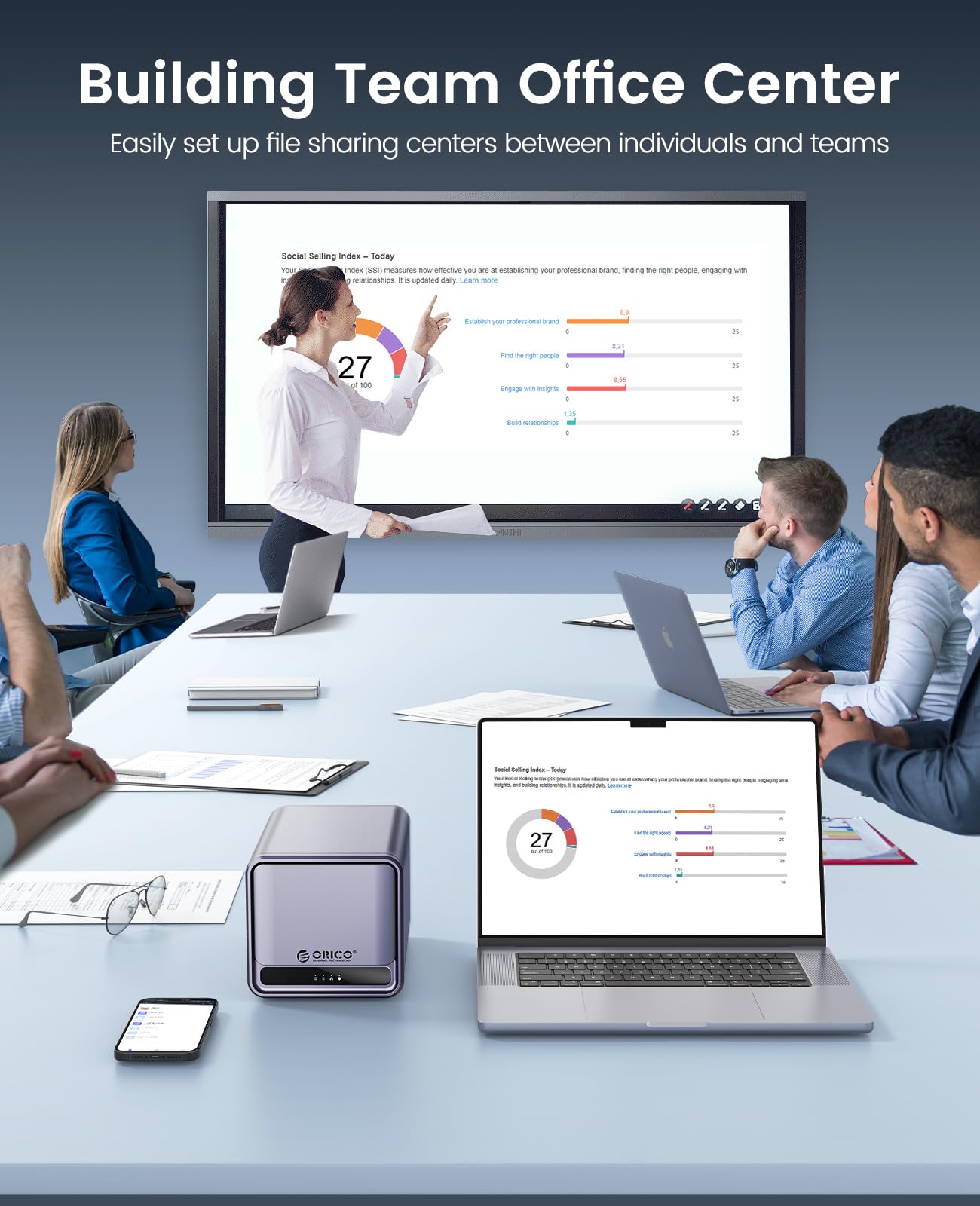
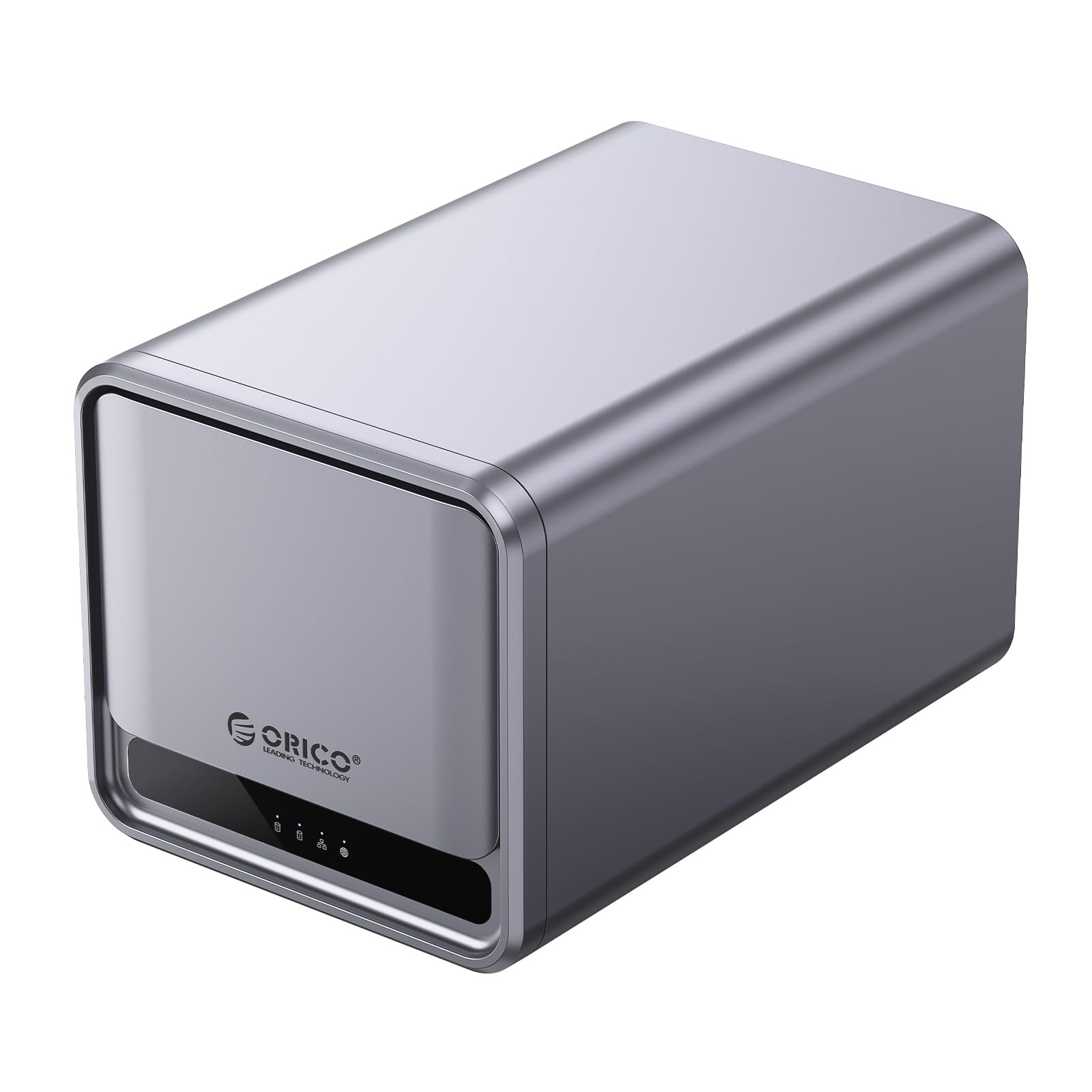
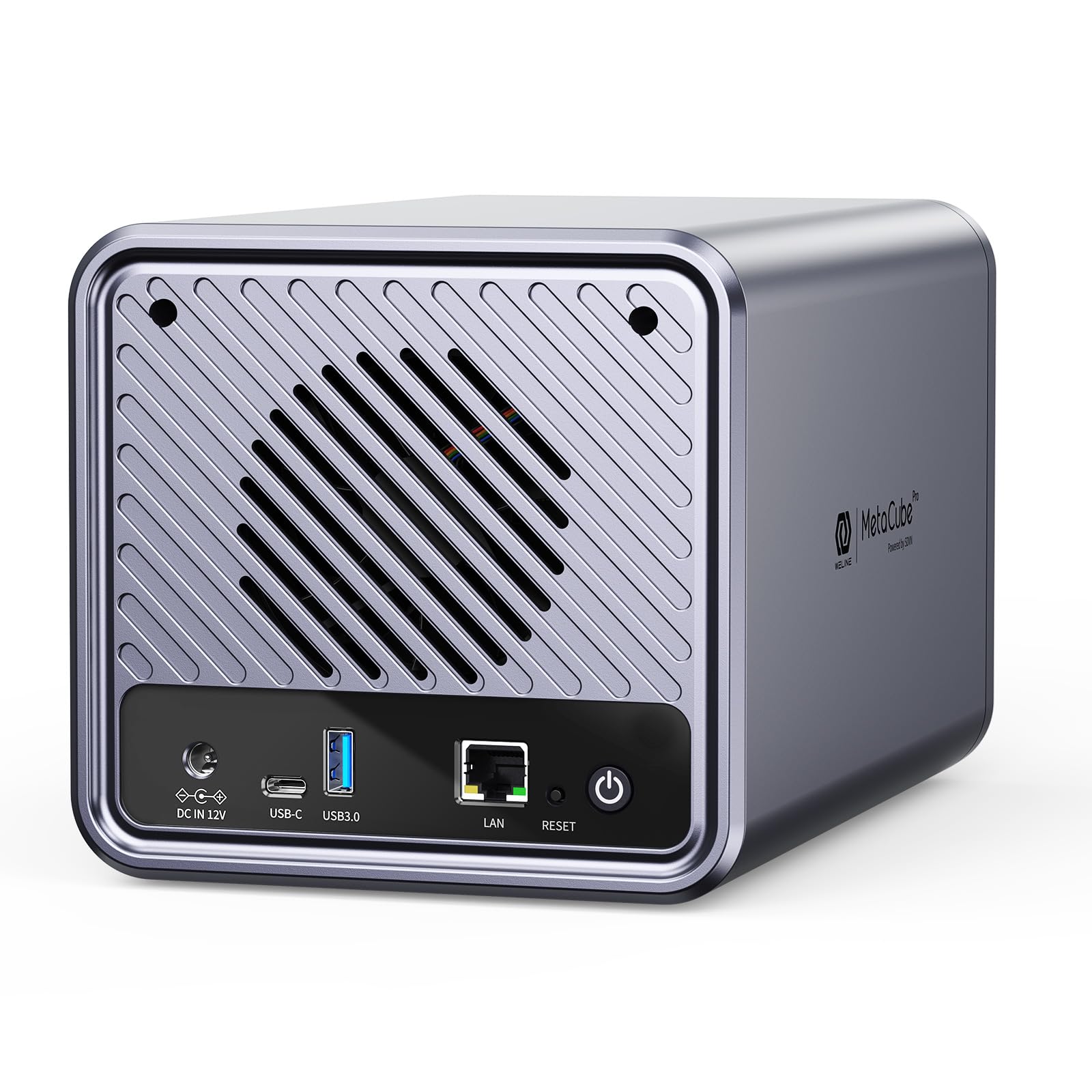

📈 Elevate your data game with ORICO—where storage meets style!
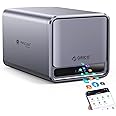
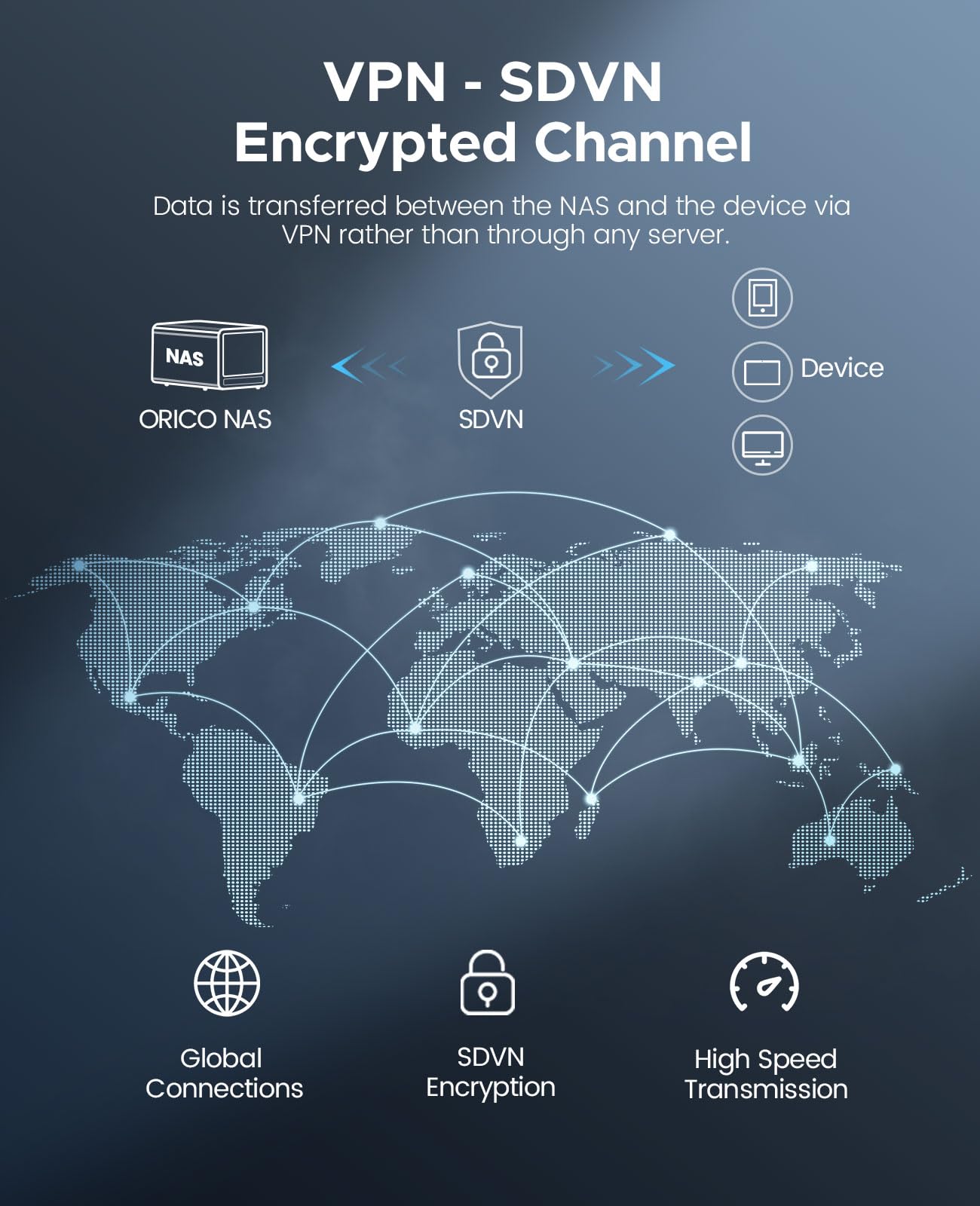
The ORICO2 Bay NAS Storage and Private Cloud is a robust networkable enclosure designed for both home and small business use. With a capacity of up to 44TB across two drive bays, it offers seamless access to files via a dedicated app, ensuring security with automatic VPN. Its SAMBA and DLNA support allows for effortless multimedia sharing, while a built-in fan maintains optimal performance. The device is designed for easy expansion, making it a future-ready solution for your storage needs.
| Size | 2-bay; 2GB DDR4 |
| Item Dimensions D x W x H | 9.09"D x 9.65"W x 5.9"H |
| Material Type | Acrylonitrile Butadiene Styrene (ABS) |
| Color | Grey |
| Is Assembly Required | No |
| Mount Type | Tabletop |
| Compatible Devices | Laptop, Desktop, iPad, Smart phone |
I**C
The app is garbage
This would work great if the app was better. I installed 2 hard drives and hoped to keep two copies of my media and documents in case of a drive failure, but there’s no way to maintain separate copies on separate drives, both drives show up as one space. The app frequently fails to sync or copy files or folders and it’s very difficult to tell which files still need to be copied. Some functions in the app are not translated into English or have poor translations.
N**V
Complicated & medium
The app is clumsy. It would have been much more easy if it had an option to be operated as a DiskOnKeyThe file transfer is slow so as the app usingI think for its value I could have bought an average pc and add it to the home network and use OneDrive or so…
D**N
Capability
I like the app for this device. It's very intuitive and organizes my content as I needed but the device it self is not reliable. The internet light would be on but the device would not connect to the internet. Defeats the purpose of having it.
M**.
Non-existent documentation and poor/no support
Non-existent documentation, poor/none support, makes it impossible to get operational
M**M
Good Hardware, Poor Software: My Experience with This NAS Device
I had high hopes for this NAS and spent some time learning how to use it. Here are my thoughts:Build Quality: The build quality is excellent, and it's easy to install hard drives. However, I found several issues with the software.File Format Issues: The WELINE app formats the hard drive in a way that isn’t standard (not FAT, exFAT, NTFS, EXT2, or EXT3). This means you can't access your data without using the app, which is not how other NAS devices work.iPhone App Problems: If you're using an iPhone, you’ll need to log in and out of the WELINE app every time to connect to the NAS. Reinstalling the app doesn’t fix this issue. Android app didn't have this problem.Language Barriers: The app shows error messages in what seems to be Chinese, which is hard to understand if you don’t speak the language. It should be in English.Slow Speeds: Even though my internet speed is 256 Mbps, the app only gives me about 2-3 MBps. The app also asks for extra payment to improve speeds, which is not the case with other NAS apps.DLNA Support: The NAS says it supports DLNA, but it doesn’t work. Customer support tried to help, but they couldn't fix it.In summary, while the hardware is good and easy to use, the software issues make it a frustrating experience.
Trustpilot
1 week ago
4 days ago